Title Case Converter
A title capitalization tool is a converter that applies a style guide's headline rules to your text. It…
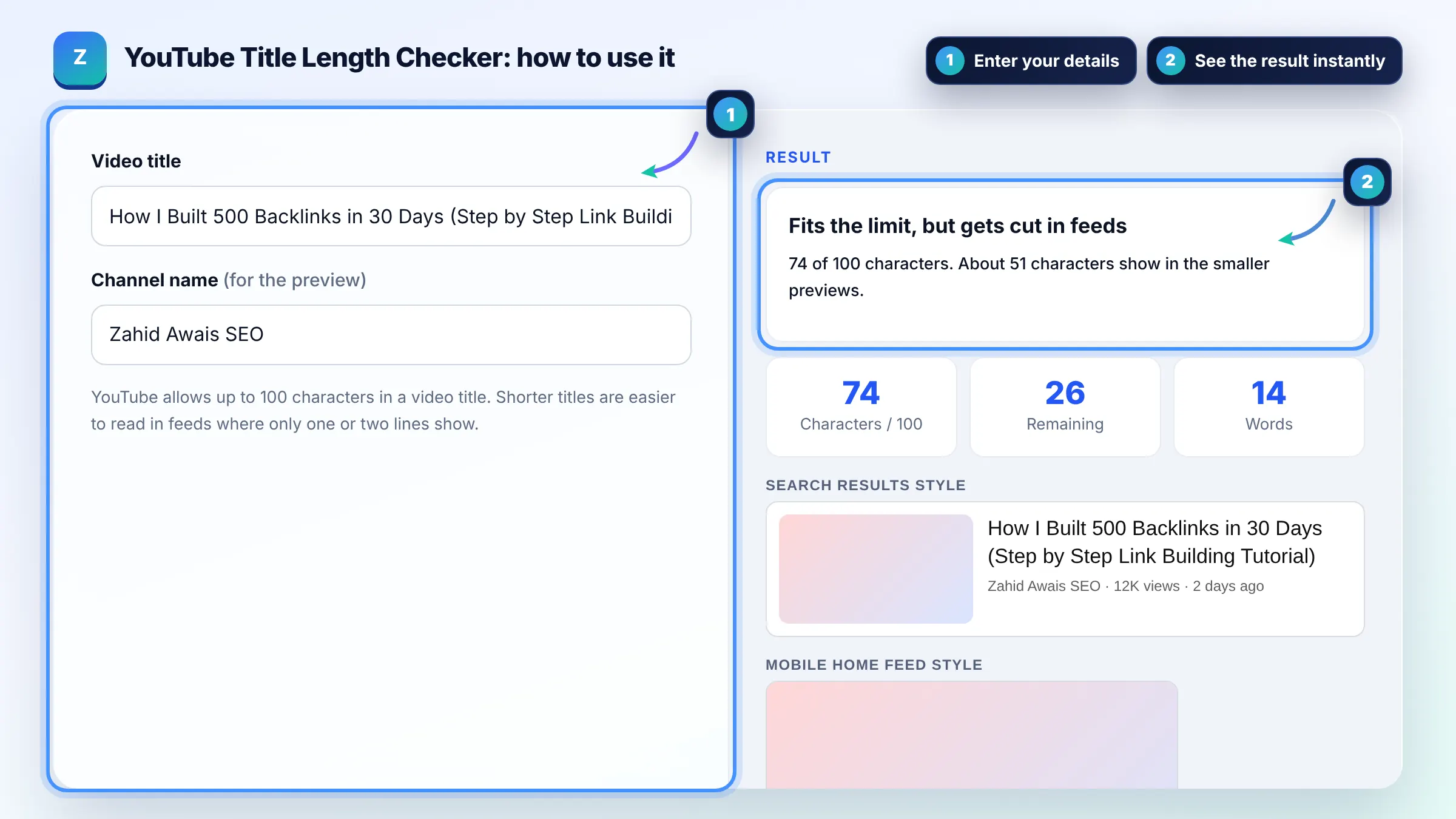
Count your video title against the 100 character limit and see where feeds cut it.
YouTube allows up to 100 characters in a video title. Shorter titles are easier to read in feeds where only one or two lines show.
Search results style
Mobile home feed style
Suggested videos style
Approximate preview with a generic look. YouTube layouts change by device and screen size.
The free youtube title length checker runs in your browser, needs no sign-up and never sends what you type anywhere.
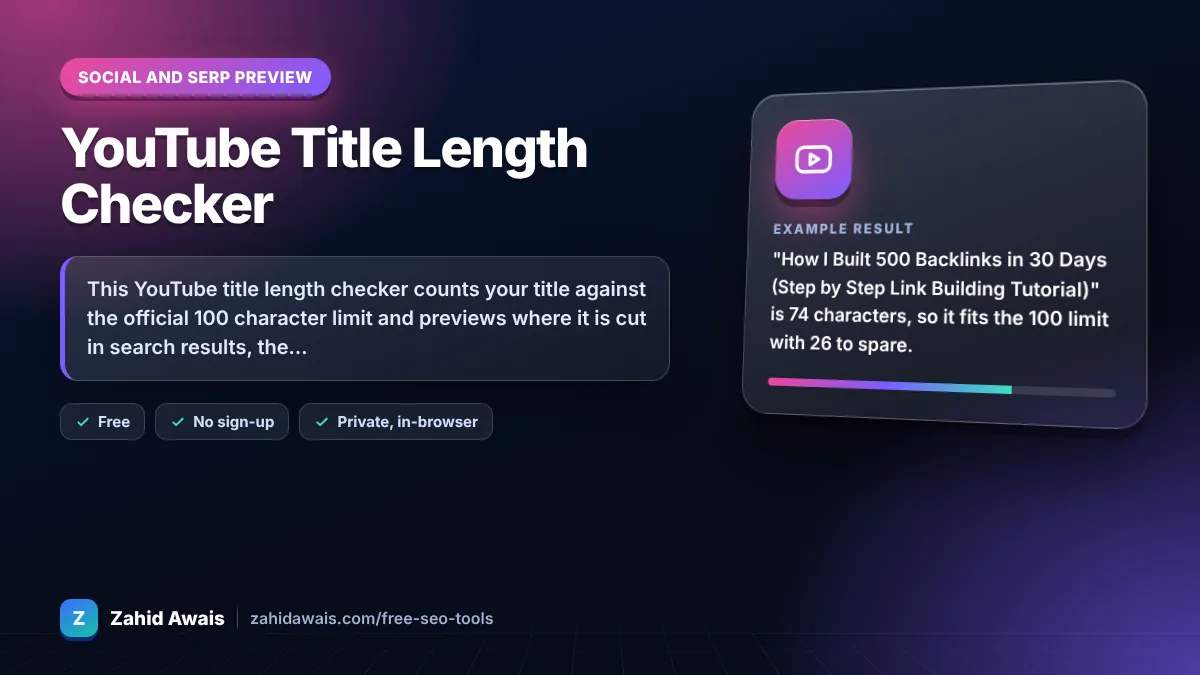
This YouTube title length checker counts your title against the official 100 character limit and previews where it is cut in search results, the mobile home feed and suggested videos. Titles over 100 characters cannot be saved, and in feeds only about 50 to 70 characters usually show, so put the main keyword first.
A YouTube title length checker is a tool that counts the characters in a video title and compares them with the 100 character maximum YouTube allows. It also wraps the title into three approximate feed layouts of two lines each and shows the cut point.
YouTube video titles can be up to 100 characters and cannot include invalid characters, according to YouTube Help. Spaces, emoji and punctuation all count toward the 100. YouTube Studio will not let you save a longer title.
Usually about 60 to 70 characters show before the title is cut, though it depends on the device, screen width and letter widths. Phone feeds and suggested video lists often show less, so treat the first 50 to 60 characters as the part every viewer sees.
Usually no, because hashtags in the title use up characters you need for keywords. YouTube Help says up to three hashtags from your content can appear by the title, and if a video has more than 60 hashtags YouTube ignores all of them. Add them at the end of the description instead.
| Place | Characters usually visible | What to do |
|---|---|---|
| YouTube Studio limit | 100 (hard limit) | Never exceed it |
| Desktop search results | About 60 to 70 | Main keyword in first 60 |
| Mobile home feed | About 50 to 70 over 2 lines | Hook early |
| Suggested videos list | About 40 to 55 | Keep the core idea short |
| Watch page | Full title | Can include extra detail at the end |
Example: "How I Built 500 Backlinks in 30 Days (Step by Step Link Building Tutorial)" is 74 characters, so it fits the 100 limit with 26 to spare. In the suggested videos preview it is cut after about 50 characters, so viewers there see "How I Built 500 Backlinks in 30 Days (Step by..." and the keyword phrase still shows.
Yes. Every character counts, including spaces, punctuation and emoji. This tool counts emoji as one character each, which matches what most people see, but some complex emoji made of several parts may count as more in YouTube Studio.
Not by itself. A clear title with the main search phrase near the start usually works better than a long one. Use the full 100 characters only when the extra words add useful detail, because feeds will cut the end anyway.
YouTube says titles cannot include invalid characters. The angle brackets < and > are the common ones that block saving, so the tool flags them. Remove them or replace them with words or other symbols.
No. It is an approximate preview with a generic design. YouTube uses different fonts, sizes and layouts across phones, TVs and desktop, and changes them often. Use the cut points as a guide, not a guarantee.
Yes. You can edit the title in YouTube Studio at any time. Many creators test a new title when a video gets impressions but a low click through rate. Give each version a few days of data before judging it.
No. The counting and previews run entirely in your browser. Nothing you type is sent to a server or saved, so you can safely test titles for unreleased videos.
Facts checked against these official pages. Read how I check facts in my editorial policy.
A title capitalization tool is a converter that applies a style guide's headline rules to your text. It…
A character counter is a tool that counts every letter, number, space and symbol in a text. Characters with…
Coming 13 OctA YouTube description length checker is a tool that counts the characters in a video description against the…
Coming 15 OctSend your website and I will check it for you, free.
One short email when something new goes live: articles, free SEO tools, package updates, discounts and price alerts. No spam, unsubscribe in one click.