UTM Builder
A UTM builder is a tool that appends tracking parameters to a landing page URL. It takes the base URL, keeps…
See an approximate chat link card built from your Open Graph tags before you share.
Approximate preview with a generic chat look, not the official app design. Chat apps build the card from your Open Graph tags when the link is pasted and may cache it.
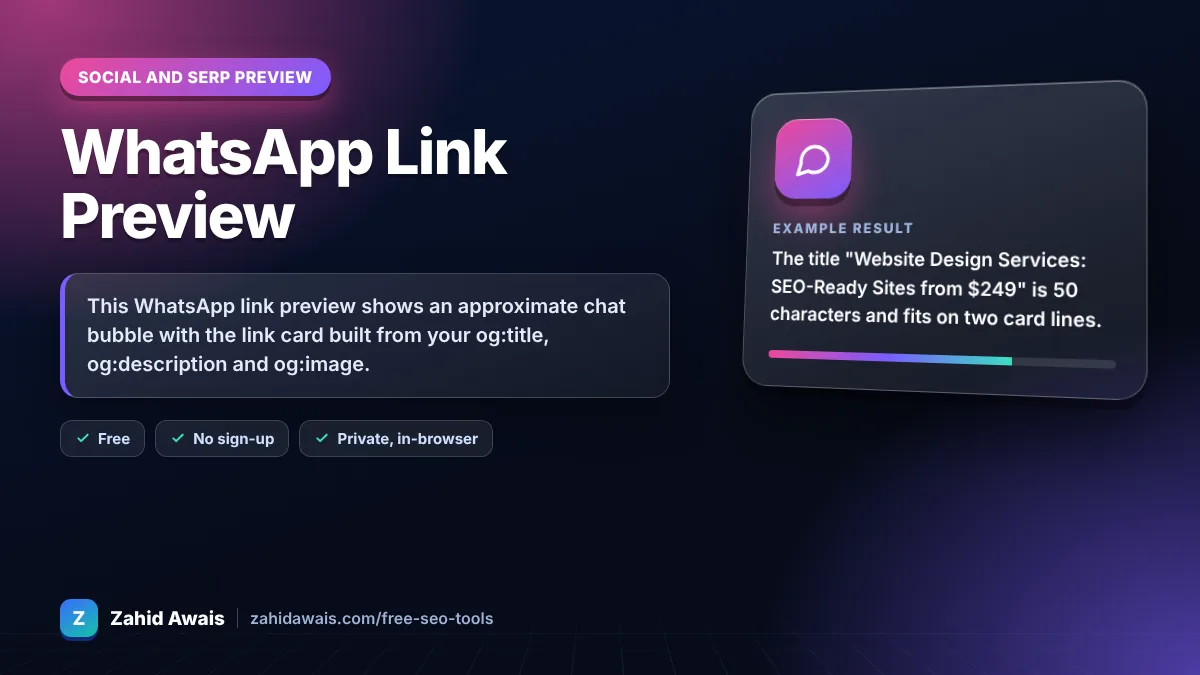
The free whatsapp link preview runs in your browser, needs no sign-up and never sends what you type anywhere.
This WhatsApp link preview shows an approximate chat bubble with the link card built from your og:title, og:description and og:image. Keep the title near 60 characters, the description to one short sentence, use an absolute https image URL and keep the image file small, ideally under about 300 KB, so it loads.
A WhatsApp link preview is the card a chat app shows when you paste a URL: an image, title, description and domain read from the page Open Graph tags. This tool rebuilds that card in a generic chat bubble so you can check text length and image display before sharing.
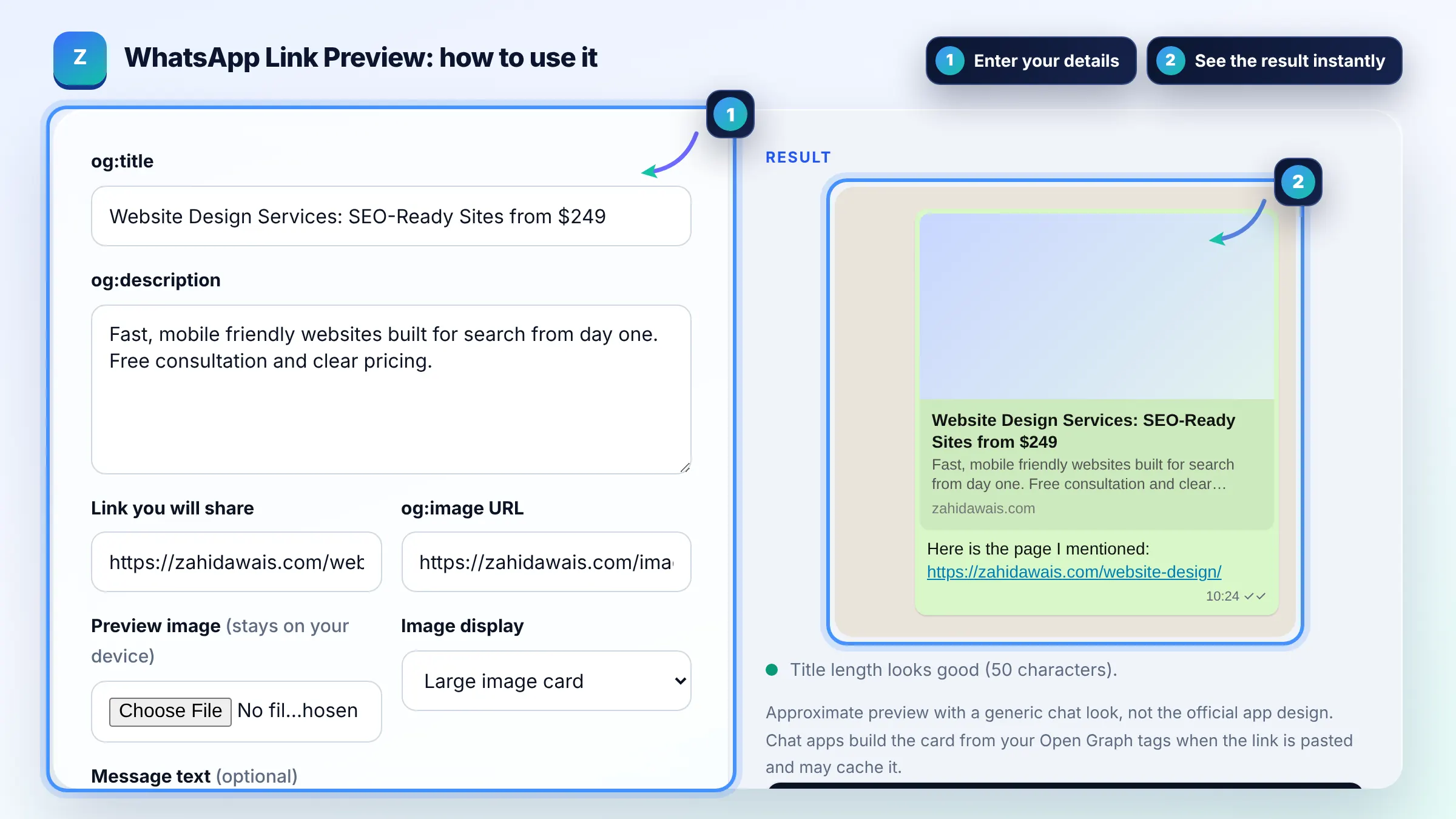
It reads the Open Graph tags of the page when you paste the link: og:title, og:description, og:image and og:url. These tags come from the Open Graph protocol. If they are missing, the app may show only the URL or the HTML title without an image.
The most common causes are a missing or relative og:image URL, an image blocked by robots.txt or a login, and an image file that is too heavy. Use an absolute https URL and keep the file small; under about 300 KB is a widely used safe target.
Link previews are cached, so a changed title or image may not appear straight away in chats where the link was shared. Changing the image file name and sharing the link again in a new chat usually shows the update. Adding a harmless query string such as ?v=2 also forces a fresh fetch.
| Tag | Used for | Practical target |
|---|---|---|
| og:title | Bold title in the card | Up to about 60 characters |
| og:description | Grey line under the title | One short sentence |
| og:image | Card image or thumbnail | Absolute https URL, small file |
| og:url | Canonical link of the page | Full URL without tracking |
| og:type | Kind of content | website or article |
Example: the title "Website Design Services: SEO-Ready Sites from $249" is 50 characters and fits on two card lines. If the og:image is a 1.8 MB PNG, the tool warns that the file is heavy; exporting it as a 1200 x 630 JPG of about 150 KB keeps the large image card more reliable.
No. It is an approximate preview with a generic chat design, not the official app look. The real card depends on the app version, phone and whether the image is fetched in time. Use it to check your tags and text length.
No. Nothing leaves your browser. The tool does not fetch your URL; it only uses the values you type or paste. The preview image is read from your device and never uploaded.
A 1200 x 630 pixel image with a 1.91:1 ratio works across most chat apps and social networks. Small images may show as a square thumbnail instead. Compress the file so it loads quickly, ideally under about 300 KB.
No. WhatsApp uses standard Open Graph tags, so the same og:title, og:description and og:image that work for Facebook and LinkedIn also work here. Make sure they are in the page head and visible without logging in.
This usually happens when the page has no og:title, when the URL redirects to the homepage, or when a cached preview is shown. Check the tags on the exact URL you share and test it in a fresh chat.
Usually not, as long as the tagged URL returns the same page with the same Open Graph tags. Keep og:url set to the clean canonical URL so shares are tied to one address.
Facts checked against these official pages. Read how I check facts in my editorial policy.
A UTM builder is a tool that appends tracking parameters to a landing page URL. It takes the base URL, keeps…
An open graph preview is a mockup of the link card social platforms build from your Open Graph meta tags. The…
An Open Graph checker is a tool that extracts the og: meta tags social platforms use to build link previews…
Send your website and I will check it for you, free.
One short email when something new goes live: articles, free SEO tools, package updates, discounts and price alerts. No spam, unsubscribe in one click.