Breadcrumb Schema Generator
A breadcrumb schema generator is a tool that writes schema.org BreadcrumbList structured data. Each line you…
Create WebSite JSON-LD that tells Google your preferred site name and alternate names.
Add this only to your home page, and make sure the same name appears in the title, headings and Organization markup.
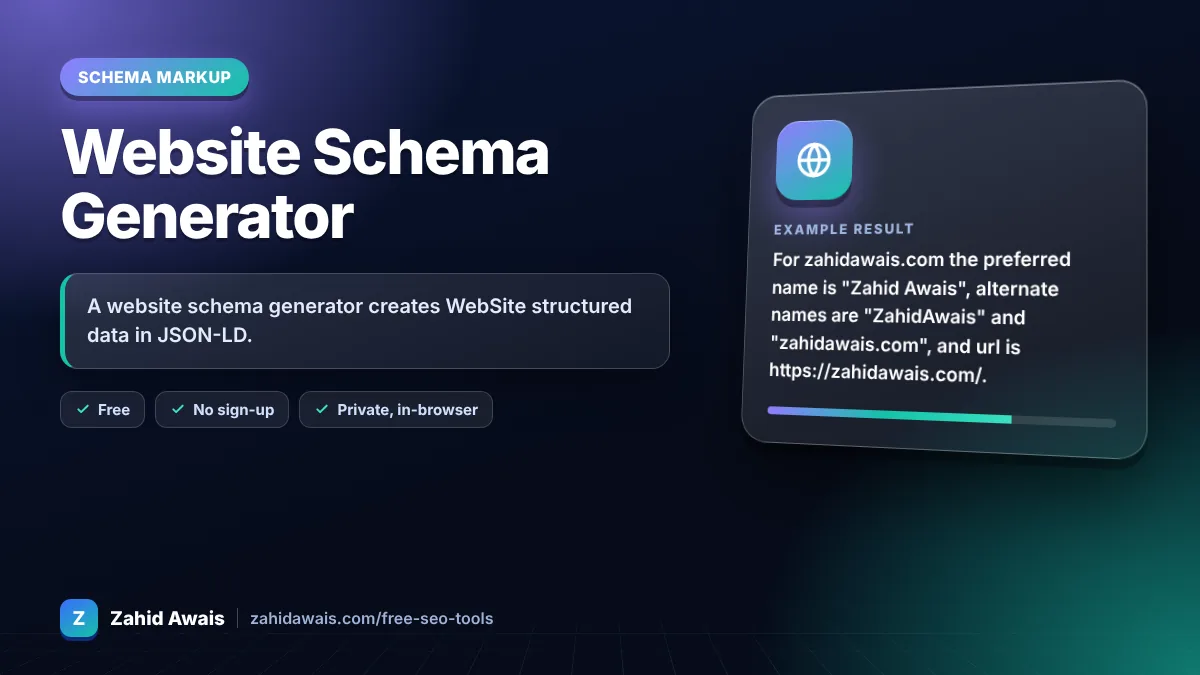
The free website schema generator runs in your browser, needs no sign-up and never sends what you type anywhere.
A website schema generator creates WebSite structured data in JSON-LD. Google needs two properties for site names: name and url, where url is the home page of your domain or subdomain. Add alternateName for an acronym or shorter variant, place the code only on the home page, and keep the name consistent across the site.
A website schema generator is a tool that writes schema.org WebSite markup for your home page. It combines your preferred site name, optional alternate names and the canonical home page URL into JSON-LD that Google can use when choosing the site name shown in search results.
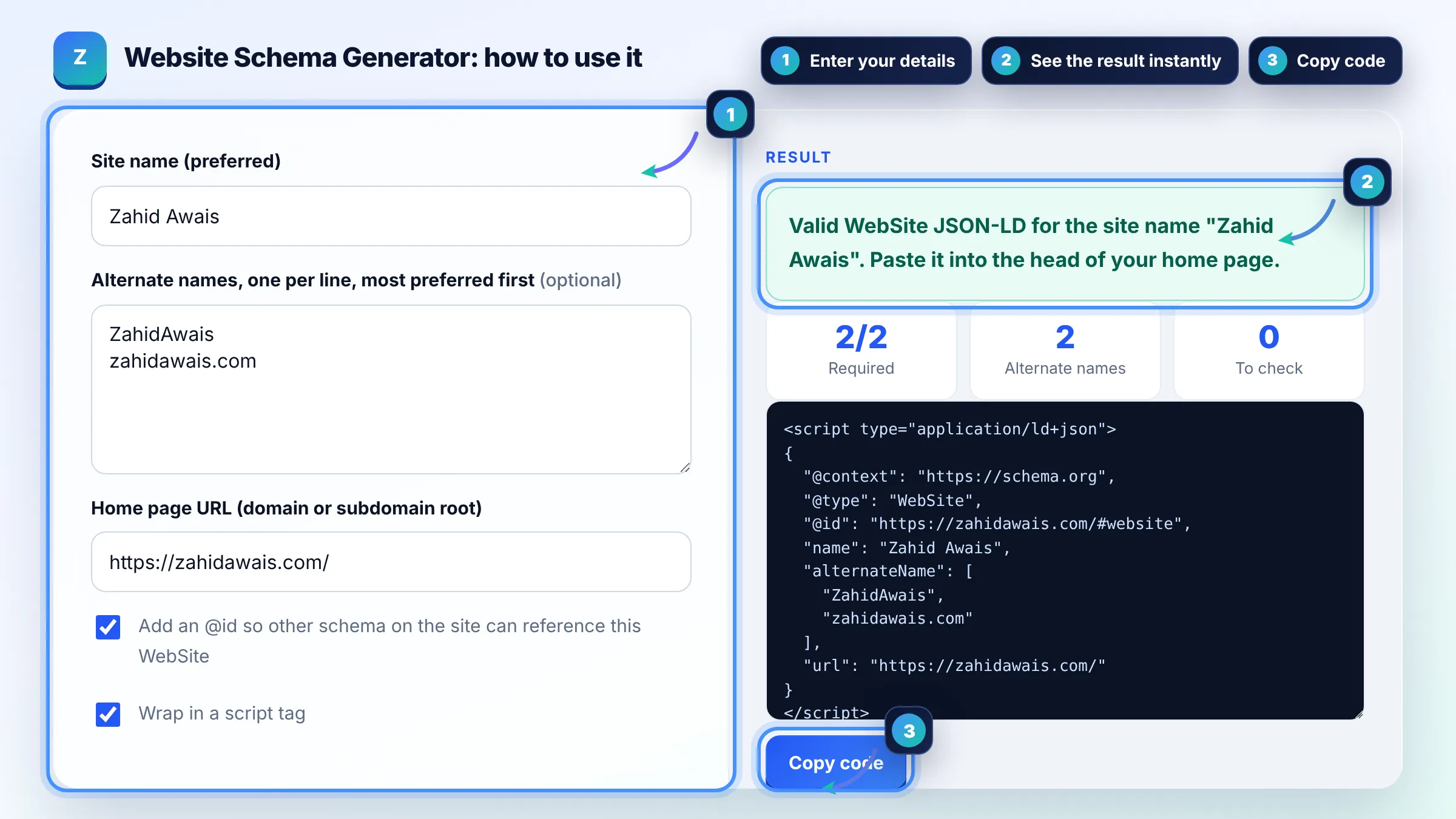
WebSite schema mainly helps Google choose your site name, the brand name shown above your result. Google's site names documentation lists name and url as required and alternateName as optional. It does not give rankings or stars; it only helps Google display your name correctly.
Google picks the site name from several sources, so a mismatch usually means your signals disagree. Make the WebSite name match your home page title, headings, logo text and og:site_name, put the markup on the home page itself, and add your domain in lowercase as an alternateName. Avoid generic names, which Google is unlikely to pick. Google may still choose a different name if it finds stronger signals elsewhere.
No. Google removed the sitelinks search box in November 2024, so a SearchAction in WebSite markup no longer changes how your result looks. Leaving old SearchAction code in place causes no errors, but new markup only needs name, url and, if useful, alternateName.
| Property | Status in Google docs | Example |
|---|---|---|
| name | Required | Zahid Awais |
| url | Required (home page of domain or subdomain) | https://zahidawais.com/ |
| alternateName | Recommended (one or several) | ZahidAwais, zahidawais.com |
| @id | Optional (JSON-LD linking, not used for display) | https://zahidawais.com/#website |
| potentialAction (SearchAction) | No longer used, sitelinks search box removed | Leave out |
Example: for zahidawais.com the preferred name is "Zahid Awais", alternate names are "ZahidAwais" and "zahidawais.com", and url is https://zahidawais.com/. The generator outputs a WebSite object with @id https://zahidawais.com/#website, which the Organization and Person markup on the same site can reference.
Add WebSite schema to the home page only, in the head or body as a JSON-LD script. Google reads site name markup from the domain or subdomain home page, so adding it to every page brings no extra benefit.
No. Google does not support site names at the subdirectory level, so example.com/blog/ uses the site name of example.com. Subdomains such as shop.example.com can have their own site name markup on their home page.
Google needs to recrawl your home page before it can show a new site name, which can take days or several weeks. Request a recrawl of the home page with the URL Inspection tool in Search Console after publishing.
Use your brand name as name and put the domain version, such as zahidawais.com, in alternateName. Google recommends providing your domain name, in lowercase, as a backup option.
No. WebSite describes the website itself and its name, while Organization describes the business behind it, with its logo, contact details and social profiles. Most sites use both, linked through @id references.
No. Google describes WebSite markup as a way to help it choose your site name, not as a ranking factor, and structured data never guarantees a feature. Treat it as a branding fix in search results, not a ranking tactic.
Facts checked against these official pages. Read how I check facts in my editorial policy.
A breadcrumb schema generator is a tool that writes schema.org BreadcrumbList structured data. Each line you…
An organization schema generator is a tool that writes schema.org Organization structured data. It gathers…
A JSON-LD validator is a tool that checks structured data written in JSON for Linked Data. It first parses…
Send your website and I will check it for you, free.
One short email when something new goes live: articles, free SEO tools, package updates, discounts and price alerts. No spam, unsubscribe in one click.