YouTube Title Length Checker
A YouTube title length checker is a tool that counts the characters in a video title and compares them with…
Count caption characters and hashtags and see what shows over the video.
For You feed style
Approximate preview with a generic look. The feed usually shows about 2 lines of caption over the video before more; the exact cut depends on the phone.
The free tiktok caption character counter runs in your browser, needs no sign-up and never sends what you type anywhere.
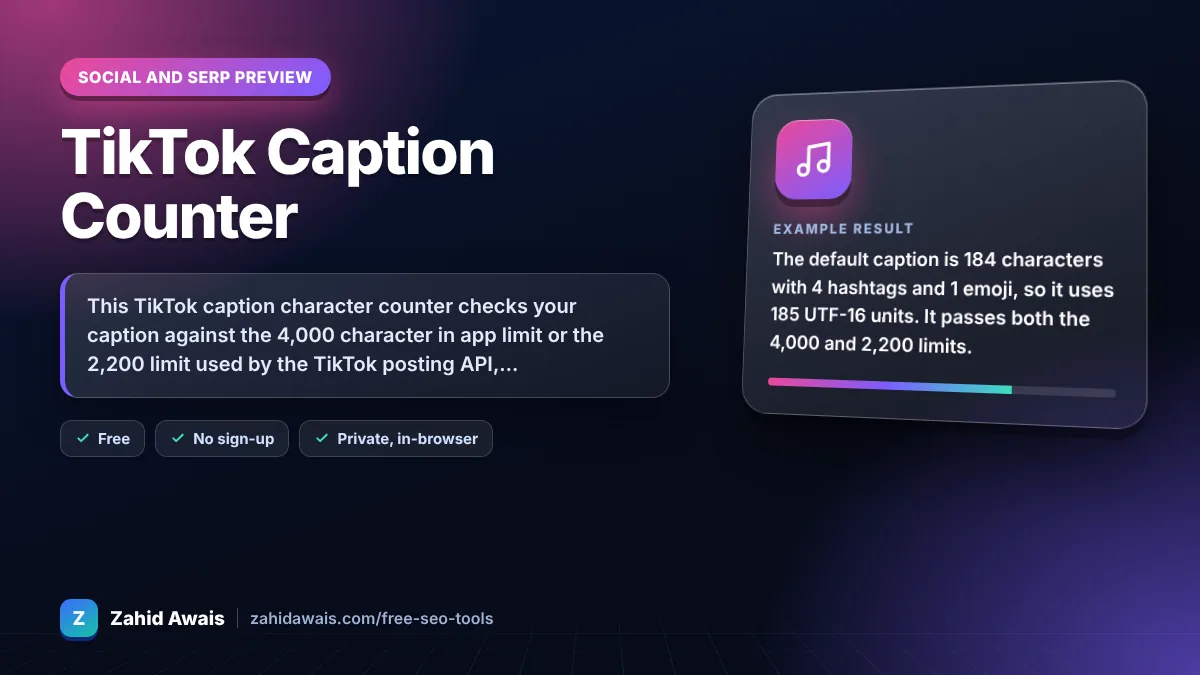
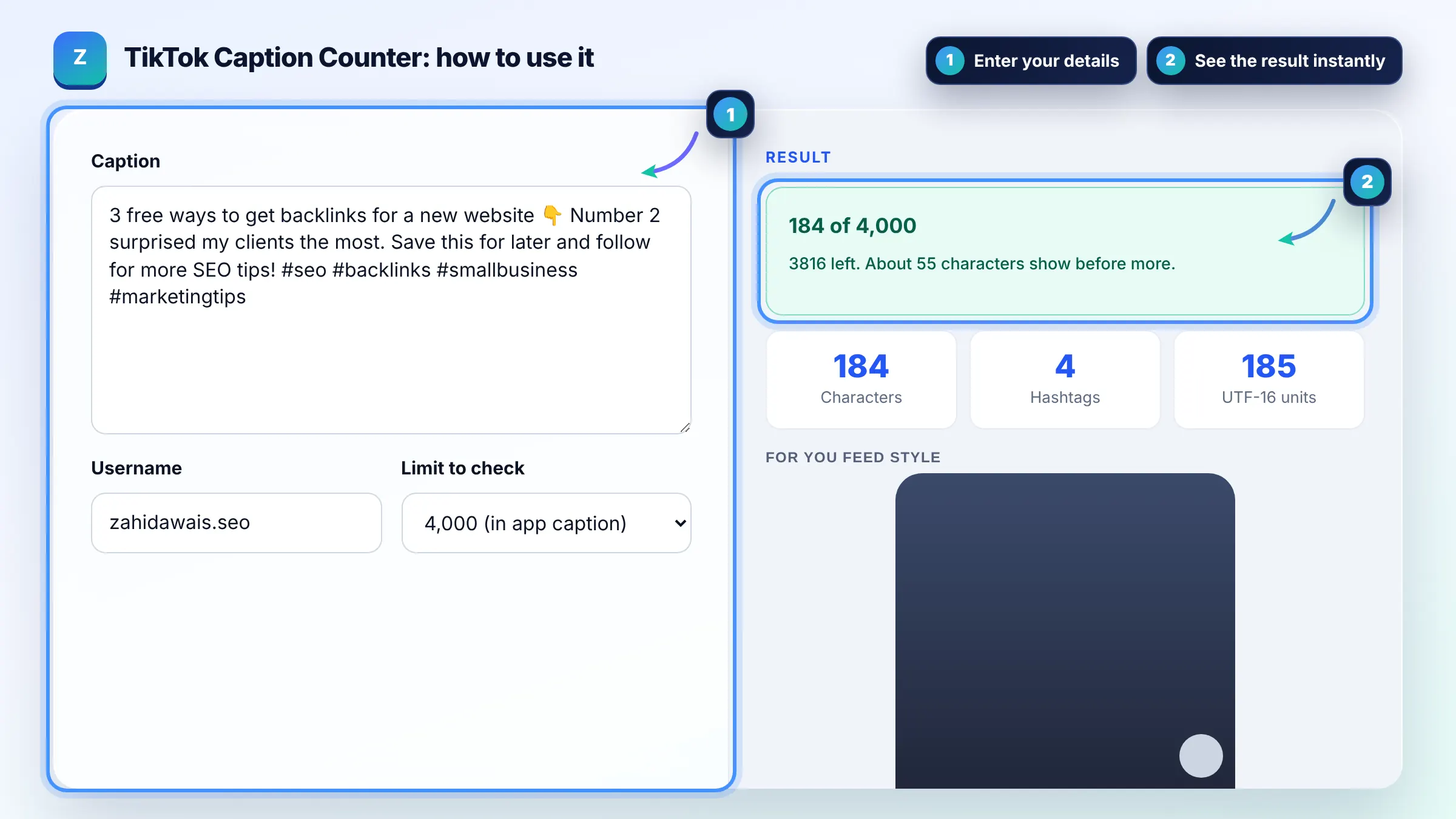
This TikTok caption character counter checks your caption against the 4,000 character in app limit or the 2,200 limit used by the TikTok posting API, counts hashtags and previews the first lines shown over the video. Only about 2 lines show before more, so put your hook and keyword first.
A TikTok caption character counter is a tool that counts the characters, hashtags and mentions in a TikTok caption and compares them with the platform limits. It counts visible characters for the in app limit and UTF-16 units for the API limit, and wraps the caption over a 9:16 video mockup.
TikTok captions in the app can be up to 4,000 characters, a limit TikTok raised from 2,200 in 2023. Posts made through the TikTok posting API, which many scheduling tools use, are limited to 2,200 UTF-16 units according to TikTok for Developers. Check which one applies to how you post.
Usually about 2 lines, roughly 60 to 100 characters, show over the video before the more link. The exact amount depends on the phone screen and font. Viewers read this part while the video plays, so lead with a hook or keyword.
Three to five specific hashtags is a common practice. Hashtags count toward the caption limit and help TikTok understand the topic, but a long list makes the caption harder to read. Mix one or two broad tags with niche ones that match the video.
| Item | Limit | Tip |
|---|---|---|
| Caption in app | 4,000 characters | Hook in the first line |
| Caption through API | 2,200 UTF-16 units | Emoji may count as 2 |
| Visible over video | About 2 lines | Keyword early |
| Hashtags | Count toward the caption | 3 to 5 relevant tags |
| Links | Not clickable in captions | Use your bio link |
Example: the default caption is 184 characters with 4 hashtags and 1 emoji, so it uses 185 UTF-16 units. It passes both the 4,000 and 2,200 limits. In the video preview only "3 free ways to get backlinks for a new website" and part of the next sentence show before more, which keeps the hook visible.
No. It is an approximate preview with a generic look. TikTok changes its overlay, fonts and spacing between app versions and phones. Use the preview to check that your first words carry the message, not as a pixel perfect copy.
Many emoji are stored as two UTF-16 units, and some combined emoji use even more. The TikTok API counts UTF-16 units, so a caption full of emoji can hit 2,200 sooner than the visible character count suggests. The tool shows both numbers.
Yes. TikTok uses captions, hashtags, on screen text and audio to understand videos, and many people search TikTok like a search engine. Include the words people would type, such as the topic and the problem you solve.
No. All counting and previews run in your browser. Nothing you type is sent to TikTok or any server, so you can safely draft captions for client videos.
Only when they add value, such as steps, a recipe or context that does not fit in the video. Most viewers read only the first line, so a short, clear caption often works best. Use the longer limit for details people can open with more.
You can type a URL, but it is usually not clickable in captions. Use the website link in your profile, or features TikTok offers to eligible accounts, and mention in the caption where people can find the link.
Facts checked against these official pages. Read how I check facts in my editorial policy.
A YouTube title length checker is a tool that counts the characters in a video title and compares them with…
A character counter is a tool that counts every letter, number, space and symbol in a text. Characters with…
An Instagram caption character counter is a tool that counts every character in a caption, including spaces,…
Send your website and I will check it for you, free.
One short email when something new goes live: articles, free SEO tools, package updates, discounts and price alerts. No spam, unsubscribe in one click.