Robots.txt Generator
A robots.txt generator is a tool that writes the plain text file crawlers read at the root of your site…
Paste sitemap XML and catch syntax, URL, lastmod and duplicate errors before Google does.
The XML is parsed in your browser. Nothing is uploaded, and the tool cannot fetch a sitemap from a URL.
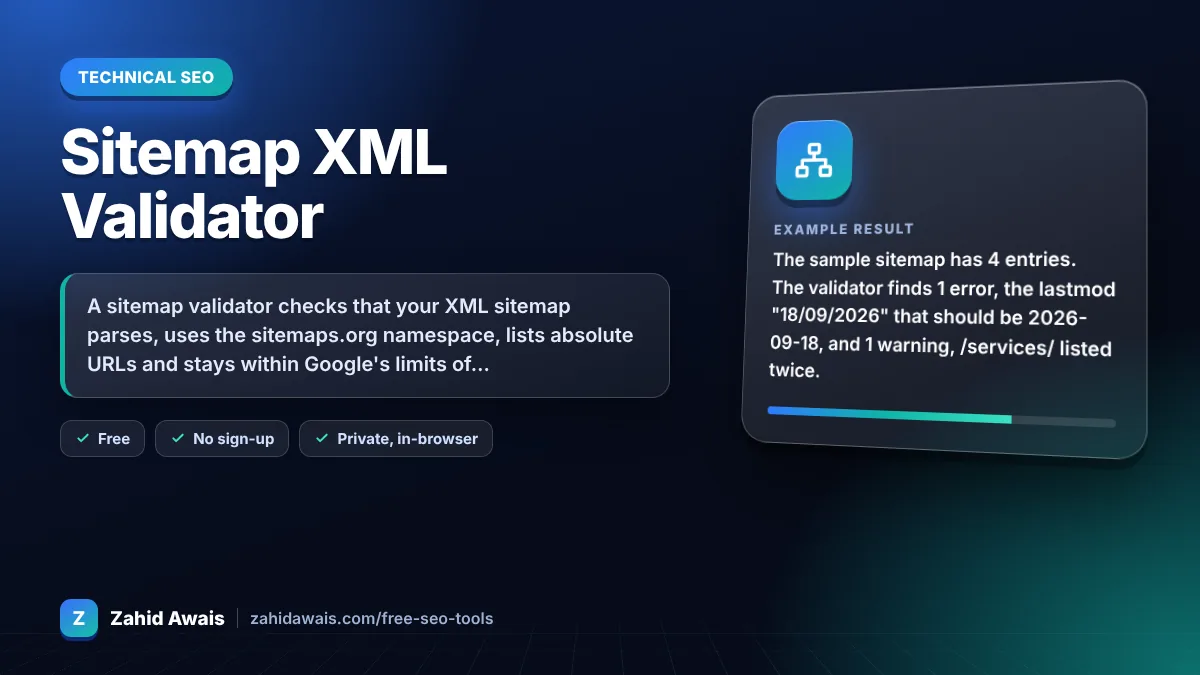
The free sitemap validator runs in your browser, needs no sign-up and never sends what you type anywhere.
A sitemap validator checks that your XML sitemap parses, uses the sitemaps.org namespace, lists absolute URLs and stays within Google's limits of 50,000 URLs or 50 MB uncompressed per file. It also flags duplicate URLs, invalid lastmod dates and mixed http and https. Fix errors first, then submit the sitemap in Search Console.
A sitemap validator is a tool that parses sitemap XML and checks it against the sitemap protocol and Google's rules. It reads every
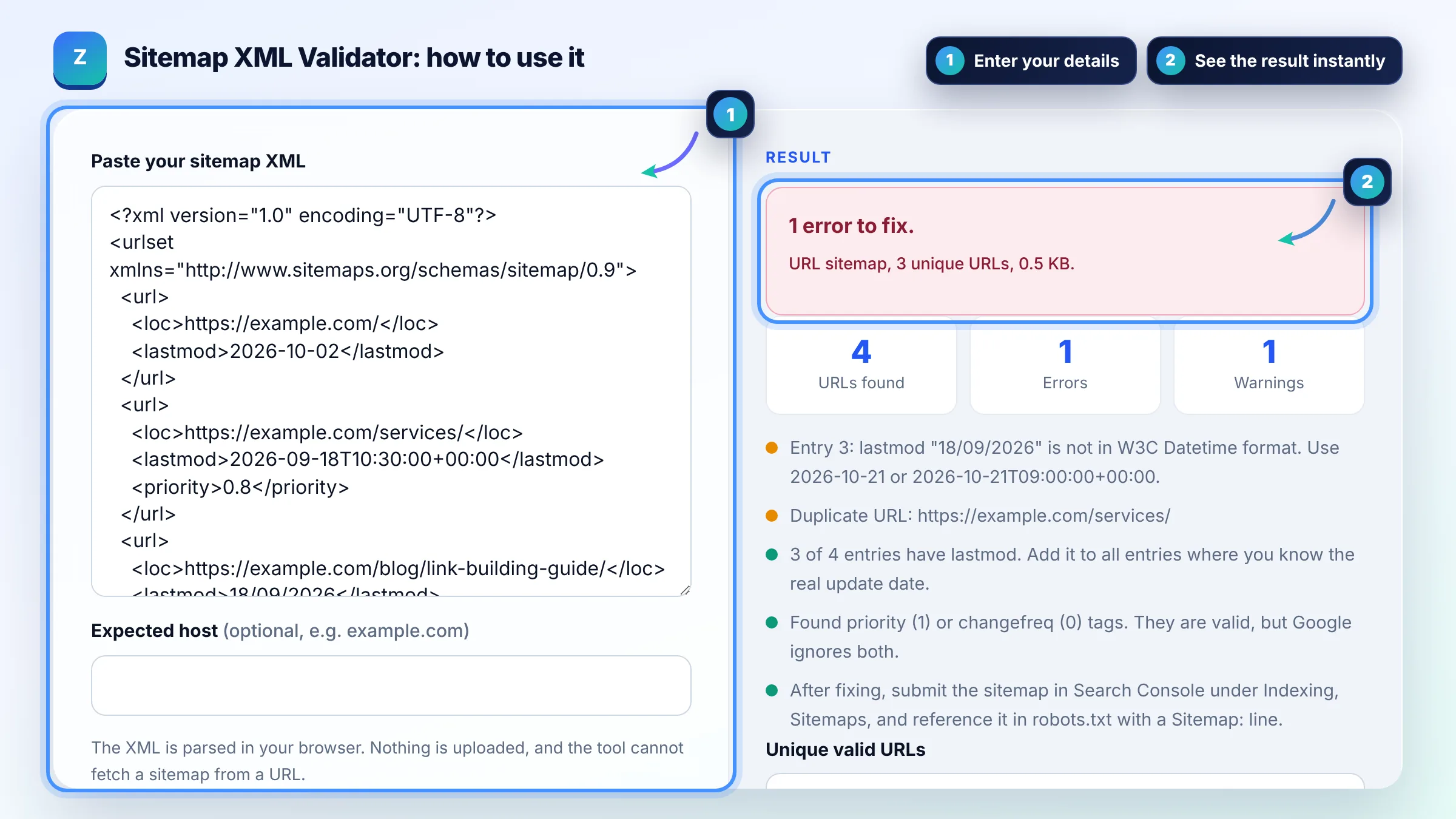
Paste the sitemap XML into a validator, fix every error, then submit it in Search Console and check its status. The Search Console Sitemaps report shows whether Google could read the file and how many URLs it discovered. A "Couldn't fetch" status usually means a URL, robots.txt or server problem rather than bad XML.
One sitemap can contain at most 50,000 URLs or 50 MB uncompressed, whichever comes first. Larger sites split their URLs into several sitemaps and list them in a sitemap index file. Google's build a sitemap guide also requires UTF-8 encoding and fully qualified absolute URLs.
Google uses lastmod only when it is consistently and verifiably accurate, and it ignores priority and changefreq. So set lastmod to the date of the last significant content change, not the time the sitemap was generated. Updating lastmod on every page every day teaches Google to distrust it.
| Problem | Severity | Fix |
|---|---|---|
| XML does not parse (unescaped &, missing tag) | Error | Escape & as & and close every tag |
| Relative URL such as /blog/ | Error | Use the full https:// URL |
| lastmod like 18/09/2026 | Error | Use W3C format: 2026-09-18 |
| More than 50,000 URLs or 50 MB | Error | Split files and use a sitemap index |
| Duplicate or mixed http and https URLs | Warning | List only the canonical URL once |
| priority or changefreq tags | Info | Valid but ignored by Google |
Example: the sample sitemap has 4 entries. The validator finds 1 error, the lastmod "18/09/2026" that should be 2026-09-18, and 1 warning, /services/ listed twice. It also notes that one priority tag is ignored by Google and that only 3 of 4 entries have lastmod, leaving 3 unique valid URLs.
No. Browsers block one website from reading another site's files without permission, so the tool works with pasted XML only. Open your sitemap URL, copy the source and paste it here. Nothing you paste is uploaded.
The correct namespace is http://www.sitemaps.org/schemas/sitemap/0.9 on the urlset or sitemapindex element. It uses http, not https, and it must match exactly, even on sites that run on https.
No. Include only canonical, indexable URLs that return a 200 status. Leave out redirects, noindex pages, parameter duplicates and pages blocked by robots.txt, because they send mixed signals and waste crawling.
No. A sitemap helps Google discover URLs and understand which ones you consider important, but Google decides what to crawl and index. Pages still need to be useful, unique and reachable through internal links.
Replace every & inside a loc with &, for example https://example.com/?a=1&b=2. Unescaped ampersands break the XML, so the whole sitemap fails to parse instead of only one URL.
Put it at the site root, such as https://example.com/sitemap.xml, so it can cover every URL on the host. Submit it in Search Console and add a Sitemap: line with the full URL to your robots.txt file.
Facts checked against these official pages. Read how I check facts in my editorial policy.
A robots.txt generator is a tool that writes the plain text file crawlers read at the root of your site…
A sitemap generator from a URL list is a tool that wraps each URL in the loc element of the sitemaps.org XML…
A sitemap index generator is a tool that wraps each sitemap URL in a sitemap element with a loc and optional…
Send your website and I will check it for you, free.
One short email when something new goes live: articles, free SEO tools, package updates, discounts and price alerts. No spam, unsubscribe in one click.