Hreflang Tag Generator
A hreflang tag generator is a tool that writes rel="alternate" hreflang annotations so search engines can…
Paste your URLs and download a clean, valid sitemap.xml with optional lastmod dates.
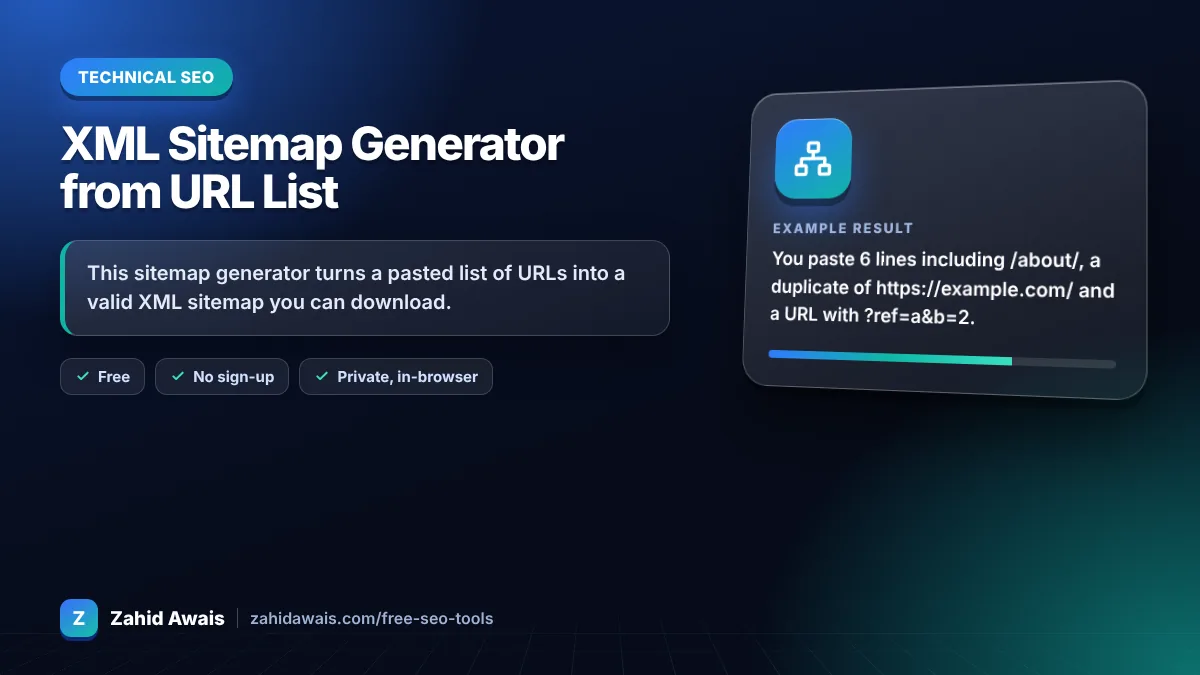
The free sitemap generator from url list runs in your browser, needs no sign-up and never sends what you type anywhere.
This sitemap generator turns a pasted list of URLs into a valid XML sitemap you can download. It removes duplicates, escapes special characters and adds optional lastmod dates. Rule of thumb: list only canonical, indexable URLs that return 200, keep each file under 50,000 URLs and 50 MB, and only set lastmod when it is accurate.
A sitemap generator from a URL list is a tool that wraps each URL in the loc element of the sitemaps.org XML format so search engines can discover your pages. It validates that each URL is absolute, deduplicates the list, entity escapes characters such as &, and adds lastmod, changefreq or priority values if you choose them.
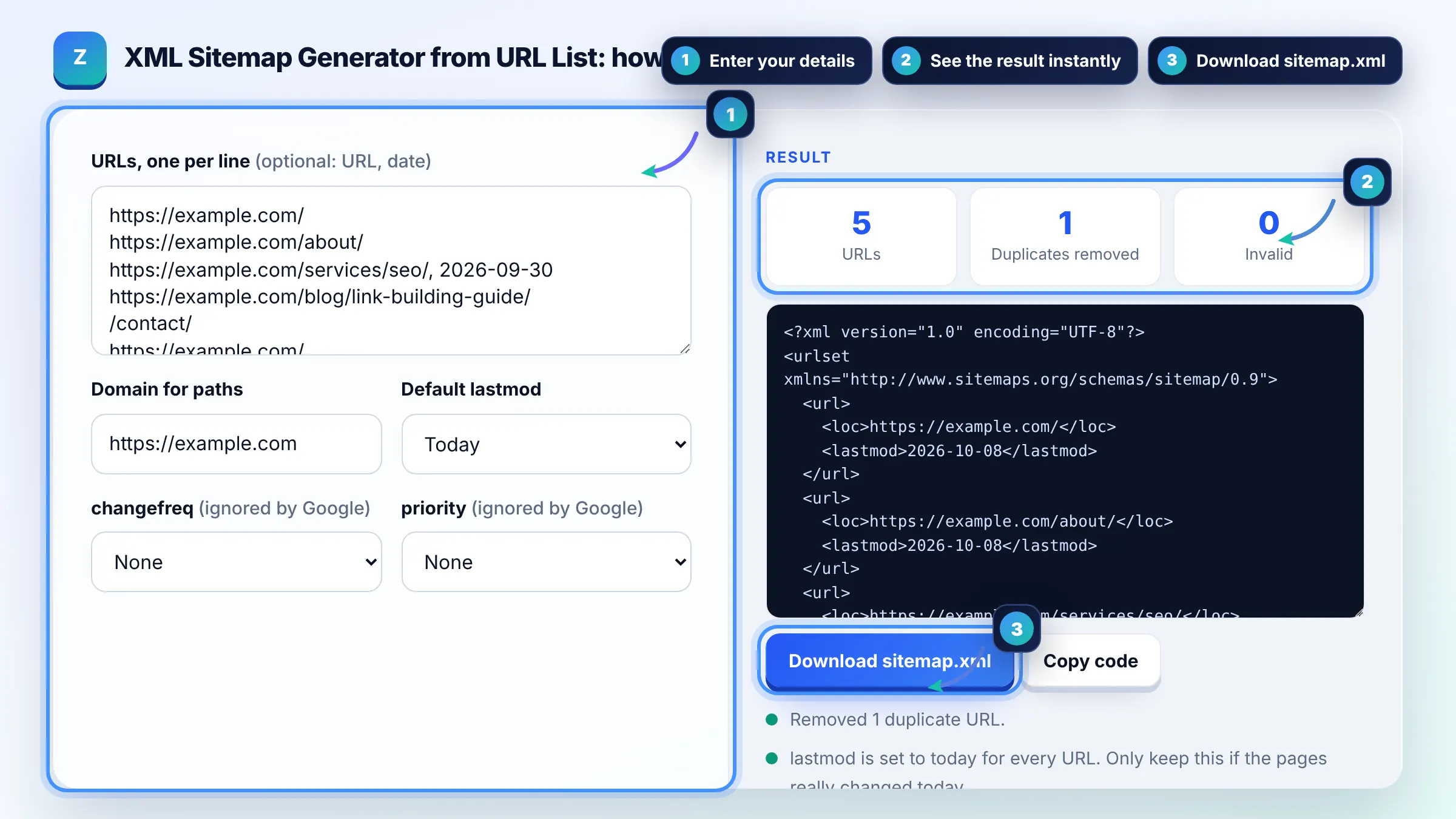
A single sitemap can hold up to 50,000 URLs or 50 MB uncompressed, whichever comes first. Larger sites split URLs across several sitemaps and list them in a sitemap index file. Google documents these limits in its build and submit a sitemap guide.
No, Google ignores the priority and changefreq values in sitemaps. It does use lastmod when the date is consistently accurate, for example when it matches the last significant change to the main content. Other search engines may still read priority and changefreq, so including them does no harm.
No, include only canonical URLs you want in search results that return a 200 status. Leave out redirects, 404s, noindexed pages, duplicate parameter URLs and pages blocked by robots.txt. A clean sitemap makes Search Console coverage data easier to read.
| Tag | Required? | Google uses it? |
|---|---|---|
| loc | Yes, full absolute URL | Yes |
| lastmod | Optional, W3C date like 2026-09-30 | Yes, if consistently accurate |
| changefreq | Optional | No, ignored |
| priority | Optional, 0.0 to 1.0 | No, ignored |
| File limit | 50,000 URLs or 50 MB uncompressed | Split into several files and use a sitemap index |
Example: you paste 6 lines including /about/, a duplicate of https://example.com/ and a URL with ?ref=a&b=2. With domain https://example.com and lastmod set to today, the tool outputs 5 unique URLs, turns /about/ into https://example.com/about/ and writes the ampersand as & so the XML stays valid.
Upload it to the root of your site so it is reachable at https://example.com/sitemap.xml, then submit that URL in the Sitemaps report in Google Search Console. You can also add a Sitemap line to robots.txt so other crawlers find it.
lastmod uses the W3C Datetime format. A plain date such as 2026-09-30 is valid, and you can add a time with a time zone such as 2026-09-30T14:20:00+00:00. Only update it when the main content, structured data or links change.
Normally all URLs must be on the same host and protocol as the sitemap file. If you verify both sites in Search Console, cross site submission is possible, but keeping one sitemap per host is simpler. This tool warns you when hosts are mixed.
Sitemaps are XML, so characters such as &, <, >, quotes and apostrophes must be written as entities like &. An unescaped ampersand in a URL with parameters makes the whole file invalid. This generator escapes them automatically.
No. A sitemap helps Google discover URLs, but it does not guarantee they will be crawled or indexed. Quality, duplication, internal links and crawl budget still decide what gets indexed. Use the Page indexing report in Search Console to see which submitted URLs are left out.
No. The sitemap is built entirely in your browser with JavaScript, and nothing is uploaded or stored. You can paste large lists, but very big lists over 50,000 URLs should be split into several files linked from a sitemap index.
Facts checked against these official pages. Read how I check facts in my editorial policy.
A hreflang tag generator is a tool that writes rel="alternate" hreflang annotations so search engines can…
A robots.txt generator is a tool that writes the plain text file crawlers read at the root of your site…
A sitemap index generator is a tool that wraps each sitemap URL in a sitemap element with a loc and optional…
Coming 13 OctSend your website and I will check it for you, free.
One short email when something new goes live: articles, free SEO tools, package updates, discounts and price alerts. No spam, unsubscribe in one click.