Google Business Profile Description Counter
A Google Business Profile description counter is a tool that counts the characters in your business…
Turn a few details into a polite, personal reply to any Google review in seconds.
The free review response generator runs in your browser, needs no sign-up and never sends what you type anywhere.
A review response generator drafts a reply from the star rating, the reviewer's name and what they said. Good replies thank the customer by name, mention their specific point, apologise when something went wrong, explain any real fix and move complaints offline with an email or phone number. Keep replies short and never offer incentives to change a review.
A review response generator is a template tool that builds a reply to a customer review from the details you enter. It picks a structure by rating: thank and reinforce for 4 to 5 stars, acknowledge and invite contact for 3 stars, and apologise, explain the fix and take it offline for 1 to 2 stars.
Reply within a few days, thank the reviewer, apologise for their experience, mention their specific complaint, state any real fix and invite them to contact you privately. Do not argue or share private details. Google's review tips advise being professional, apologising when appropriate and taking complex issues offline.
Reply to as many as you can, and always to negative and detailed reviews. Google says helpful replies can show you are responsive to customers, but it also advises against the same generic thank you for everyone. A short, specific reply to a 5 star review beats a copied template.
Google lists reviews as part of prominence in its local ranking tips, and replying shows you value customers. Replies themselves are not a confirmed ranking factor, so write them for customers, not for keywords. Steady, genuine reviews and good replies mostly help people choose you.
| Rating | Reply structure | Avoid |
|---|---|---|
| 5 stars | Thank by name, mention their detail, invite them back | The same copied line on every review |
| 4 stars | Thank, reinforce the positive, ask what would earn 5 | Ignoring the small complaint |
| 3 stars | Thank for balance, apologise for the weak point, offer contact | Sounding defensive |
| 1 to 2 stars | Apologise, name the issue, state a real fix, move offline | Arguing, blaming, sharing private details |
| Fake or spam review | Short, calm reply, then flag it in Google Business Profile | Accusing the reviewer publicly |
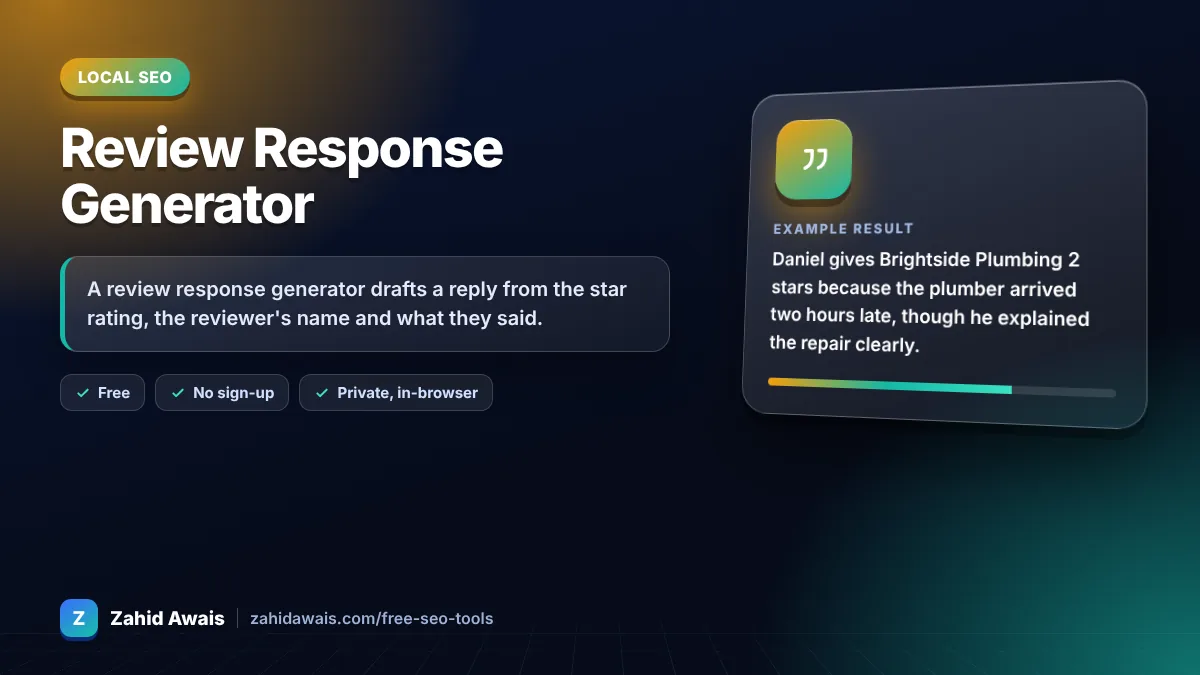
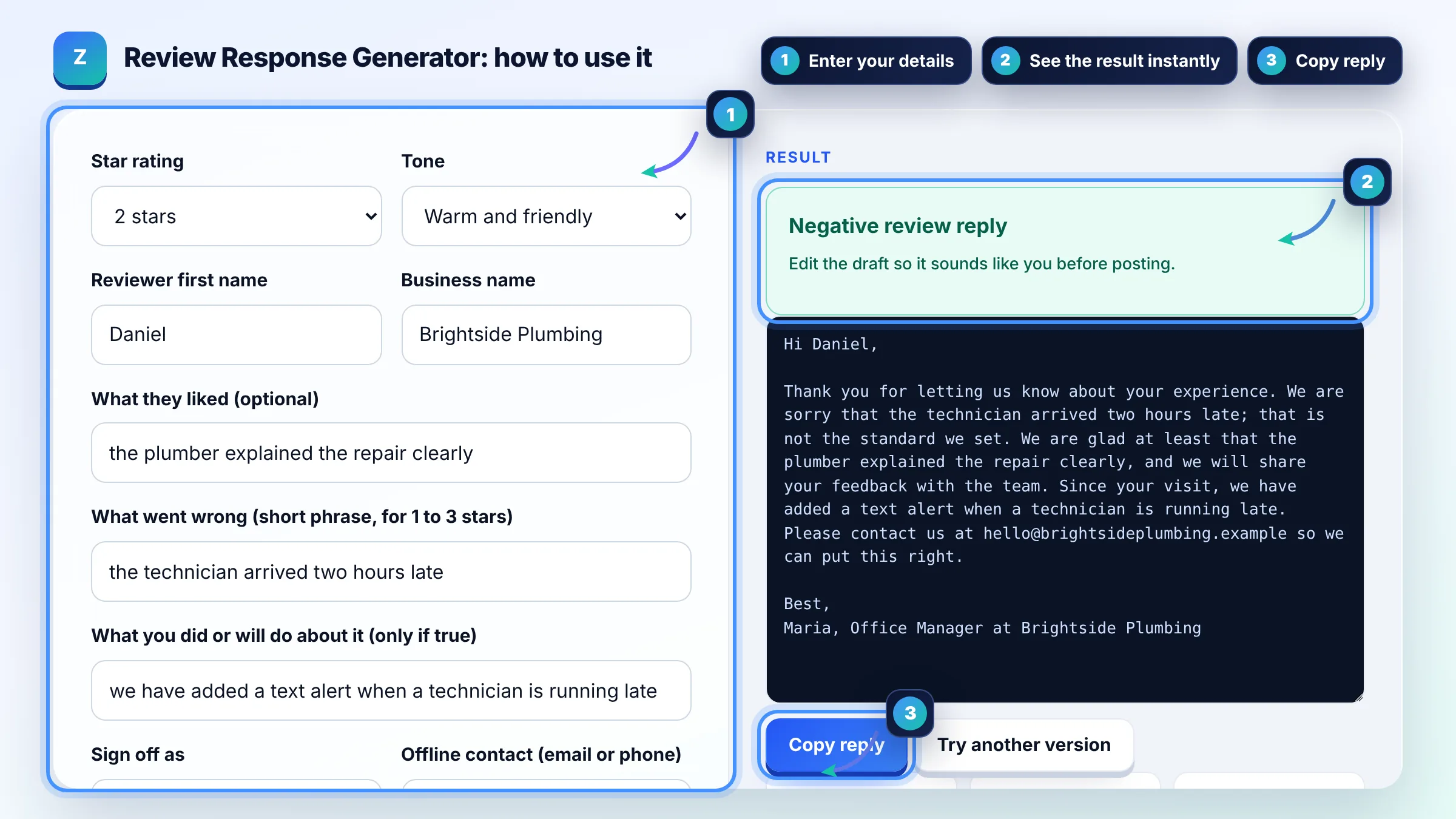
Example: Daniel gives Brightside Plumbing 2 stars because the plumber arrived two hours late, though he explained the repair clearly. The tool drafts a reply that thanks Daniel, apologises for the late arrival, notes the clear explanation, says a text alert for late technicians has been added and asks him to email the office. It comes to about 80 words, short enough to read at a glance.
Most good replies are 2 to 5 sentences, about 30 to 100 words. Google advises keeping replies short because customers prefer direct, honest responses and long replies may be skipped. Negative reviews may need a little more, but move the detail into a private conversation.
No. Google strictly prohibits offering free or discounted goods or services in exchange for reviews, or to change or remove negative reviews. You can still resolve a complaint privately, including a refund, but never make it conditional on the review.
Business owners cannot delete customer reviews. If a review breaks Google's content policies, for example spam, off topic or hateful content, you can flag it for removal in Google Business Profile. A calm public reply still helps other customers judge the situation.
Yes. Google notifies the customer when you reply, and approved replies appear publicly under the review as a response from the business, not under your personal name. Replies are checked against Google's policies, which usually takes minutes but can take longer.
AI or templates are fine for a first draft, but personalise each reply with the customer's name and their specific point. Identical replies look automated and Google advises against generic responses. Always read and edit the draft before posting.
No. Stuffing service names or city keywords into replies reads as spammy to customers and has no confirmed ranking benefit. Mention your service only when it is natural, for example thanking someone for choosing your boiler repair service.
Facts checked against these official pages. Read how I check facts in my editorial policy.
A Google Business Profile description counter is a tool that counts the characters in your business…
A Google review link generator is a tool that builds a direct review URL from a Place ID, the unique code…
A NAP consistency checker is a tool that compares each listing's Name, Address and Phone with your correct…
Send your website and I will check it for you, free.
One short email when something new goes live: articles, free SEO tools, package updates, discounts and price alerts. No spam, unsubscribe in one click.