Local Business Schema Generator
A local business schema generator is a tool that writes schema.org LocalBusiness structured data in JSON-LD.…
Count your description against the 750 limit and spot text that breaks Google guidelines.
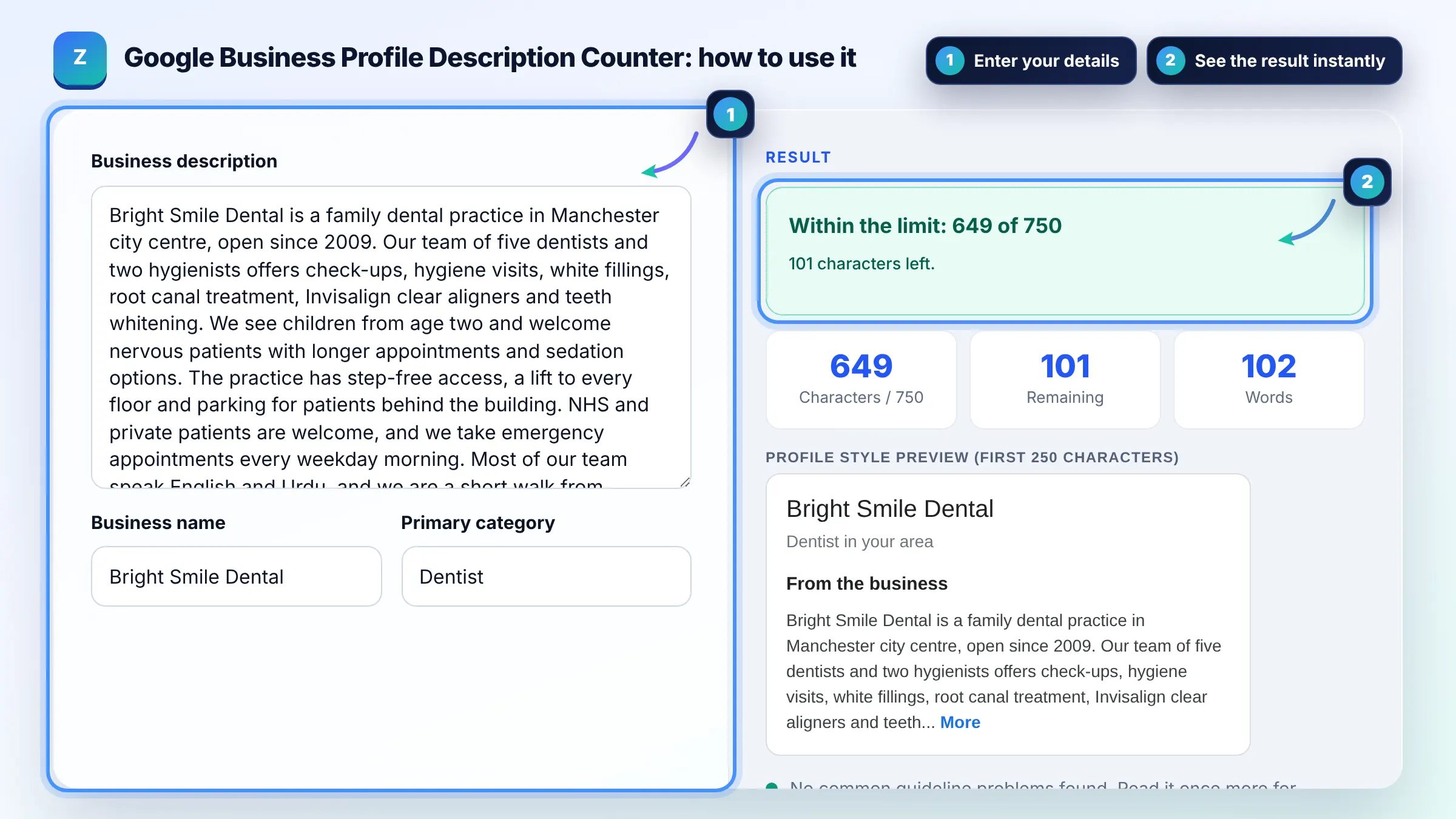
Profile style preview (first 250 characters)
Approximate preview. Google limits the description to 750 characters; how much shows before a More link depends on the device and layout, so treat the first 250 characters as the part most people read.
The free google business profile description character limit runs in your browser, needs no sign-up and never sends what you type anywhere.
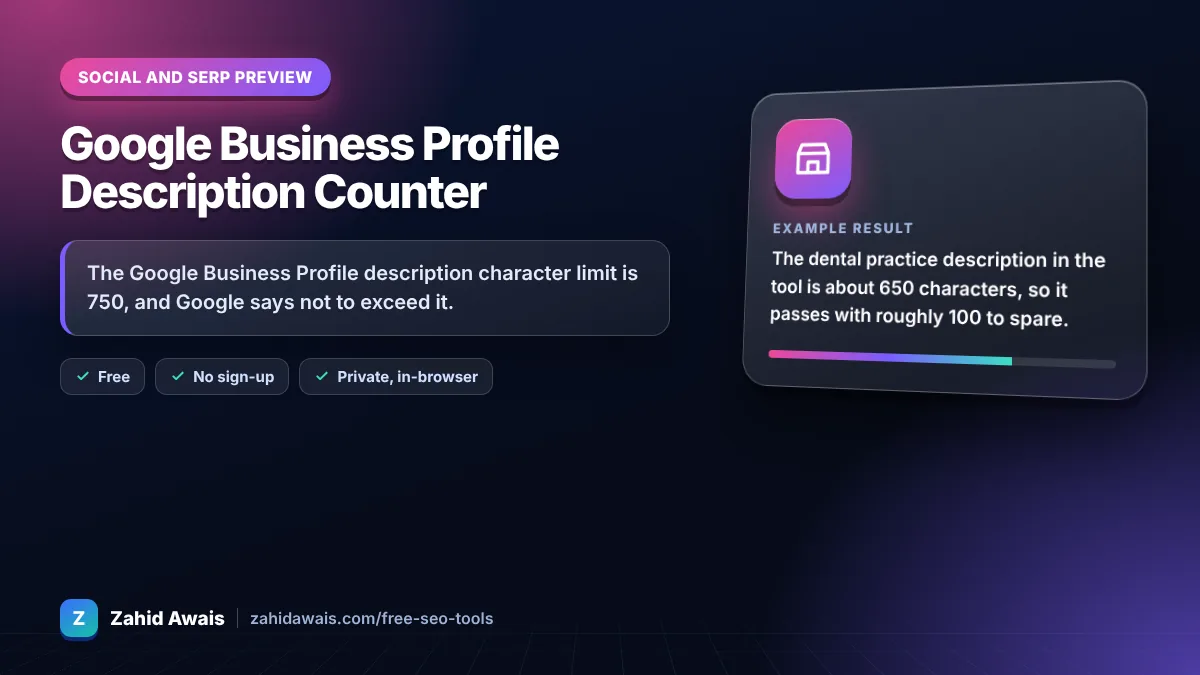
The Google Business Profile description character limit is 750, and Google says not to exceed it. This counter checks your text, previews the first 250 characters that most people read, and flags links, prices, promotions and gimmicky characters, which Google does not allow in the description field.
A Google Business Profile description counter is a tool that counts the characters in your business description against Google 750 character maximum. It also scans the text for content Google guidelines ban, such as links, sales offers and gimmicky characters, and shows a preview of the opening 250 characters.
The limit is 750 characters. Google Business Profile Help says "Do not exceed 750 characters in the description field." Spaces and punctuation count, so a 120 to 130 word description is usually close to the maximum.
Links of any type are not allowed, and the description should not focus on special promotions, prices or sales. Google also bans low quality, irrelevant or distracting content such as misspellings, gimmicky characters and gibberish. Use posts and offers for promotions instead.
Most people read only the opening lines, so treat the first 250 characters as your summary. On many layouts the rest sits behind a More link. Put your main service, location and what makes you different at the very start.
| Rule | Source | What to do |
|---|---|---|
| Max 750 characters | Google Business Profile Help | Aim for 600 to 750 |
| No links of any type | Business Profile guidelines | Use the website field |
| No focus on promotions, prices or sales | Business Profile guidelines | Use offer posts instead |
| No gimmicky characters or gibberish | Business Profile guidelines | Plain sentences, no emoji strings |
| Relevant to the business | Business Profile guidelines | Services, areas, history, access |
Example: the dental practice description in the tool is about 650 characters, so it passes with roughly 100 to spare. Its first 250 characters cover the practice type, city, years open and main treatments. Adding "Book at example.com for 20% off whitening" would trigger both the link and the promotion warnings.
Google does not say the description is a ranking factor, and keyword stuffing it will not help. It does help customers decide, which can lift calls and visits. Write it for people: what you do, where, for whom and why choose you.
Yes, if they read naturally. Mention your main services and area the way customers say them. Repeating the same phrase many times looks spammy and breaks the rule against low quality or irrelevant content.
Common reasons are a URL or web address, phone numbers, prices or sale wording, offensive language, or text unrelated to the business. Remove those, keep it under 750 characters and submit it again. Edits can take a while to be reviewed.
It is better not to. Your phone number has its own field in the profile, and contact details in the description can look spammy. Keep the description focused on services, history, accessibility and languages spoken.
No. It is an approximate preview with a generic look. Google shows the description in different places on Search and Maps, on phones and desktop, and changes these layouts over time.
No. The counter and checks run entirely in your browser. Nothing you type is uploaded or saved, and the tool cannot change your real profile. Paste the final text into your profile yourself.
Facts checked against these official pages. Read how I check facts in my editorial policy.
A local business schema generator is a tool that writes schema.org LocalBusiness structured data in JSON-LD.…
A Google mobile SERP preview is a mockup of how a page may appear in Google Search on a phone. This tool…
A character counter is a tool that counts every letter, number, space and symbol in a text. Characters with…
Send your website and I will check it for you, free.
One short email when something new goes live: articles, free SEO tools, package updates, discounts and price alerts. No spam, unsubscribe in one click.