Google Review QR Code Generator
Turns your Google review link or Place ID into a QR code to download as PNG or SVG.
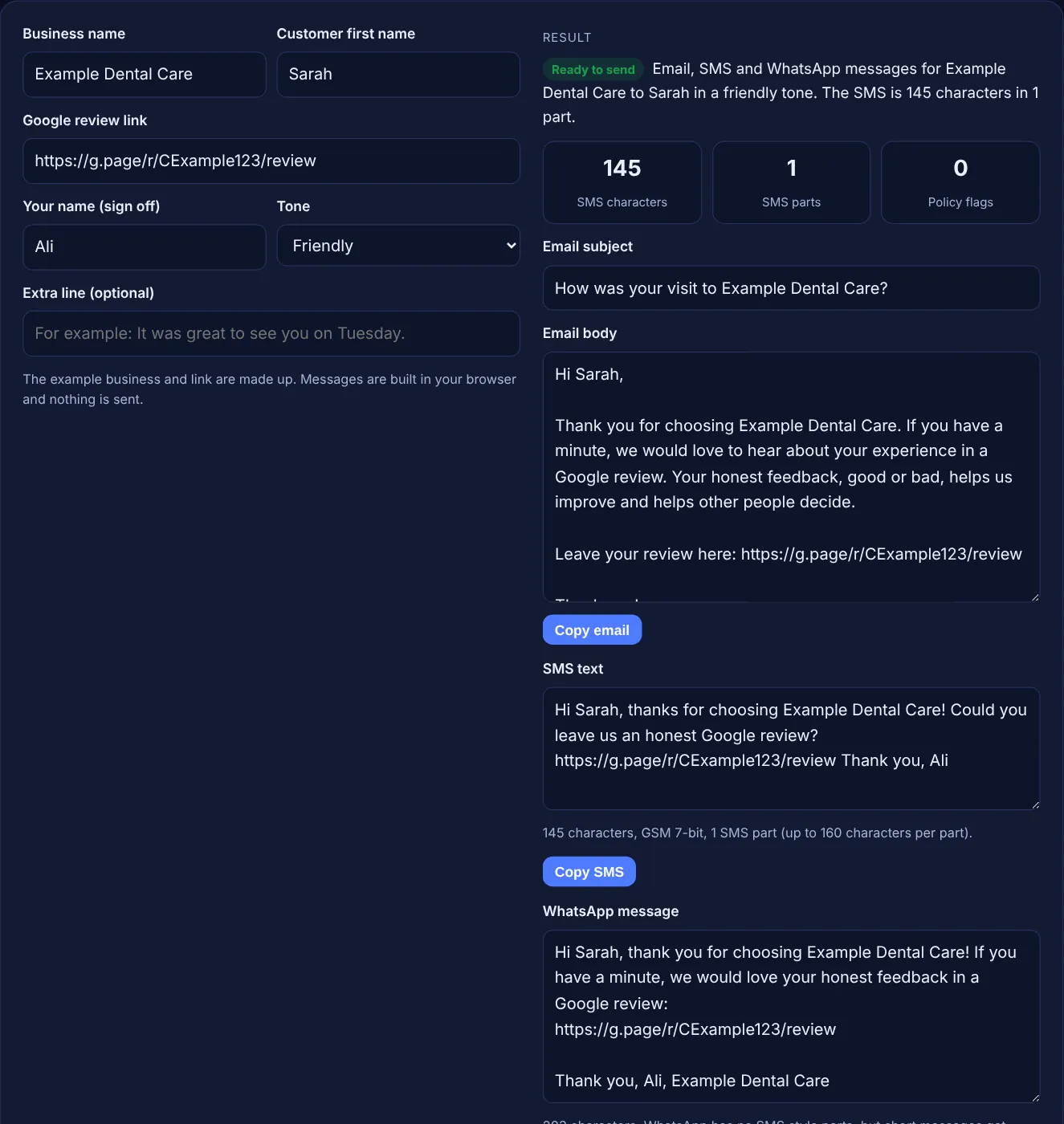
Fill in your business, your customer and your review link to get ready to send email, SMS and WhatsApp review requests.
The example business and link are made up. Messages are built in your browser and nothing is sent.
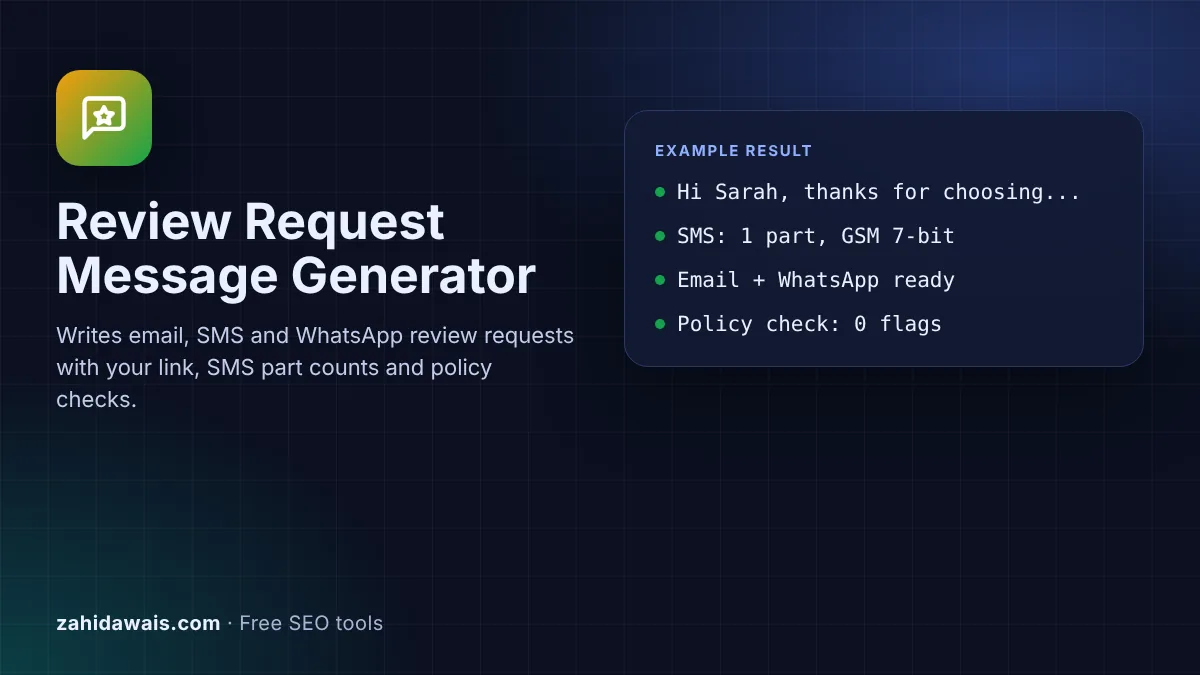
The free Google review request template generator writes a ready to send email, SMS and WhatsApp message that asks a customer for an honest Google review, with your business name, their name and your review link filled in. It also counts SMS parts and flags wording that breaks Google's review rules.
A Google review request template is a short message that thanks a customer, asks for an honest review and gives the direct review link. Keep the SMS within one 160 character part, send it soon after the visit, ask every customer rather than only happy ones, and never offer a discount or gift for the review.
A Google review request template is a reusable message you send after a sale or visit to ask the customer to review your business on Google. A good one has four parts: a thank you, a plain request for honest feedback, the direct review link and your name. Google's help page on review links notes: "Tip: You can also send review requests through email, WhatsApp message, or Facebook post."
This tool writes all three versions at once in a friendly, short or formal tone. It counts the SMS characters with the GSM 7-bit alphabet that most phones use for plain text, shows how many parts the SMS needs, and checks your extra line for rewards or selective wording that Google's policy forbids.
Keep it within one SMS part, which is 160 characters when every character is in the GSM 7-bit alphabet. Google Voice's help says that if you send a text "longer than 160 characters to a non-Google Voice number, it's sent as multiple messages." A single emoji or curly quote switches the message to Unicode, where the tool counts 70 characters for one part and 67 for each part of a split message. Your review link uses a good share of that space, so short links help.
It must not offer a reward and must not target only happy customers. Google's prohibited and restricted content policy lists content "posted due to an incentive offered by a business - such as payment, discounts, free goods and/or services" and businesses that "Discourage or prohibit negative reviews, or selectively solicit positive reviews from customers". It also lists "Merchants requesting that staff solicit a certain number of reviews".
Use the channel the customer already uses with you. SMS suits quick visits, such as a salon or a repair, because the link opens straight on the phone. Email suits online orders and longer services, where you already send a receipt. WhatsApp suits businesses that book or chat with customers there. Send one request, maybe one reminder, and stop. Add the Google review QR code to receipts and signs for people you do not message.
| Encoding | When it is used | One part | Each part when split |
|---|---|---|---|
| GSM 7-bit | Plain letters, numbers and common symbols | 160 characters | 153 characters |
| GSM 7-bit with extended characters | Uses ^ { } [ ] ~ | \ or the euro sign | 160 (each extended character counts 2) | 153 |
| Unicode (UCS-2) | Any emoji, curly quote or character outside GSM | 70 characters | 67 characters |
Example: for the made-up business Example Dental Care, customer Sarah, sender Ali and a made-up link, the friendly SMS reads "Hi Sarah, thanks for choosing Example Dental Care! Could you leave us an honest Google review? https://g.page/r/CExample123/review Thank you, Ali". The tool counts 145 GSM 7-bit characters, so it fits in 1 part, with 0 policy flags. With no customer name, the formal tone and the extra line "We hope you’re happy with your new crown", the curly apostrophe switches the SMS to Unicode: 210 characters in 4 parts, and the tool suggests a straight apostrophe. Adding the extra line "Leave us 5 stars and get 10% off your next visit" raises 2 flags: an incentive and a selective request.
Ask soon after the visit or delivery, while the experience is fresh, usually the same day or the next day. Send one reminder at most. Asking at the counter with a QR code works well for walk in customers.
No. Google's policy lists reviews posted because of an incentive from the business, such as payment, discounts or free goods and services, as prohibited. That includes entries into a prize draw. Ask for honest feedback without any reward.
No. Google's policy forbids selectively soliciting positive reviews and discouraging negative ones. Send the same request to every customer, and handle complaints by replying to the review and fixing the problem.
Either the text is longer than 160 GSM characters, or it contains a character outside the GSM alphabet, such as an emoji or a curly apostrophe, which switches it to Unicode with only 70 characters per part.
Yes. Google's tips to get more reviews say customers must be signed into a Google Account to leave a review. Mention this gently in the message if many of your customers are older or new to Google.
No. The generator runs entirely in your browser with JavaScript. It does not send any message for you. Copy the text and send it from your own email, SMS or WhatsApp app.
Checked 23 Oct 2026. Facts checked against these official pages. Read how I check facts in my editorial policy.
Turns your Google review link or Place ID into a QR code to download as PNG or SVG.
A Google review link generator is a tool that builds a direct review URL from a Place ID, the unique code…
A review response generator is a template tool that builds a reply to a customer review from the details you…
Send your website and I will check it for you, free.
One short email when something new goes live: articles, free SEO tools, package updates, discounts and price alerts. No spam, unsubscribe in one click.