Review Request Message Generator
Writes email, SMS and WhatsApp review requests with your link, SMS part counts and policy checks.
Paste your Google review link or a Place ID and get a QR code customers can scan to open your review form, ready as PNG or SVG.
The example link is made up. The code is drawn in your browser and nothing you type is sent anywhere.
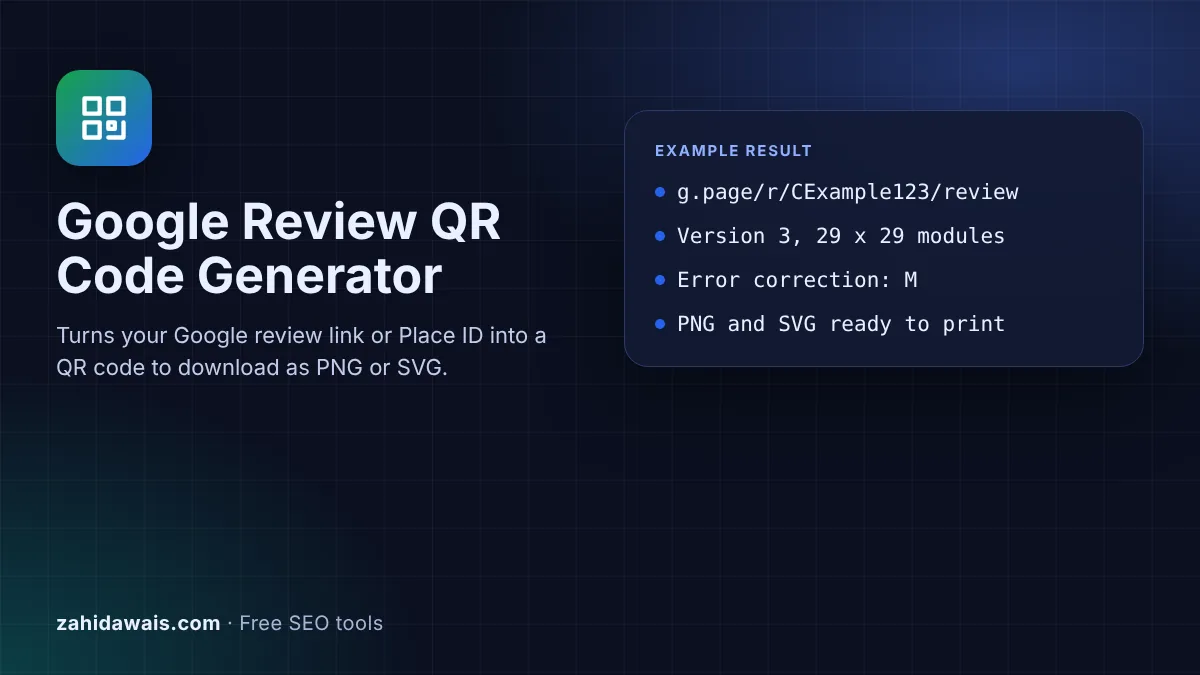
The free Google review QR code generator turns your review link, or a Place ID, into a QR code that customers scan with a phone camera to open your review form. It draws the code in your browser and lets you download it as a PNG image or an SVG file for print.
A Google review QR code is a square barcode that opens your business's Google review form when a customer scans it with a phone camera. Google can create one in your Business Profile under Get more reviews. This tool makes the same kind of code from your link in any size, as PNG or SVG, with a caption.
A Google review QR code is a QR code that stores the link to your Google review form, so a customer can scan it instead of typing or searching. Google's help page on how to create a Google link or QR code to request reviews suggests putting the link or code on receipts, in thank you emails, at the end of a chat and on a printed sign in your store.
Google's own QR code has one limit worth knowing: "Currently, reviews QR codes can only be generated on a computer browser, not on mobile devices." This generator works on a phone too, adds a caption, lets you pick the error correction level and gives you an SVG that stays sharp at any print size. The QR encoder is written for this page, so nothing is sent to a QR service.
Your review link is in your Business Profile: select Read reviews, then Get more reviews, and copy the link Google shows. Google's tips to get more reviews say "you can ask customers to visit a Google link or scan a QR code", and add that "Customers must be signed into a Google Account to leave a review." If you cannot reach the profile, the Google Review Link Generator builds a link from your business details.
Use the review link from your Business Profile when you can, because it is the link Google gives you for this job. A Place ID is, in Google's words, "a textual identifier that uniquely identifies a place". The tool turns it into a link of the form search.google.com/local/writereview?placeid=, a pattern many review tools use but that I could not find in Google's documentation. Google's Place ID page also says "Place IDs may change over time", so test printed codes now and then.
Ask every customer for honest feedback, such as "Tell us how we did on Google". Do not offer a reward and do not ask only happy customers. Google's prohibited and restricted content policy lists content "posted due to an incentive offered by a business" and businesses that "Discourage or prohibit negative reviews, or selectively solicit positive reviews from customers". Signs like "Loved us? Leave 5 stars" or "Review us for 10% off" break those rules.
| Error correction | Longest link at version 5 | Longest link at version 10 | Use it when |
|---|---|---|---|
| L | 106 characters | 271 characters | The code is shown on a screen or printed large |
| M | 84 characters | 213 characters | Most signs, cards and receipts (default) |
| Q | 60 characters | 151 characters | Small prints or textured surfaces |
| H | 44 characters | 119 characters | Codes that may get scratched, folded or dirty |
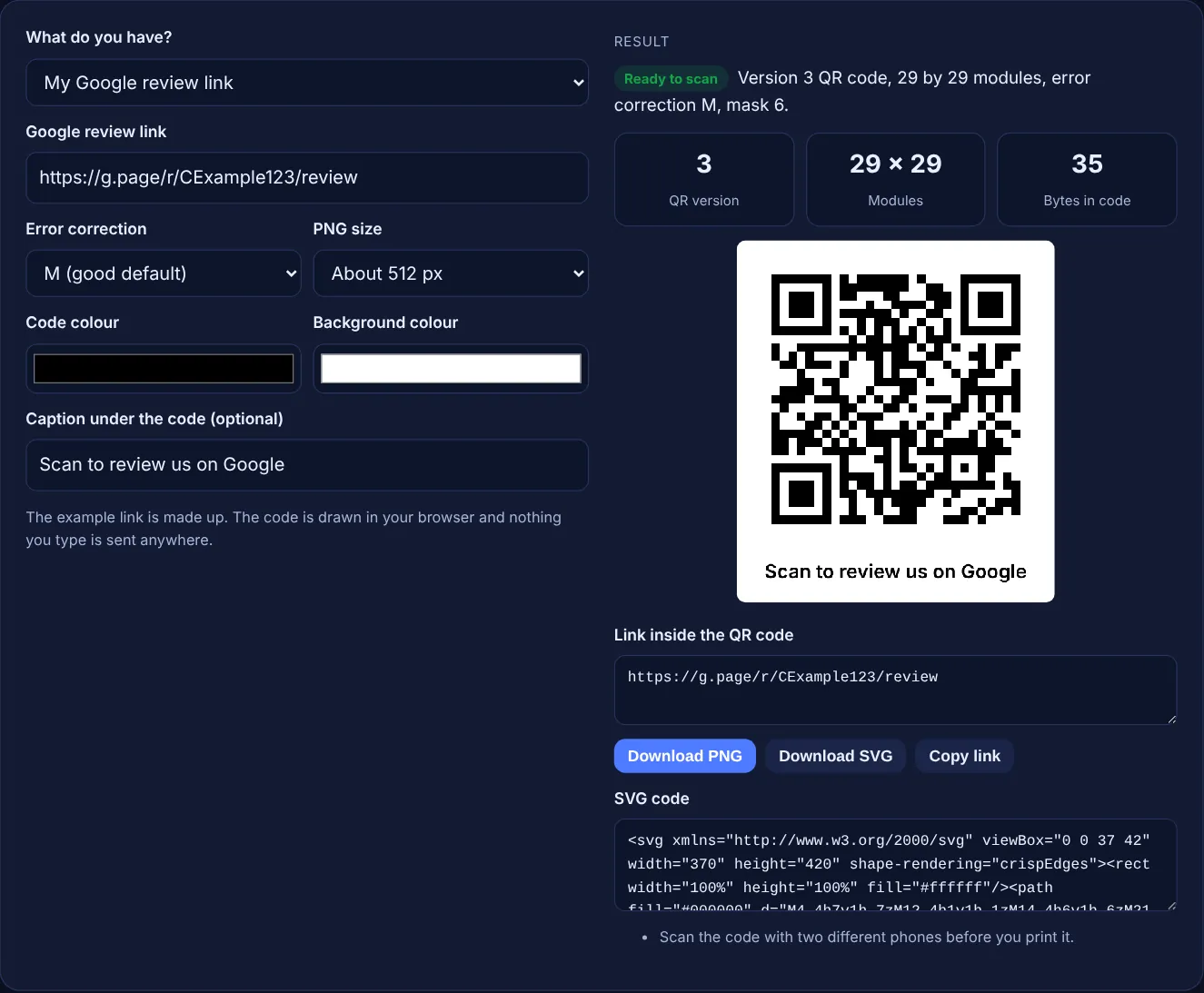
Example: a made-up review link, https://g.page/r/CExample123/review, is 35 characters long. At error correction M the tool makes a version 3 code of 29 by 29 modules and adds a 4 module quiet margin on every side. With the Place ID ChIJexample1234567890 and level H, the tool builds a 73 character writereview link, which needs a version 8 code of 49 by 49 modules and adds a note that the Place ID pattern is not documented by Google. Typing "five stars please!!" gives no code and the message that it is not a web address.
Yes. Google lets you create a review link and QR code in your Business Profile at no cost, and this generator is free too. You only pay if you print the code on signs, cards or packaging.
No. This is a static code that stores the link itself, so it keeps working as long as the link does. Google says a Place ID may become obsolete if a business closes or moves, so reprint after a move.
Yes, but keep a dark code on a light background with strong contrast. The tool warns you when the code is lighter than the background or the contrast is low, because some scanners struggle with those codes.
Use PNG for websites, emails and social posts. Use SVG for print, because it is a vector file that stays sharp at any size, from a business card to a window sticker. Both files contain the same code.
Google suggests receipts, thank you emails, the end of a chat and a printed sign in your store. Put it where customers wait or pay, and keep it at a height and size that is easy to scan.
No. The QR encoder runs entirely in your browser with JavaScript, including the error correction and mask choice. Your link is not uploaded, stored or tracked, and the code does not pass through a redirect service.
Checked 23 Oct 2026. Facts checked against these official pages. Read how I check facts in my editorial policy.
Writes email, SMS and WhatsApp review requests with your link, SMS part counts and policy checks.
A Google review link generator is a tool that builds a direct review URL from a Place ID, the unique code…
A review response generator is a template tool that builds a reply to a customer review from the details you…
Send your website and I will check it for you, free.
One short email when something new goes live: articles, free SEO tools, package updates, discounts and price alerts. No spam, unsubscribe in one click.