Case Converter
A case converter is a tool that changes the capitalization of text without retyping it. Simple cases change…
Paste messy text from a PDF or email and get clean, single line or paragraph text.
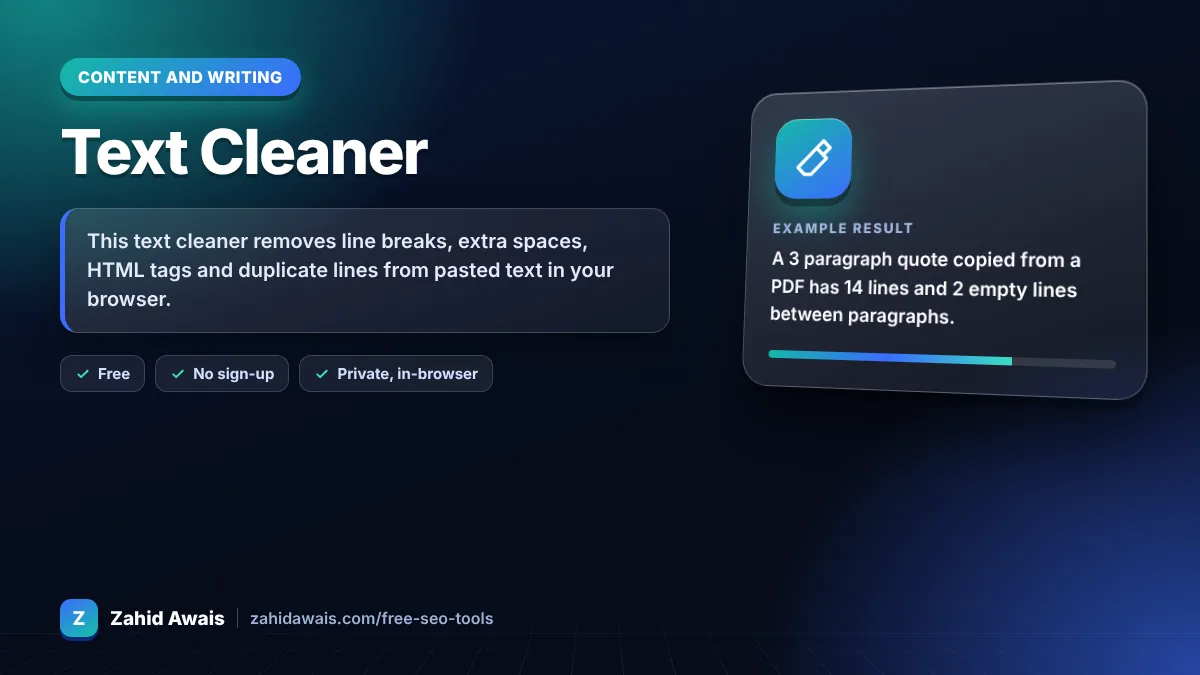
The free remove line breaks runs in your browser, needs no sign-up and never sends what you type anywhere.
This text cleaner removes line breaks, extra spaces, HTML tags and duplicate lines from pasted text in your browser. Rule of thumb: keep paragraph breaks and remove only single line breaks when fixing text copied from a PDF or email, so sentences join up but paragraphs stay separate.
A remove line breaks tool is a text cleaner that replaces the newline characters inside your text with a space or nothing. It can keep double line breaks as paragraph breaks, collapse repeated spaces into one and strip HTML tags.
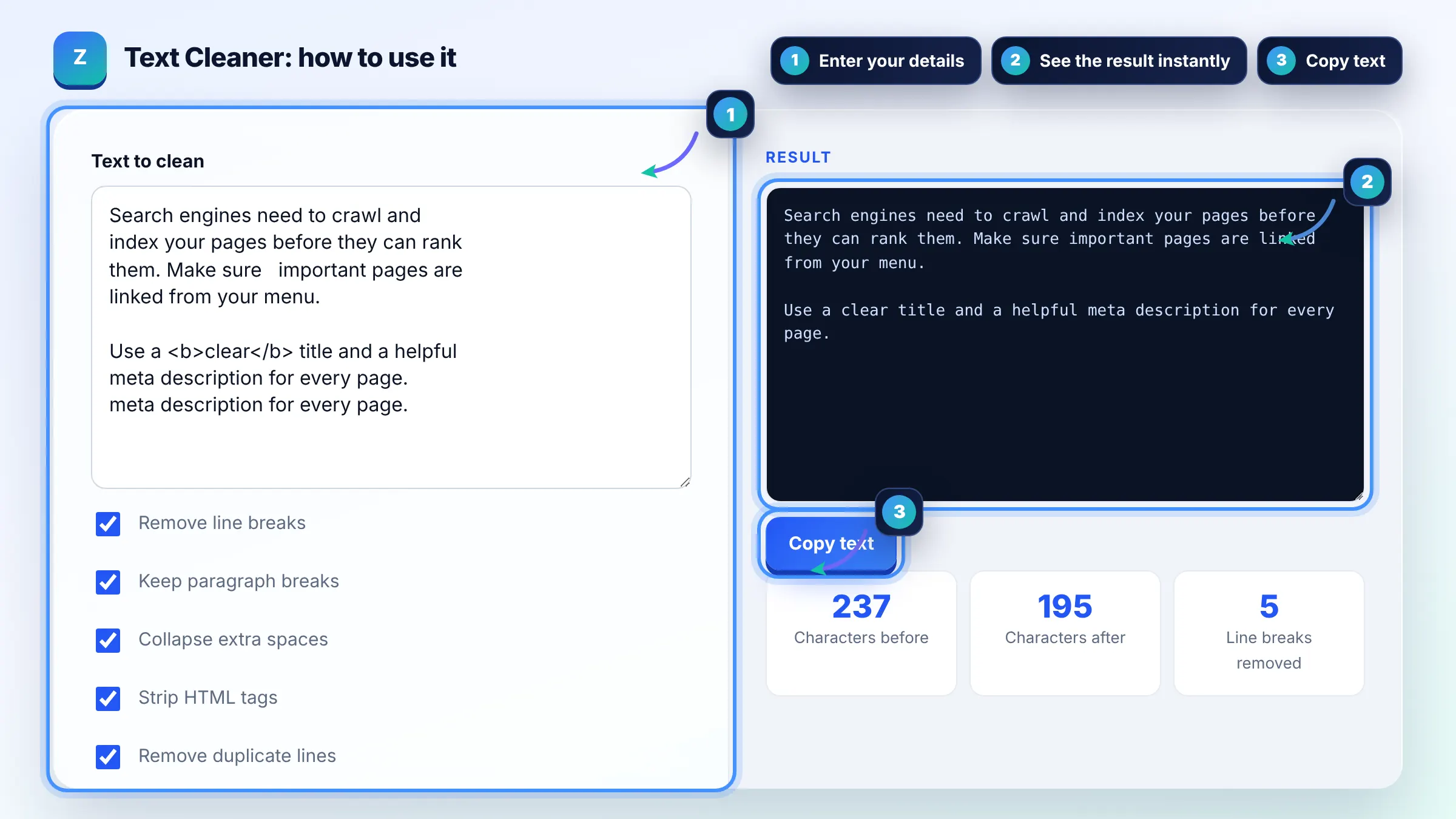
PDFs store text as positioned lines, not flowing paragraphs, so copying adds a hard line break at the end of every visual line. Removing single line breaks while keeping double ones joins the lines back into normal paragraphs.
In Word, use Find and Replace with ^p (paragraph mark) or ^l (manual line break) and replace it with a space. Google Docs needs regular expressions turned on to search for \n. Pasting into this tool first is often quicker and keeps paragraphs intact.
Yes. Strip HTML tags removes paragraph, link and formatting tags but keeps the visible text between them, and it converts entities such as the ampersand code back to normal characters. Scripts are never run because the text is only processed as plain text.
| Option | What it does | Use it for |
|---|---|---|
| Remove line breaks | Replaces every newline with a space, nothing or comma | Joining PDF and email lines |
| Keep paragraph breaks | Keeps empty lines between paragraphs | Articles and long copy |
| Collapse extra spaces | Turns runs of spaces and tabs into one space | Text from Word and PDFs |
| Strip HTML tags | Removes tags, keeps visible text | Copy pasted from source code |
| Remove duplicate lines | Keeps the first copy of each repeated line | Lists and logs |
Example: a 3 paragraph quote copied from a PDF has 14 lines and 2 empty lines between paragraphs. With Remove line breaks and Keep paragraph breaks ticked, the 11 single line breaks become spaces and the result has exactly 3 clean paragraphs.
A line break starts a new line within the same paragraph, and a paragraph break is usually an empty line, meaning two line breaks in a row. This tool treats two or more line breaks as a paragraph break when Keep paragraph breaks is ticked.
Yes. Choose comma as the replacement and untick Keep paragraph breaks. A list with one item per line becomes a single line like apple, banana, cherry, which is handy for tags, keyword lists and spreadsheet cells.
Yes. Windows uses a carriage return plus line feed, older Macs used a carriage return alone and Linux and macOS use a line feed. The tool normalizes all three before cleaning, so the result is consistent.
Collapse extra spaces turns runs of spaces and tabs into a single space and trims each line, so indentation is removed. Untick it if you need to keep spacing, for example in code or poetry.
There is no fixed limit. The tool cleans text as you type and can handle large documents, typically hundreds of thousands of characters, depending on your device memory and browser.
No. Cleaning happens in your browser with JavaScript. Your text is never uploaded, stored or logged, so you can safely clean emails, contracts or client documents.
Facts checked against these official pages. Read how I check facts in my editorial policy.
A case converter is a tool that changes the capitalization of text without retyping it. Simple cases change…
A remove duplicate lines tool is a list cleaner that keeps only the first occurrence of each line. It…
An HTML to Markdown converter is a tool that walks the HTML element tree and maps each element to its…
Send your website and I will check it for you, free.
One short email when something new goes live: articles, free SEO tools, package updates, discounts and price alerts. No spam, unsubscribe in one click.