Open Graph Preview
An open graph preview is a mockup of the link card social platforms build from your Open Graph meta tags. The…
Preview your pin in a feed and close up view and check every limit.
Feed style
Close up style
Approximate preview with a generic look. Pinterest says only the first 40 or so title characters typically show in feeds and descriptions do not show in the home or search feed.
The free pinterest pin preview runs in your browser, needs no sign-up and never sends what you type anywhere.
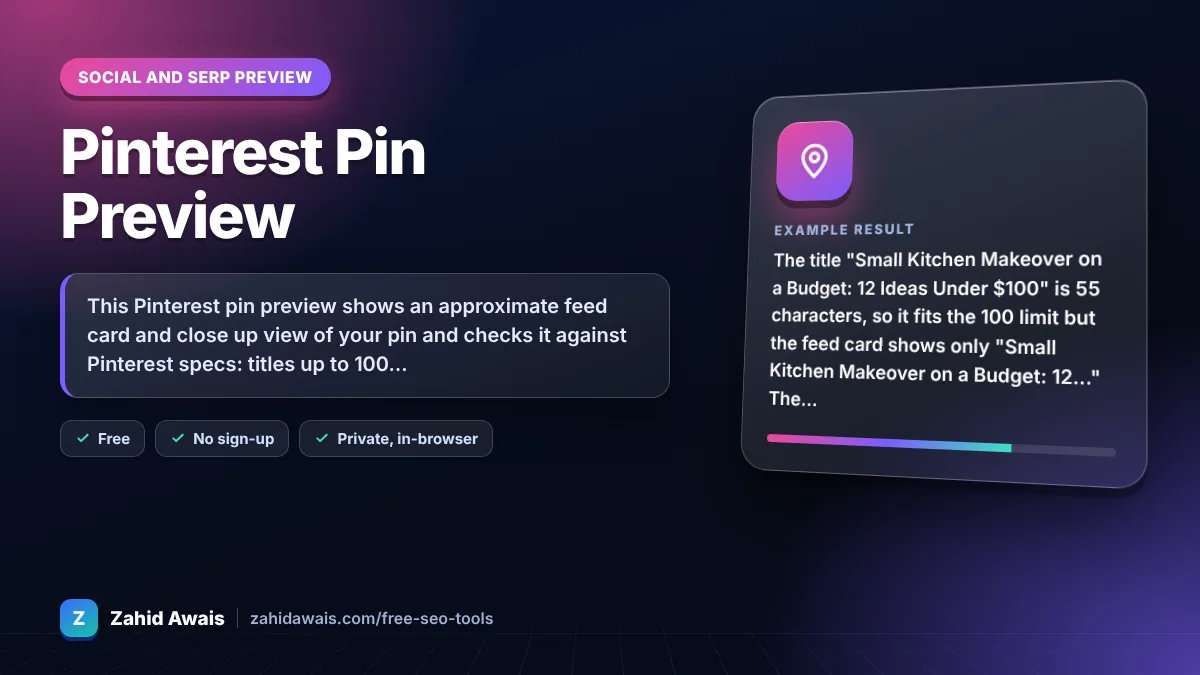
This Pinterest pin preview shows an approximate feed card and close up view of your pin and checks it against Pinterest specs: titles up to 100 characters with about the first 40 visible in feeds, descriptions up to 800 characters, and a recommended 2:3 image such as 1000 x 1500 pixels.
A Pinterest pin preview is a mockup of how a pin may look in the Pinterest feed and when opened. This tool cuts the title at about 40 characters for the feed card, shows the full title and description in the close up view, and checks the image ratio against 2:3.
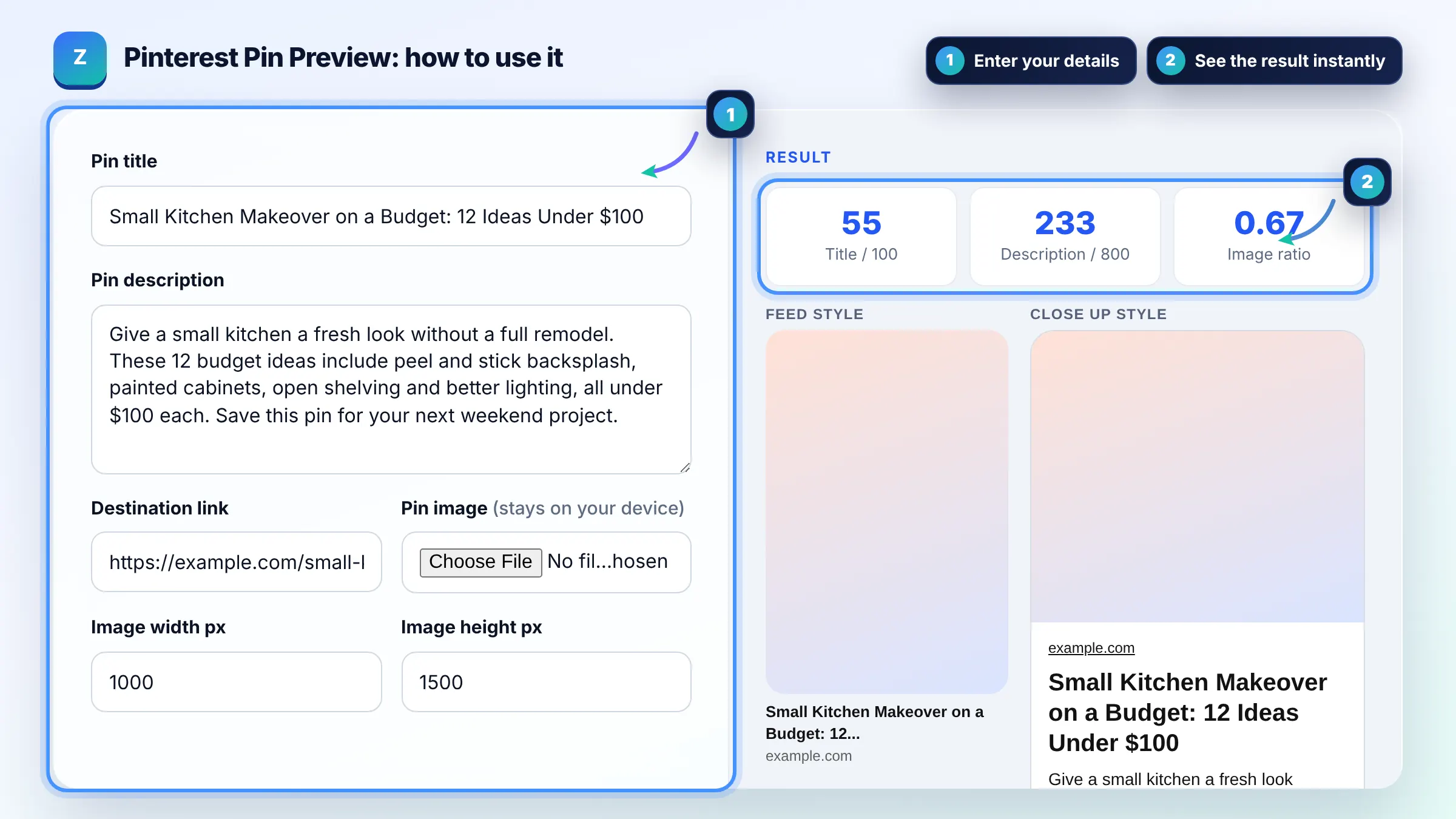
Pin titles can be up to 100 characters, but only about the first 40 typically show in feeds, according to Pinterest ad specs. For double byte languages the visible part is about 30 characters. Put the main keyword and benefit in those first 40 characters.
Pinterest specs allow up to 800 characters for a pin description. Descriptions do not show in the home or search feed, but they appear when someone opens the pin and help Pinterest understand the topic. Write 1 to 3 natural sentences with your main keywords.
Use a 2:3 aspect ratio, such as 1000 x 1500 pixels, which is what Pinterest recommends. Images with other shapes may be cropped in the feed. Use a clear vertical photo or graphic with large, readable text if you add any.
| Pin element | Pinterest limit | Visible in feed |
|---|---|---|
| Title | Up to 100 characters | About the first 40 |
| Description | Up to 800 characters | Not shown in home or search feed |
| Image ratio | 2:3 recommended | Other shapes may be cropped |
| Image size | 1000 x 1500 px recommended | Shown as a tall card |
| Destination link | Full URL | Domain may show on the card |
Example: the title "Small Kitchen Makeover on a Budget: 12 Ideas Under $100" is 55 characters, so it fits the 100 limit but the feed card shows only "Small Kitchen Makeover on a Budget: 12..." The 1000 x 1500 px image has a 0.67 ratio, exactly 2:3, and the 233 character description is well under 800.
No. It is an approximate preview with a generic design. Pinterest layouts differ between the app and the website and change over time. Use it to check title cut off, image shape and description length before you publish.
Yes. The description appears in the close up view and helps Pinterest understand what the pin is about, which can help it appear for relevant searches. Write it for people, with natural keywords, not a list of tags.
They are optional. Pinterest relies mainly on titles, descriptions, boards and the image itself to understand pins. If you use hashtags, add a few relevant ones at the end of the description, not in the title.
No. The image is read in your browser only to draw the preview and measure its size. Nothing is uploaded or stored, and your title, description and link stay on your device.
Yes. Every pin can link to a destination URL, and evergreen pins can send visits for months. Make sure the landing page matches the pin and loads fast on mobile, since most Pinterest users browse on phones.
Square and slightly taller images usually still work, but very tall or wide images may be cropped or shown smaller in the feed. Resizing to 1000 x 1500 px keeps your design and text fully visible.
Facts checked against these official pages. Read how I check facts in my editorial policy.
An open graph preview is a mockup of the link card social platforms build from your Open Graph meta tags. The…
An aspect ratio calculator is a tool that simplifies width and height into a ratio such as 16:9 by dividing…
An image file name generator is a tool that converts a plain description into a file name that describes the…
Send your website and I will check it for you, free.
One short email when something new goes live: articles, free SEO tools, package updates, discounts and price alerts. No spam, unsubscribe in one click.