PPC Budget Calculator
A PPC budget calculator is a tool that turns traffic goals into an ad budget. Monthly budget = target clicks…
Work out a marketing budget from a share of revenue or from the leads you need, then split it across channels by percentage.
Every percentage and cost is your own choice: the tool has no built-in averages. Leave a channel at 0 to skip it. Everything is calculated in your browser.
| Channel | Share | Per month |
|---|
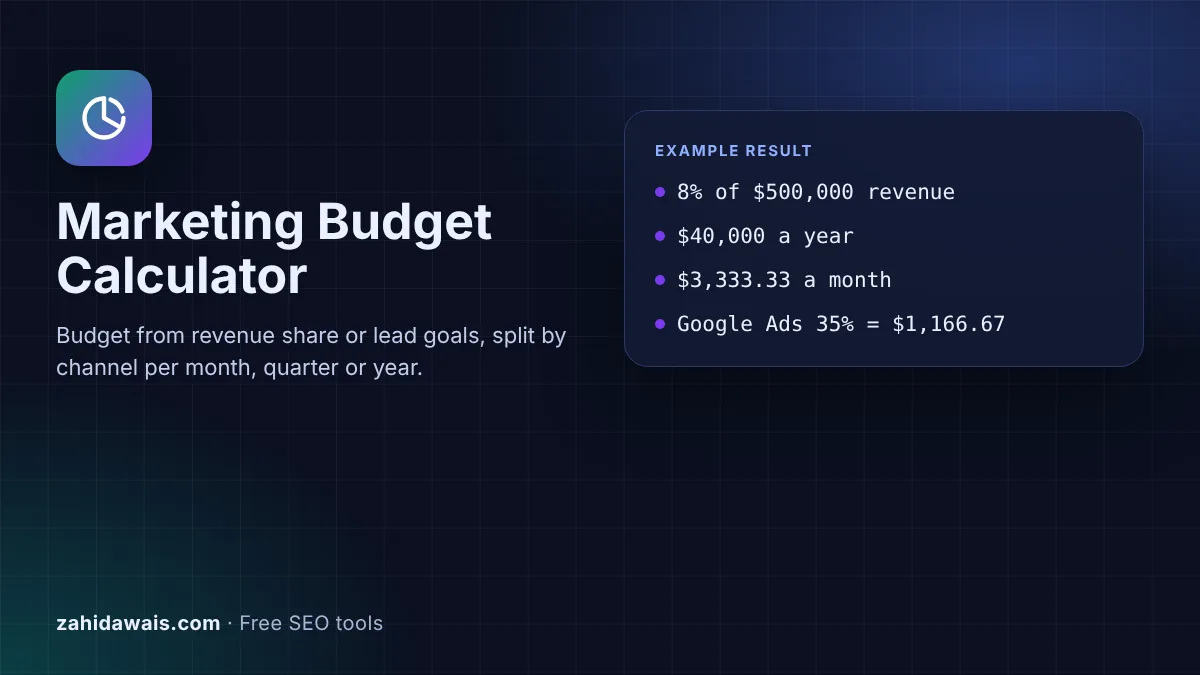
The free marketing budget calculator sets a budget in one of two ways, as a share of annual revenue or as the leads you need multiplied by what a lead costs you, then splits it across channels such as SEO, Google Ads and email. You see each channel per month, quarter or year, in a table and as bars.
A marketing budget calculator turns a starting rule into money per channel. Either take a percentage of annual revenue you choose, or multiply the leads you need each month by your cost per lead. Then split the total across channels by percentages that add up to 100, and read the amount per month, quarter or year.
A marketing budget calculator is a tool that turns a budgeting rule into a total and a split by channel. The revenue method starts from what the business earns: you choose a percentage and the tool turns it into an annual, quarterly and monthly amount. The goal method starts from what you need: leads a month multiplied by cost per lead. Google Ads uses the same idea when it says "The amount it costs you to get a lead is known as cost per action (CPA)" on its ROI help page.
There is no single right percentage for every business, so this calculator contains none. Margins, growth plans and how much a customer is worth all change the answer. Treat the default inputs as an example only, and enter the share and costs that fit your own numbers.
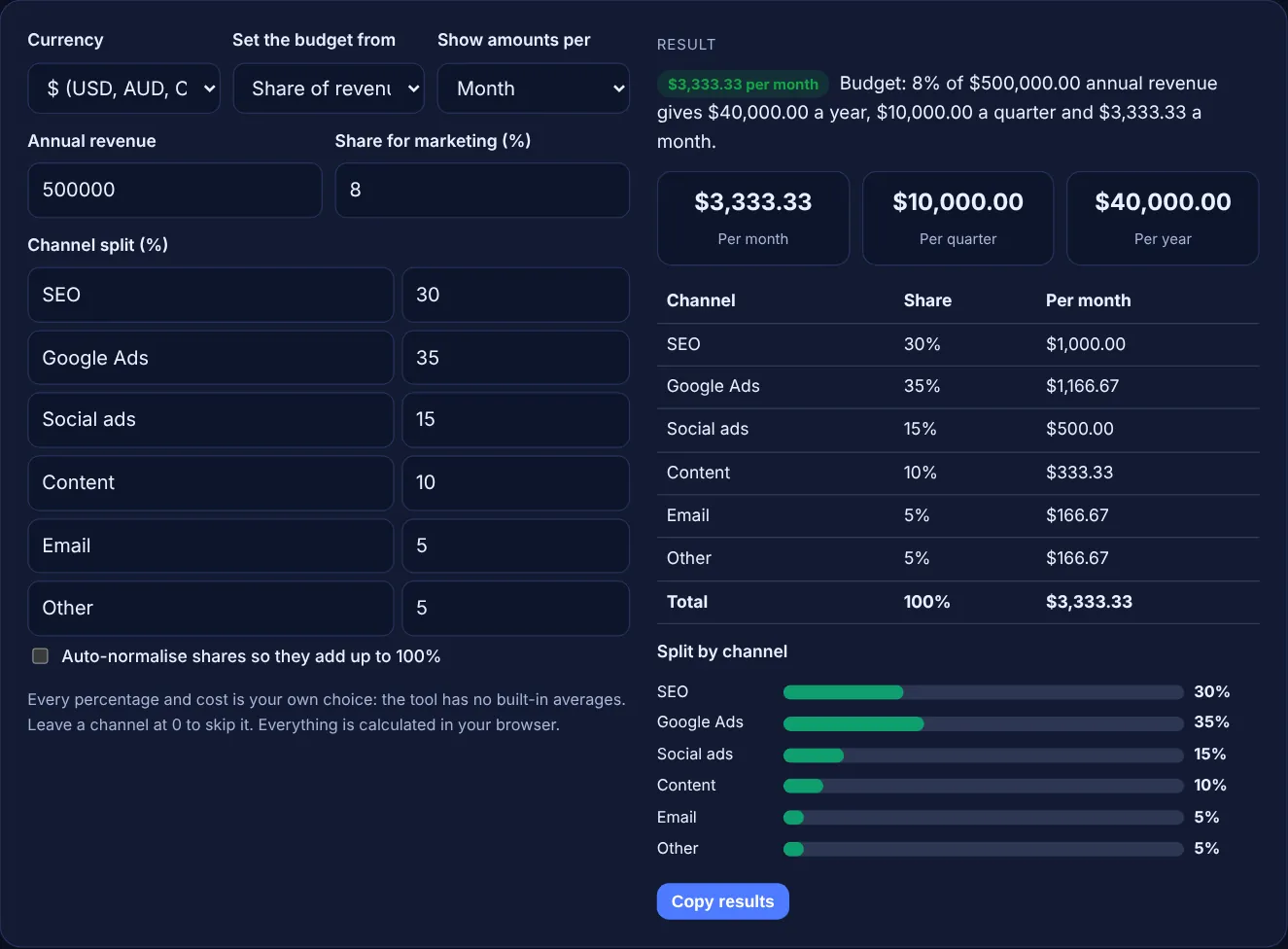
Multiply annual revenue by the percentage you choose to spend on marketing, then divide by 4 for a quarter and by 12 for a month. With $500,000 revenue and 8%, the budget is $40,000 a year, $10,000 a quarter and $3,333.33 a month. The 8% is only an example input: pick a share your margin can carry and that matches how fast you want to grow.
Multiply the leads you need each month by what a lead costs you, then multiply by 12 for the year. Fifty leads a month at $40 per lead needs $2,000 a month, $6,000 a quarter and $24,000 a year. Use your real cost per lead from past campaigns, since the result is only as good as that figure. The cost per lead calculator works it out by channel.
Divide the monthly amount for Google Ads by 30.4. Google explains in its help page on overdelivery and your average daily budget that a campaign "might spend up to twice your average daily budget" on a given day, but that "At the end of the month, you will have spent no more than 30.4 times your average daily budget." So $1,166.67 a month becomes a daily budget of $38.38.
| What you want | Formula | Example |
|---|---|---|
| Budget from revenue | Annual revenue x share % | $500,000 x 8% = $40,000 a year |
| Budget from lead goal | Leads a month x cost per lead x 12 | 50 x $40 x 12 = $24,000 a year |
| Per quarter / per month | Annual budget / 4, or / 12 | $40,000 / 12 = $3,333.33 |
| Channel amount | Budget x channel share | $3,333.33 x 35% = $1,166.67 |
| Normalised share | Channel % / sum of all % | 50 / 120 = 41.67% |
| Google Ads daily budget | Monthly amount / 30.4 | $1,166.67 / 30.4 = $38.38 |
Example with illustrative inputs: a business with $500,000 annual revenue decides to spend 8% on marketing, which is $40,000 a year, $10,000 a quarter and $3,333.33 a month. It splits the monthly budget as SEO 30% ($1,000.00), Google Ads 35% ($1,166.67), social ads 15% ($500.00), content 10% ($333.33), email 5% ($166.67) and other 5% ($166.67). Switched to the lead goal method with 50 leads a month at $40, the budget is $2,000 a month. If SEO is raised to 50% so the shares add up to 120% and auto-normalise is on, SEO gets 41.67%, which is $2,500.00 a quarter.
There is no single right figure. It depends on your margins, how fast you want to grow and what a customer is worth to you. This calculator includes no averages on purpose. Start from what you can afford and test the lead goal method against it.
It scales every channel share in proportion so they add up to exactly 100%. If your shares add up to 120% and SEO is 50, SEO becomes 50 divided by 120, which is 41.67%. Without it, the tool asks you to fix the shares first.
The revenue method keeps spending in line with what the business can afford. The lead goal method ties spending to a sales target. Running both is useful: if the goal budget is far above the revenue budget, the goal or the cost per lead needs another look.
Divide what a channel cost in a period by the leads it brought in the same period. Use your ads account for paid channels and your analytics or CRM for organic ones. The cost per lead calculator on this site does it for several channels at once.
Yes. Agency or freelancer fees, content, links and tools are all marketing spend, even though no money goes to Google for organic clicks. Put them in the SEO channel so you can compare it fairly with paid channels.
No. The calculator runs entirely in your browser with JavaScript. Your revenue, budgets and channel plans are never uploaded or stored, so you can use real business numbers safely.
Checked 23 Oct 2026. Facts checked against these official pages. Read how I check facts in my editorial policy.
A PPC budget calculator is a tool that turns traffic goals into an ad budget. Monthly budget = target clicks…
CPL for each channel, totals, blended CPL and cost per customer from your close rate.
An SEO pricing calculator is a tool that estimates a monthly SEO budget range. It sums a low and high price…
Cost per click and per conversion for SEO and PPC over 6, 12 and 24 months, plus break-even.
Send your website and I will check it for you, free.
One short email when something new goes live: articles, free SEO tools, package updates, discounts and price alerts. No spam, unsubscribe in one click.