Link building strategy
Local Link Building Ideas for Small Businesses That Actually Work
Local links come from real relationships in your area. These ideas turn things you already do into links Google can see.
Read articleEvery site loses links over time. The skill is knowing which losses matter and recovering the valuable ones quickly.
This guide explains why lost backlinks happen, how to find them with free and paid tools, which ones deserve your time, and the exact recovery steps I use when a client’s important link disappears.
Lost backlinks happen when a linking page is deleted, edited, redirected, or when your own URL changes and breaks the link. Find them by comparing link exports over time, then recover the valuable ones by fixing your own broken URLs with 301 redirects and contacting site owners with a polite, specific request.
Your backlinks are decreasing because pages on other sites change constantly: posts get deleted, sites expire, editors remove outbound links, and your own URL changes can break links that still exist. Some loss every month is completely normal for any site.
These are the seven causes I see most often when auditing client profiles:
That last cause matters. Before chasing anyone, open the linking page yourself and check the source. A surprising share of “lost” links in third party tools are still live.
You find lost backlinks by comparing link data over time, either with a third party backlink tool’s lost links report or by saving regular exports of Search Console’s Links report and comparing them. Google’s own report does not have a “lost” view, so comparison is the method.
Google’s Links report help page says the report is a sample and includes links Google has discovered over time, some of which may have been removed since. Export the linking sites table monthly, keep the files, and compare them in a spreadsheet to see which domains dropped off.
Also check your own side. Look for pages on your site that return 404 but still have external links pointing to them. My guide to Search Console indexing errors explains how to find these in the Pages report.
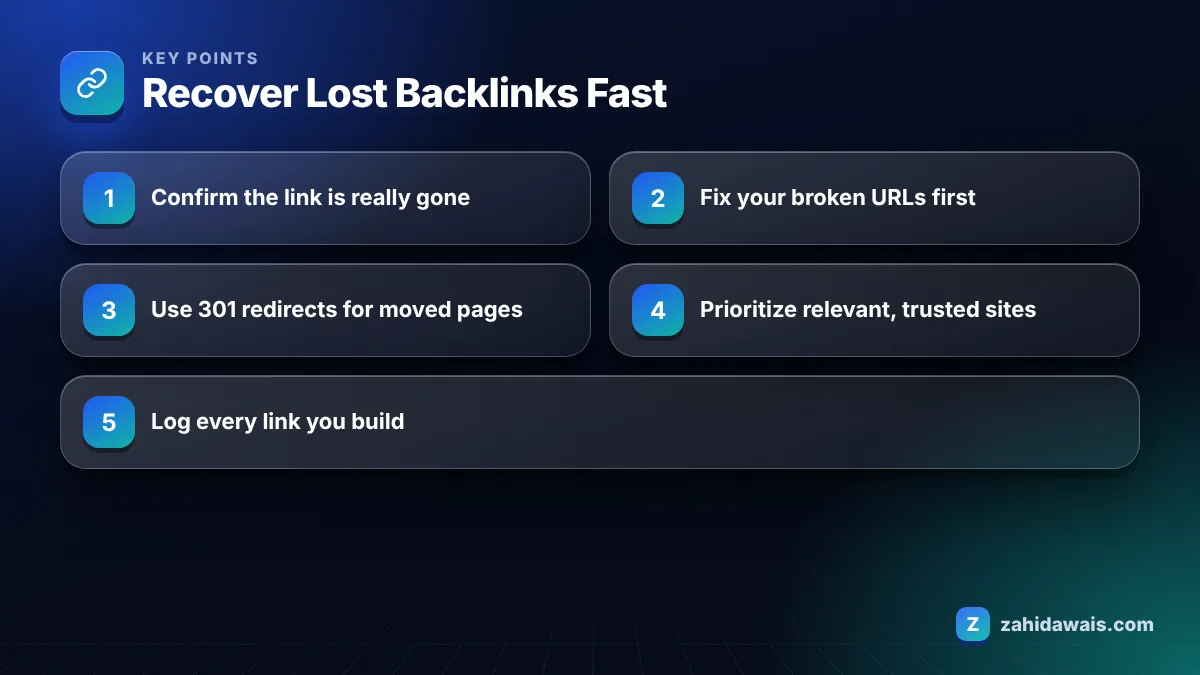
You recover lost backlinks by first fixing anything on your own site that broke the link, then contacting site owners with a short, specific request for links that were removed or pages that were deleted. Your own fixes are fast and fully in your control.
If the link points to a URL you changed, add a 301 redirect to the most relevant live page. Google’s site move documentation states that 301 and other permanent redirects do not cause a loss in PageRank, and it recommends keeping redirects for as long as possible, generally at least one year. The same guidance suggests contacting sites that link to your old URLs and asking them to update the links, prioritizing by how much traffic each link sends.
For links removed by the publisher, the outreach email should:
A short template I adapt for each case: “Hi, I noticed your article on [topic] used to link to our [resource]. We have since updated it with [new detail], and the current URL is [URL]. If it still fits, readers may find it useful. Thanks either way.” Short, specific and easy to act on gets far more replies than a long pitch.
Follow up once after about a week if there is no reply, then move on. Chasing the same editor repeatedly rarely works and can close the door on future mentions.
For paid placements with an agreed duration, refer to the agreement and ask the seller to restore or replace the link. This is one reason I log every placement with its date, URL and anchor.
Lost backlinks worth recovering are the ones from relevant, trusted sites that sent traffic or pointed to important pages; links from spammy or irrelevant sites are usually not worth the effort. Use this table to decide quickly.
| Situation | Priority | Action |
|---|---|---|
| Your URL changed, link still exists on their site | High | Add a 301 redirect today, then ask them to update the URL |
| Relevant site removed link during an update | High | Polite outreach with an updated resource |
| Paid placement removed before agreed period | Medium to high | Contact seller, request restore or replacement |
| Linking page deleted on a good site | Medium | Ask if a related live page could include the link |
| Link changed to nofollow or sponsored | Low | Usually accept it; sponsored is correct for paid links |
| Spam or irrelevant site disappeared | None | Ignore; it likely had no value |
Losing backlinks can affect rankings when the lost links were relevant, trusted and pointing at pages that depended on them, but losing a handful of low value links usually changes nothing visible. The impact depends on what was lost, not how many.
A drop that coincides with losing one strong editorial link from a major site in your niche deserves attention. A tool alert about 200 lost links from scraper sites does not. Look at which pages lost links and whether those exact pages lost traffic in Search Console.
Here is a worked example. A travel company redesigned its site and changed URLs from /tours/italy-tour/ to /italy/. A month later, a backlink tool reported 46 lost links. The check: 31 were still live but pointing to old URLs that now returned 404; 9 were from scraper sites that had expired; 4 were editorial links removed during publisher updates; 2 had changed to nofollow. Actions: 301 redirects for every old tour URL (fixing all 31 in one afternoon), outreach to the 4 publishers (2 restored the link with the new URL), and nothing for the 9 scrapers or the 2 nofollow changes. Net real loss: 2 editorial links, not 46.
You prevent most lost backlinks by never changing URLs without redirects, keeping a log of every link you build, and choosing host sites that are likely to stay online. Prevention takes far less time than recovery.
Before any redesign, export your top linked pages and map each one to its new URL. My website redesign service includes this redirect mapping as standard, and the page with redirect guide explains how those redirects appear in Search Console afterwards. When buying or earning links, favour stable sites with real audiences over sites that exist mainly to sell posts. And if you want placements that are monitored and replaced when they disappear, my link building service reports every live URL and checks them over time.
Yes. Every site loses some links as pages are deleted, sites close and articles are edited. What matters is whether you are losing relevant, valuable links faster than you gain them. Track referring domains over several months rather than reacting to single alerts.
Not directly. The Links report shows a sample of links Google has discovered, and Google notes some may have been removed. To spot losses, export the report regularly and compare files, or use a third party backlink tool with a lost links report.
If the link still exists on the other site but points to a URL you removed, a 301 redirect to the most relevant live page recovers its value for visitors and search. Google says permanent redirects do not cause a loss in PageRank.
No. Paying for a link that was editorial turns it into a paid link, which would need rel=”sponsored” or nofollow under Google’s policies. Offer value instead, such as an updated resource, corrected information or a better page to link to.
Fix broken URLs on your own site immediately, since redirects are quick and fully in your control. For outreach, a week or two is fine. Act on high value links first, and ignore losses from spam or irrelevant sites.
Third party tools crawl the web on their own schedule and can fail to reach a page because of timeouts, blocks or temporary errors. They then mark the link as lost. Always open the linking page and check the source before contacting anyone.
Facts checked against these official pages. Read how I check facts in my editorial policy.
Local links come from real relationships in your area. These ideas turn things you already do into links Google can see.
Read article
When links go live but positions stay flat, the cause is usually the links, the page or the timeline. Here is how to tell.
Read article
Backlinks pass through crawling, indexing and re-evaluation before rankings move. Here is what each stage looks like in practice.
Read articleSend your website and I will reply with a free audit.