Open Graph Preview
An open graph preview is a mockup of the link card social platforms build from your Open Graph meta tags. The…
Paste a post and see where the see more cutoff falls on desktop and mobile.
Desktop feed style
Mobile feed style
Approximate preview. The see more cut is an estimate of about 3 lines, which is how LinkedIn feeds commonly truncate posts. The real cut varies with screen size and app version.
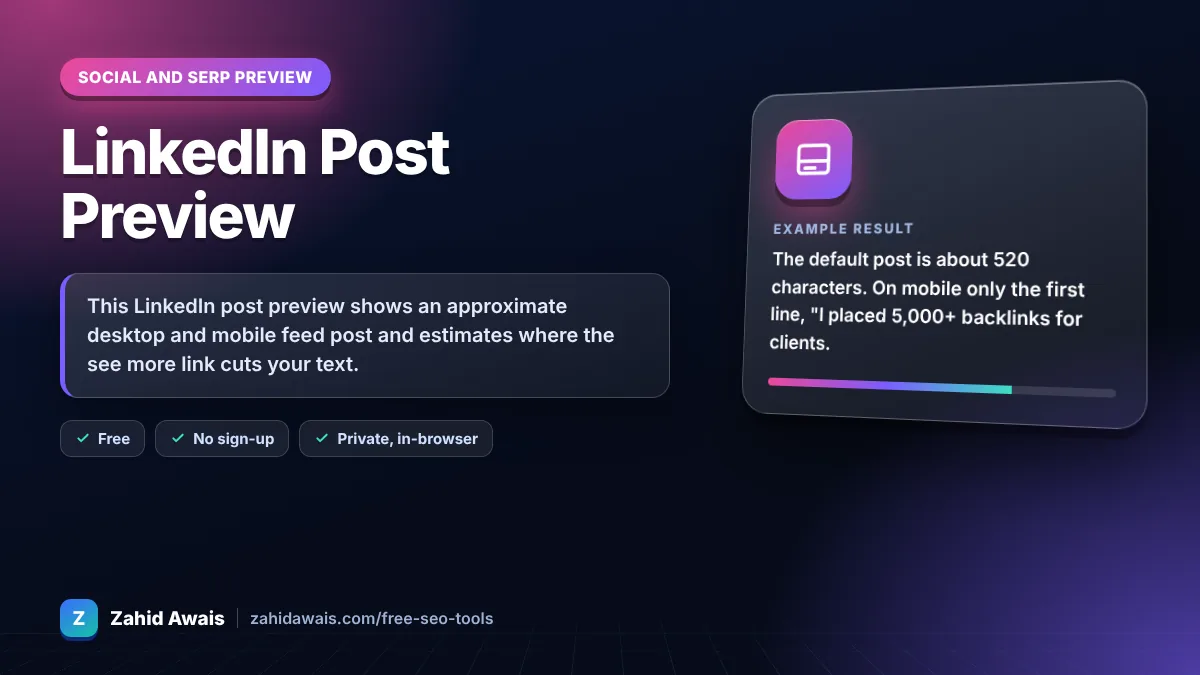
The free linkedin post preview runs in your browser, needs no sign-up and never sends what you type anywhere.
This LinkedIn post preview shows an approximate desktop and mobile feed post and estimates where the see more link cuts your text. LinkedIn posts can be up to 3,000 characters, but feeds usually show only about 3 lines first, so your hook must fit in roughly the first 100 to 200 characters.
A LinkedIn post preview is a mockup of how a text post may look in the LinkedIn feed before you publish. The tool wraps your text in a 520 px desktop card and a 340 px mobile card, cuts it after about 3 lines and counts the characters against the 3,000 limit.
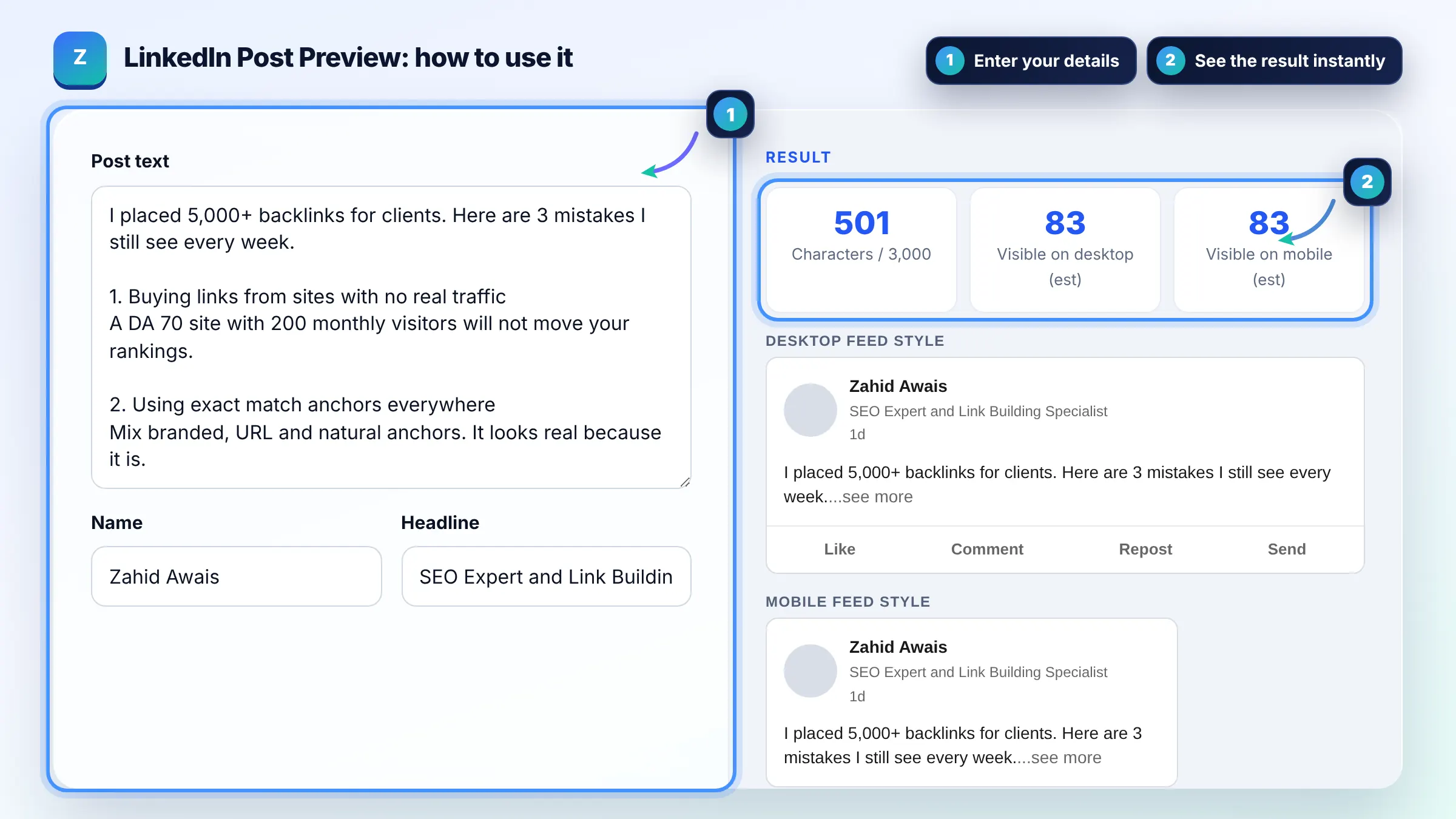
A LinkedIn post can have up to 3,000 characters, including spaces, line breaks, emoji and hashtags. Articles and newsletters have much higher limits, and comments are capped at 1,250 characters. The tool turns red when your post goes over 3,000.
LinkedIn feeds usually show about 3 lines before the see more link, which is roughly 100 to 140 characters on mobile and 200 to 250 on desktop. Line breaks count as full lines, so a post with a short first line and a blank line after it shows fewer characters.
Yes. When you add a URL, LinkedIn builds the preview card from the page og:title, og:image and related tags defined by the Open Graph protocol. If the card looks wrong, fix the tags on the page and inspect the URL again in LinkedIn Post Inspector.
| Item | Limit or typical value | Tip |
|---|---|---|
| Post text | 3,000 characters | Most strong posts use 800 to 1,500 |
| Visible before see more | About 3 lines | Hook in the first line |
| Comment | 1,250 characters | Reply with value, not just thanks |
| Hashtags | No fixed limit | 3 to 5 relevant tags |
| Headline | 220 characters | Shown under your name in the feed |
Example: the default post is about 520 characters. On mobile only the first line, "I placed 5,000+ backlinks for clients. Here are 3 mistakes I still see every week." (83 characters), is visible before see more. That line states a proof point and a promise, so it works as a hook even though the 3 mistakes are hidden.
No. It is an approximate preview with a generic look. LinkedIn uses different layouts on desktop, iPhone and Android and tests changes often, so the exact cut point can move by a few words. Use it to judge your hook, not as a pixel perfect copy.
Yes. Each line break counts as a character, and blank lines also use up visible lines before see more. Short paragraphs make posts easier to read, but keep the very first lines dense with value.
Three to five relevant hashtags are a common practice. LinkedIn does not publish a hard limit, but many hashtags look spammy and take space. Put them at the end of the post unless a tag reads naturally in a sentence.
No. The preview runs entirely in your browser. Your text is not uploaded, stored or shared, so you can safely draft posts about clients or unreleased work.
You can, and the preview card uses the linked page Open Graph tags. Many creators place links lower in the post or in a comment so the opening lines stay focused on the hook. Test both and compare reach.
There is no single best length. Short posts under about 300 characters show nearly in full, while longer story or list posts of 800 to 1,500 characters often earn more dwell time if the first line earns the click on see more.
Facts checked against these official pages. Read how I check facts in my editorial policy.
An open graph preview is a mockup of the link card social platforms build from your Open Graph meta tags. The…
A Facebook post preview is a mockup of how a post may look in the news feed before you publish it. This tool…
A character counter is a tool that counts every letter, number, space and symbol in a text. Characters with…
Send your website and I will check it for you, free.
One short email when something new goes live: articles, free SEO tools, package updates, discounts and price alerts. No spam, unsubscribe in one click.