Title Tag Pixel Width Checker
A title pixel width checker is a tool that measures how wide a title tag renders in pixels rather than…
Get your click through rate from clicks and impressions, then estimate clicks at a better position.
One line per position, like "3: 11". Replace these example values with the CTR you see at each position in your own Search Console data.
The free ctr calculator runs in your browser, needs no sign-up and never sends what you type anywhere.
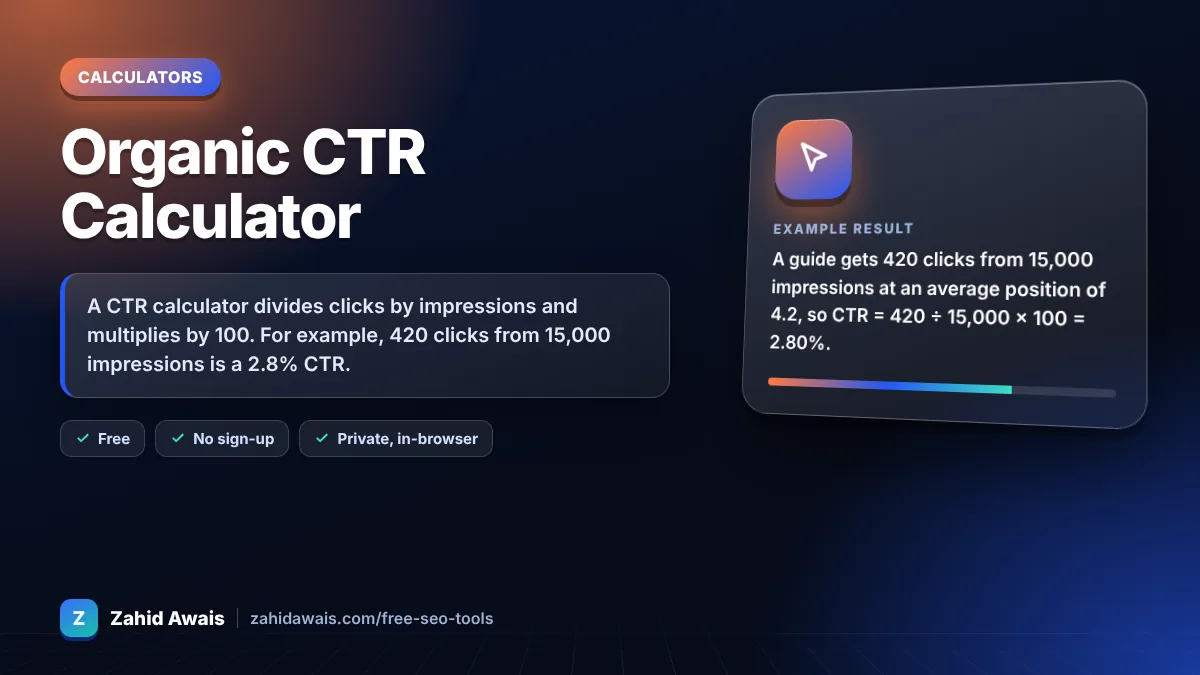
A CTR calculator divides clicks by impressions and multiplies by 100. For example, 420 clicks from 15,000 impressions is a 2.8% CTR. Organic CTR usually falls as position drops, so compare each page against your own Search Console data by position, not a single universal benchmark, before rewriting titles.
A CTR calculator is a tool that measures how often people who see your result actually click it. The formula is CTR = clicks ÷ impressions × 100, the same calculation Google Search Console uses in its Performance report.
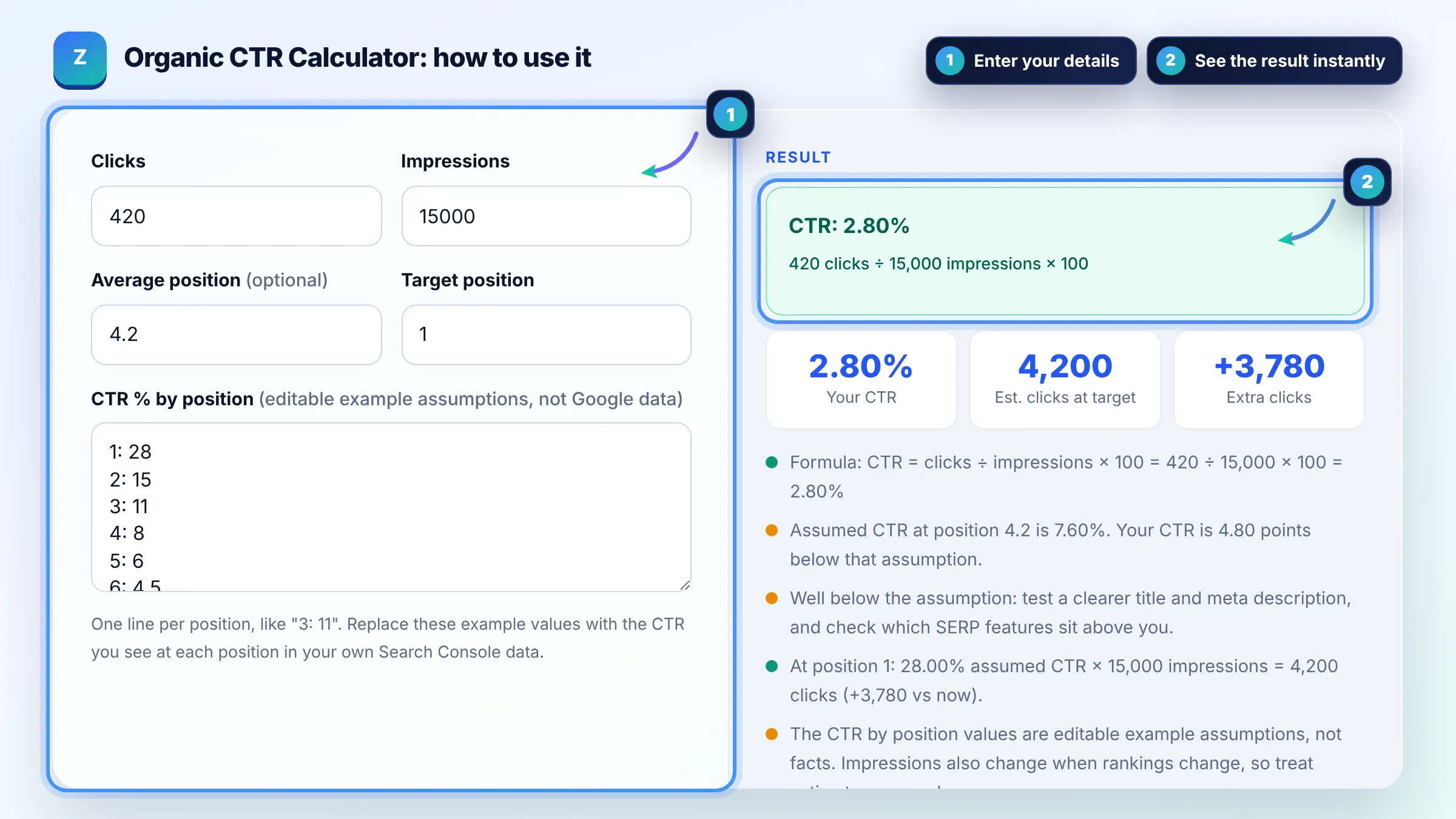
Divide clicks by impressions and multiply by 100: 50 clicks from 2,000 impressions is a 2.5% CTR. Google Search Console uses the same clicks ÷ impressions calculation, as explained in its guide to impressions, position and clicks. Always compare CTR for the same date range and search type.
There is no single good CTR; a rate that beats your own average for the same position is a good sign. Position 1 results often earn far more clicks than position 10, but ads, AI Overviews, featured snippets and brand searches shift the numbers a lot, so benchmark against your own data.
A low CTR at a high position usually means the snippet does not match intent or SERP features take the clicks. Check whether ads, videos or a featured snippet sit above you, then test a clearer title and meta description that state the exact benefit the searcher wants.
| Clicks | Impressions | CTR |
|---|---|---|
| 10 | 1,000 | 1.00% |
| 45 | 1,500 | 3.00% |
| 420 | 15,000 | 2.80% |
| 900 | 12,000 | 7.50% |
| 2,500 | 20,000 | 12.50% |
Example: a guide gets 420 clicks from 15,000 impressions at an average position of 4.2, so CTR = 420 ÷ 15,000 × 100 = 2.80%. If you assume a 28% CTR at position 1, the same 15,000 impressions would bring about 4,200 clicks, roughly 3,780 more. Treat that as a rough upper estimate, not a forecast.
CTR in SEO is the percentage of searchers who click your organic result after seeing it. Search Console counts an impression when your link appears in results and a click when someone selects it, so CTR equals clicks divided by impressions times 100.
No. The default CTR by position values in this calculator are editable example assumptions, not Google data. Replace them with the CTR you see at each position in your own Search Console report for the most realistic estimate.
Organic CTR should never exceed 100% because one impression can lead to at most one counted click per result. If you see clicks above impressions, you are probably mixing date ranges, filters or data from different reports.
Google does not publish CTR as a direct ranking factor. Treat CTR as a measure of how attractive and relevant your snippet looks. Improving it brings more traffic from the rankings you already have, which is valuable on its own.
Put the main keyword and a clear benefit early in the title, keep it within about 600 pixels, write a meta description that answers the query, add relevant structured data, and make sure the page really matches the search intent.
Search Console measures clicks on Google results, while analytics tools measure sessions that land on your site. Consent banners, blocked scripts, redirects and bots all cause gaps, so use Search Console data for CTR calculations.
Facts checked against these official pages. Read how I check facts in my editorial policy.
A title pixel width checker is a tool that measures how wide a title tag renders in pixels rather than…
A meta description length checker is a tool that measures a description in characters and in rendered pixels.…
A traffic value calculator is a tool that puts a money value on organic search traffic. For each keyword it…
Send your website and I will check it for you, free.
One short email when something new goes live: articles, free SEO tools, package updates, discounts and price alerts. No spam, unsubscribe in one click.