Px to Rem Converter
A px to rem converter is a calculator that turns absolute CSS pixels into relative rem units. The formula is…
Shape every corner with sliders, preview it live and copy the shortest border-radius CSS.
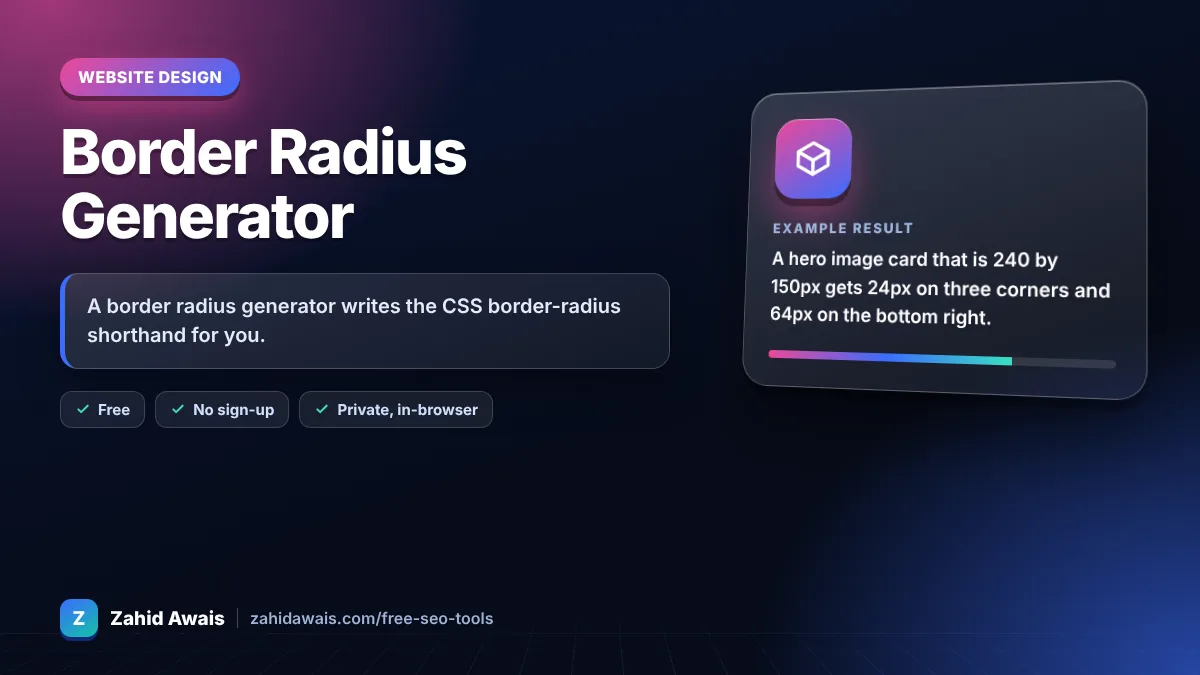
The free border radius generator runs in your browser, needs no sign-up and never sends what you type anywhere.
A border radius generator writes the CSS border-radius shorthand for you. Values run clockwise from the top left: top left, top right, bottom right, bottom left. Use px for buttons and cards (8 to 16px is common), 50% for circles on square elements, and a very large value such as 999px for pill shaped buttons.
A border radius generator is a visual tool that turns four corner values into one border-radius rule. Each value is the radius of the curve on that corner; with the slash syntax, values before the / set horizontal radii and values after it set vertical radii, which makes elliptical corners.
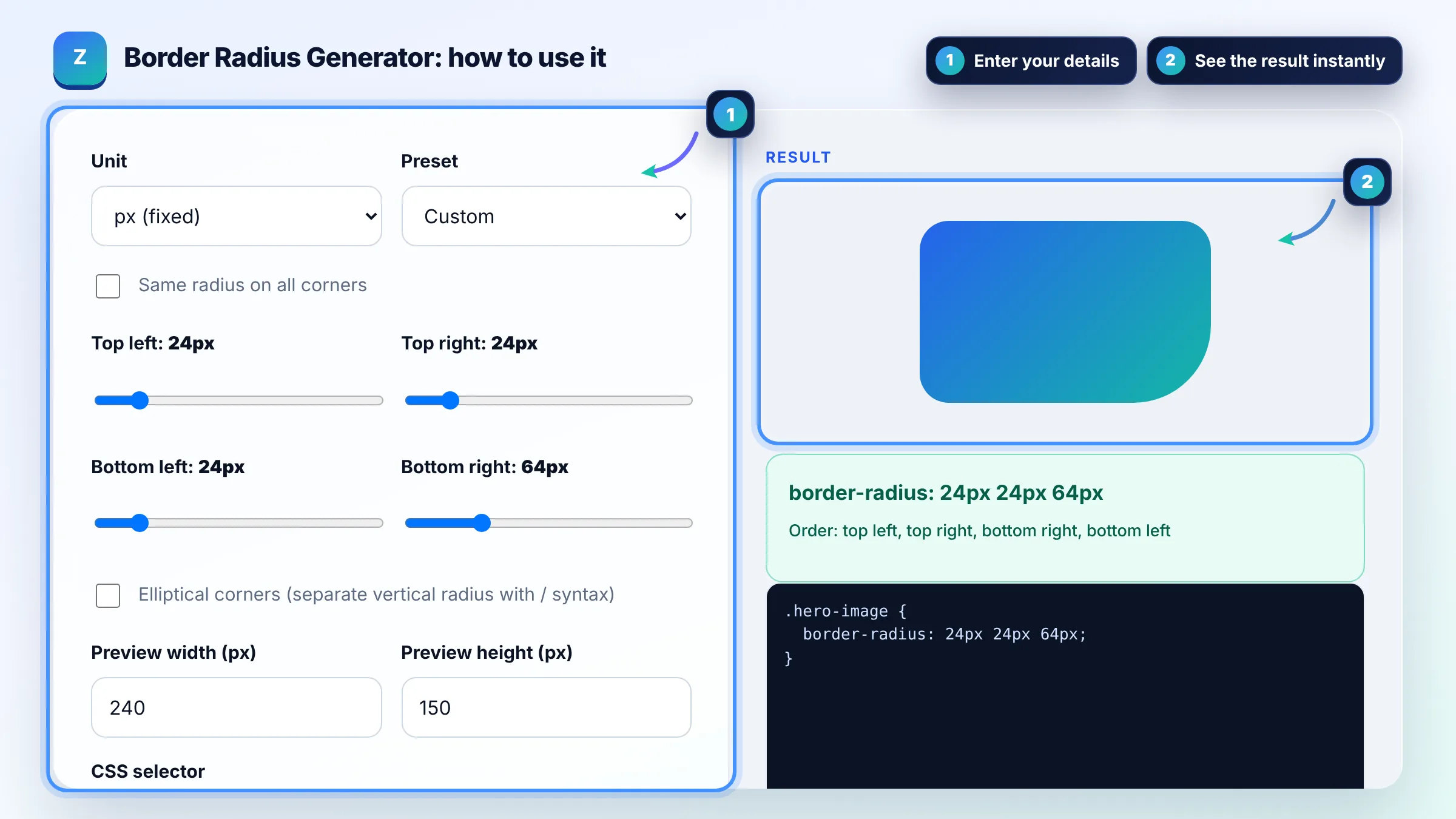
border-radius values go clockwise from the top left: top left, top right, bottom right, bottom left. With two values, the first sets top left and bottom right and the second sets top right and bottom left. The MDN border-radius reference shows every one to four value pattern.
Give the element equal width and height, then set border-radius: 50%. On a rectangle, 50% creates an ellipse because horizontal percentages use the width and vertical percentages use the height. For avatars, also add object-fit: cover to the image so it fills the circle without stretching.
Most interfaces use about 4 to 8px for inputs and small buttons, 8 to 16px for cards and a fully rounded value (such as 999px) for pill buttons. There is no standard; the rule that matters is consistency, so pick two or three radius sizes and reuse them across the site.
| Shape | CSS | Notes |
|---|---|---|
| Rounded card | border-radius: 12px; | Same curve on all four corners |
| Pill button | border-radius: 999px; | Browser scales it to half the height |
| Circle | border-radius: 50%; | Needs equal width and height |
| Top tab | border-radius: 16px 16px 0 0; | Rounded top, square bottom |
| Leaf | border-radius: 0 48px; | Two opposite corners rounded |
| Organic blob | border-radius: 60% 40% 30% 70% / 60% 30% 70% 40%; | Elliptical corners with slash syntax |
Example: a hero image card that is 240 by 150px gets 24px on three corners and 64px on the bottom right. The tool writes border-radius: 24px 24px 64px; because the bottom left value equals the top right, the fourth value can be dropped. In rem at a 16px root size, the same shape is 1.5rem 1.5rem 4rem.
The child image draws over the parent's rounded corners. Add overflow: hidden to the parent, or put the same border-radius on the image itself. Also check that the element actually has a background, border or content, because an empty transparent box shows no visible curve.
Use px for consistent curves on buttons and cards, % when the curve should follow the element size (circles and blobs), and rem when you want corners to scale with the user's font size settings. Mixing units across one design system makes it harder to keep shapes consistent.
The slash separates horizontal radii from vertical radii. Values before it set how far the curve reaches along the top and bottom edges, values after it set the reach along the sides. Different values produce elliptical corners, useful for organic or blob shapes.
When adjacent corner radii add up to more than the side length, the browser scales all radii down by the same factor until they fit. That is why a huge value like 999px creates a clean pill shape instead of a broken one.
No. Every current major browser supports the standard unprefixed border-radius property. Prefixed versions were only needed for browsers released over a decade ago, so modern CSS can use border-radius alone and stay shorter.
Not directly. border-radius is a cheap CSS paint effect with no measurable effect on Core Web Vitals in normal use, and Google does not rank pages by visual styling. It helps indirectly by making cards and buttons look clear and clickable for users.
Facts checked against these official pages. Read how I check facts in my editorial policy.
A px to rem converter is a calculator that turns absolute CSS pixels into relative rem units. The formula is…
A CSS gradient generator is a tool that turns your color and angle choices into CSS gradient functions. The…
A box shadow generator is a visual tool that writes the CSS box-shadow value for you. The browser draws a…
Send your website and I will check it for you, free.
One short email when something new goes live: articles, free SEO tools, package updates, discounts and price alerts. No spam, unsubscribe in one click.