On-page SEO
How Many Keywords Per Page Should You Target?
One main topic per page, a handful of close variations, and a simple test for when a keyword deserves its own page.
Read articleGoogle sets no magic number, so here is the practical way I decide how many internal links each page gets and where they go.
This guide answers how many internal links per page you should add, using what Google documents plus a simple rule of thumb from my own work, and shows where links do the most good. You will also get a worked example for a 1,500 word article so you can copy the method.
Google says there is no magical ideal number of links a page should contain. For how many internal links per page in body content, I use roughly one contextual link per 200 to 300 words, only where it helps the reader, plus normal navigation. Every important page should get at least one link from another page.
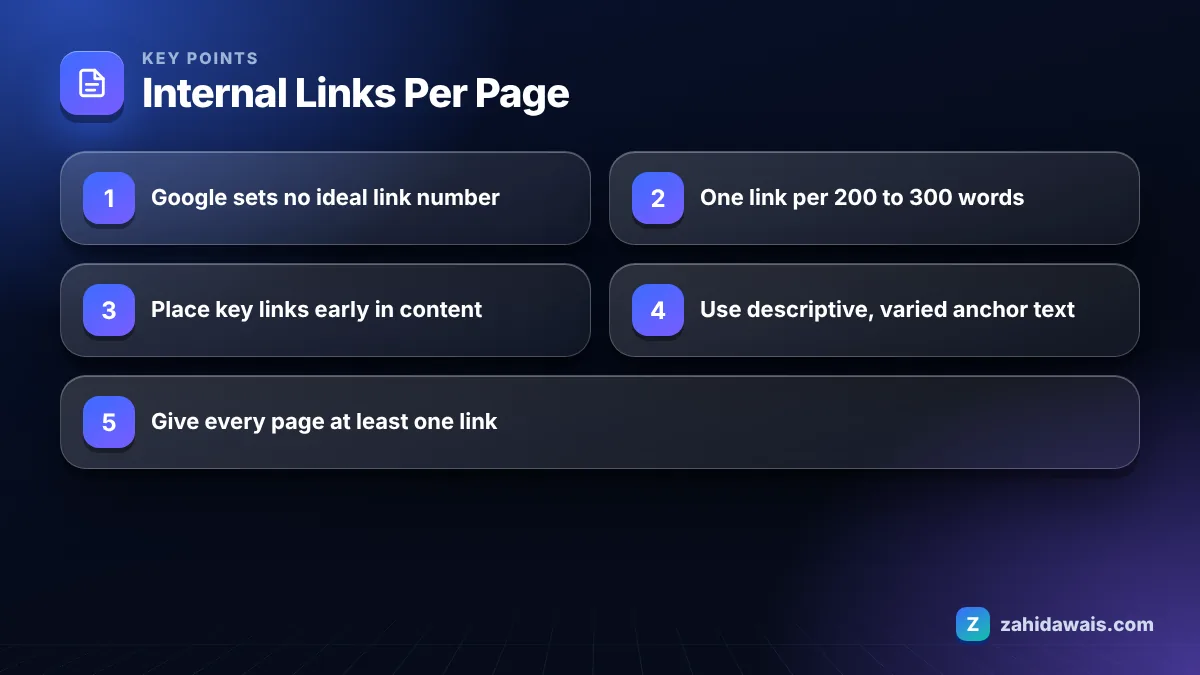
Internal links become too many when they stop helping the reader, for example when most sentences contain a link or when links point to loosely related pages just to spread “link juice”. There is no number that Google calls too many.
Google’s link best practices state that there is no magical ideal number of links a given page should contain. The same page warns against keyword stuffing in anchor text and asks for anchors that are descriptive, reasonably concise and relevant.
The warning signs I look for in audits:
If a link would not help someone reading that sentence, remove it. That single test prevents almost every over-linking problem.
Yes, internal links help SEO because they help Google discover pages, understand what each page is about through anchor text, and see which pages you consider important. They also keep visitors moving to the next useful page.
Google’s link guide says every page you care about should have a link from at least one other page on your site. Pages with no internal links, often called orphan pages, are harder for Google to find and may sit unindexed. If you see many URLs reported as discovered but not indexed, weak internal linking is one of the first things I check; my guide to Discovered, currently not indexed covers that status.
Google’s SEO Starter Guide also explains that link text tells users and Google something about the page you are linking to. That is why “click here” wastes a link, while “our boiler repair prices” does useful work.
Internal links will not replace backlinks from other sites, but they decide how the authority you earn flows through your own pages. I see this constantly with clients who buy guest posts: links to one strong article do much more when that article links on to the service page. My link building guide explains how both types work together.
The most valuable internal links are placed inside the main content, in a sentence where the linked topic is mentioned naturally, ideally in the first half of the article. Navigation and footer links still count, but in-text links carry the clearest context.
Here is how I rank placements, from most to least useful:
Technically, links must be real HTML a elements with an href attribute. Google’s link documentation says it can generally only crawl a link if it is an a element with an href, so buttons that rely on JavaScript click events are not reliable for discovery.
The right number depends on the length and purpose of the page, so I plan contextual links by page type and word count. These ranges are my working defaults, not Google rules.
| Page type | Typical length | Contextual links | Must link to |
|---|---|---|---|
| Short blog post | 600 to 900 words | 2 to 4 | One service page, one related guide |
| Long guide | 1,500 to 2,500 words | 5 to 10 | Service page, supporting posts, a tool |
| Service page | 800 to 1,500 words | 3 to 6 | Case study, pricing, contact |
| Category page | Short intro plus products | 2 to 5 in the intro | Subcategories, buying guide |
| Product page | 200 to 600 words | 1 to 3 | Parent category, related products |
| Home page | Varies | One per key section | Main services and top content |
Notice the “must link to” column. The count matters less than making sure each page links to the next step a visitor would want to take.
You audit internal links by crawling the site, sorting pages by how many internal links point to them, and fixing the pages that matter most but receive the fewest links. It usually takes an afternoon for a small site.
Repeat the check after every big content push. New articles change the balance faster than most site owners expect.
Take a 1,500 word article titled “How to Choose a Commercial Roofer”. Using one contextual link per 200 to 300 words gives a budget of about 5 to 7 links. I list candidates first: the commercial roofing service page, a roof repair cost guide, a case study, a flat roof maintenance checklist, the contact page and an older post about roof warranties.
I then place them: the service page in the introduction, the cost guide in the section on quotes, the warranty post in the section on contracts, the checklist where maintenance is mentioned, and the case study near the end. That is 5 links, each with a different descriptive anchor. Finally, I open the cost guide and the warranty post and add a link back to the new article, so it is not an orphan. Two of the five targets also get the new page added to their own related links block.
Notice the last step. Linking out from a new article is only half the job; linking to it from older, established pages is what helps Google find and value it. This check is built into my on-page SEO service, and you can do a quick version yourself with the free SEO audit checklist.
Google’s documentation says there is no magical ideal number of links per page and does not publish a crawl limit for internal links. Keep links useful to readers; pages with hundreds of links usually have a usability problem first.
Yes, they are internal links and Google can crawl them. Because they repeat on every page, they say less about any single page than a contextual link in the body text, so do not rely on them alone.
Use descriptive anchors that tell readers what they will find. Exact match anchors are fine occasionally, but vary them naturally. Google warns against cramming keywords into anchor text and lists keyword stuffing as a spam policy violation.
Usually no. Visitors expect internal links to open in the same tab, and new tabs can be confusing on mobile. Opening a new tab makes more sense for external references or downloadable files.
No. Nofollow on internal links stops you from passing signals between your own pages and does not save crawl budget in a useful way. Google suggests nofollow for links you do not trust, not for your own content.
Compare a list of URLs from your sitemap or CMS with the URLs a crawler finds by following links. Pages in the first list but missing from the crawl have no internal links pointing to them and need at least one.
Facts checked against these official pages. Read how I check facts in my editorial policy.
One main topic per page, a handful of close variations, and a simple test for when a keyword deserves its own page.
Read article
What Google says about image file names, a naming formula that works for blogs and shops, and how to handle images already uploaded.
Read article
The documented reasons Google changes your title in search results, how to spot which one applies, and how to fix it.
Read articleSend your website and I will reply with a free audit.