Google Search Console errors
Blocked Due to Access Forbidden 403: How to Fix It in Search Console
Why your server tells Googlebot it is forbidden, how to find the firewall or rule responsible, and how to confirm Google can crawl again.
Read articleWhat Google means by a watch page, why most blog videos get this status, and how to decide whether building watch pages is worth it.
This guide explains the video isn’t on a watch page status in Search Console’s Video indexing report, how Google defines a watch page, and how to decide whether you should fix it or leave it alone. Most sites I check see this status on blog posts with an embedded video, and for many of them it is not a problem at all.
Video isn’t on a watch page means Google found a video, but the page’s main purpose is not that video, so the video is not indexed for video features. The page itself can still rank as a normal text result. Fix it only if you want the video to appear in video results, by giving it a dedicated watch page.
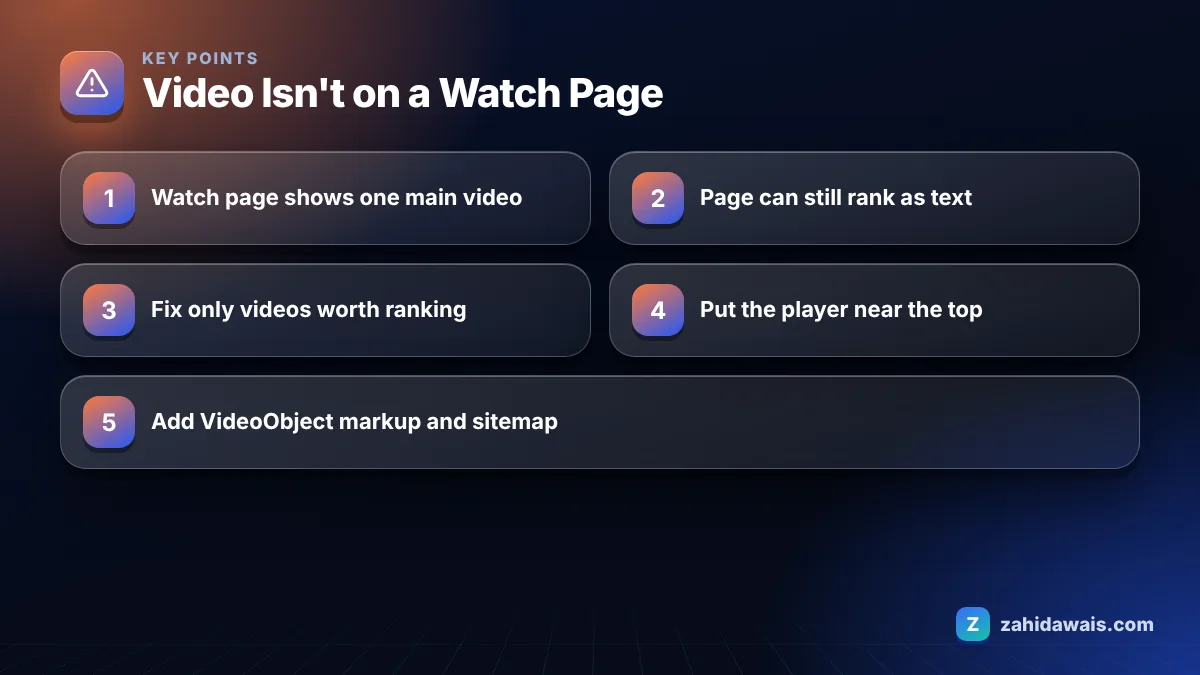
A watch page is a page whose main purpose is to show users a single video. That is Google’s definition in its video SEO best practices, which explain that pages where the video is complementary to the rest of the content are not watch pages.
Google gives examples of pages that do not qualify: a blog post where the video supports the article, a product page with a video next to the product details, and a category page listing several videos. The Video indexing report help says only videos on a watch page are eligible for video indexing.
This change was announced on the Google Search Central Blog in December 2023, in a post titled video mode now only shows pages where video is the main content. That is why many sites suddenly saw a large number of videos move into this status.
You should fix it only for videos that you want to appear in Google’s video features, such as video mode, and that are strong enough to stand on their own page. For a video that supports an article or product, the status is expected and you can leave it.
Google’s documentation is clear that a page with a non-main video can still appear as a text result. So this status does not mean the page is not indexed; it means the video is not indexed as a video. I use this decision table with clients:
| Situation | Recommended action |
|---|---|
| Blog post with a short supporting video | Leave it. The article is the main content. |
| Product page with a demo video | Leave it, unless the demo has search demand of its own |
| Original video with its own search demand, such as a how-to | Create a dedicated watch page for it |
| Page that is meant to be about one video, but the player sits far below text | Move the video up so it is clearly the main content |
| Video gallery or category page | Link each video to its own watch page |
| Third party video you embedded | Usually leave it. The video already has a home on its host. |
You fix it by making the video the main content of a page, either by redesigning an existing page or by creating a dedicated watch page with the video at the top. Follow these steps for each video you want indexed.
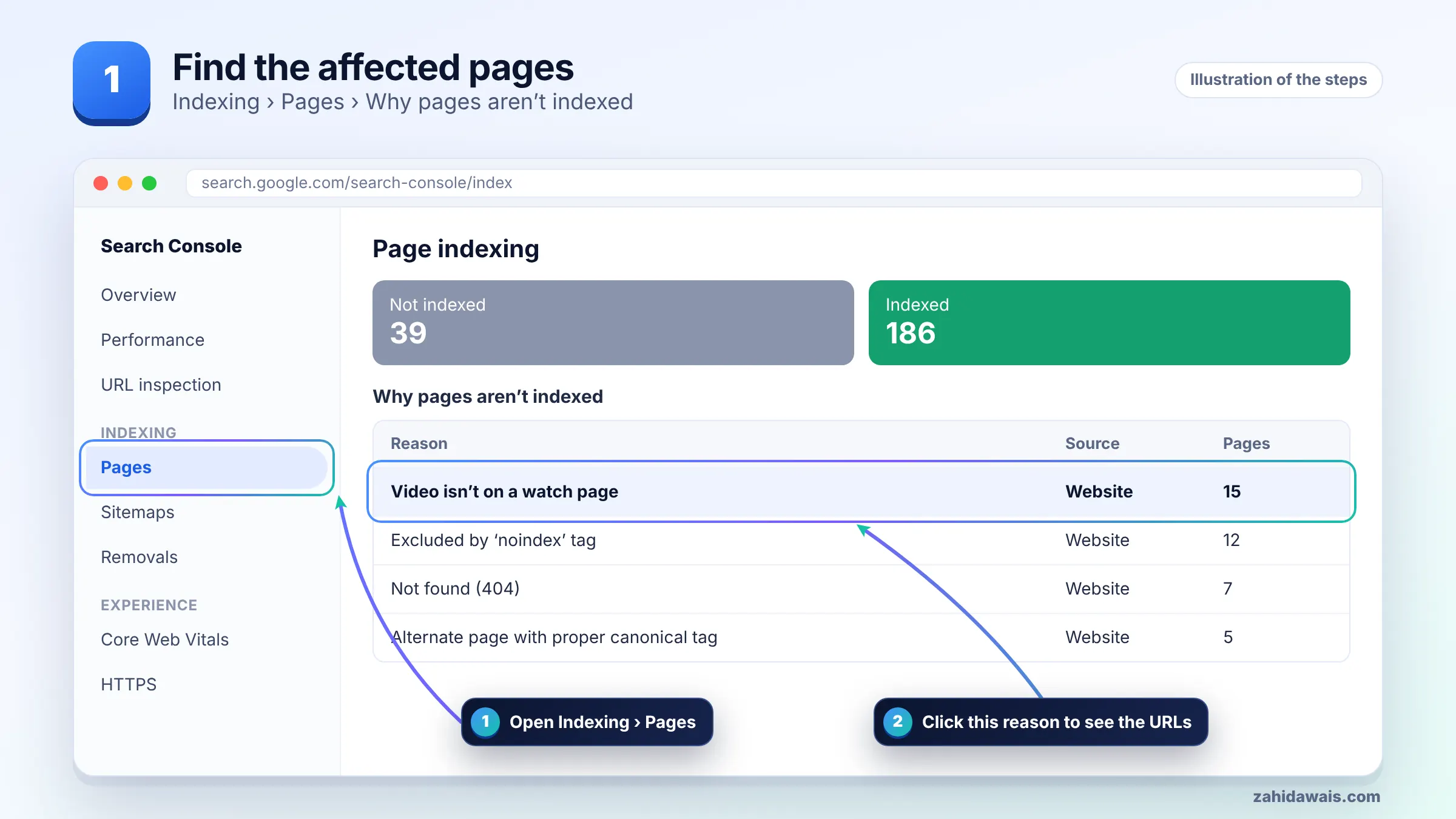
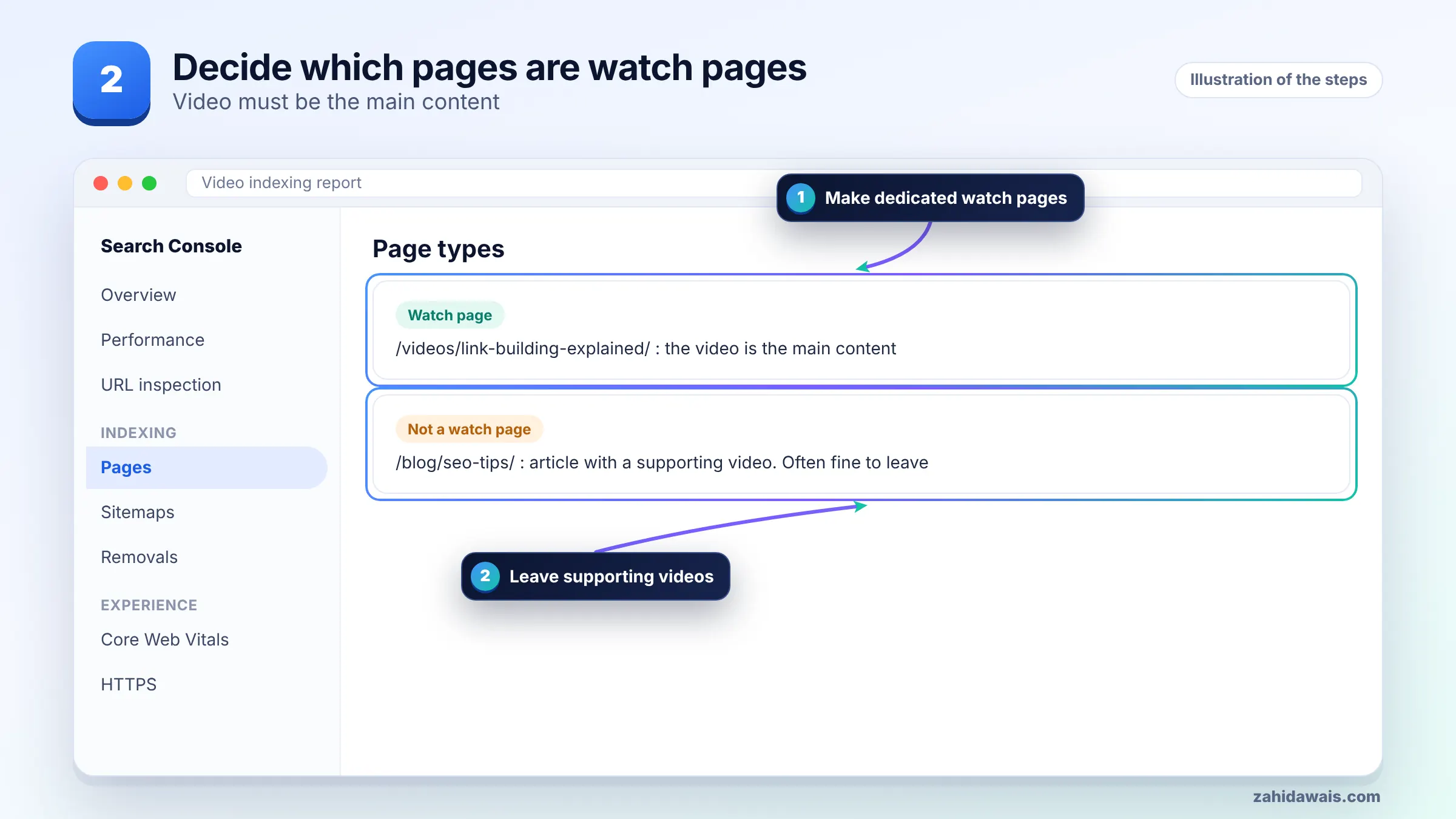
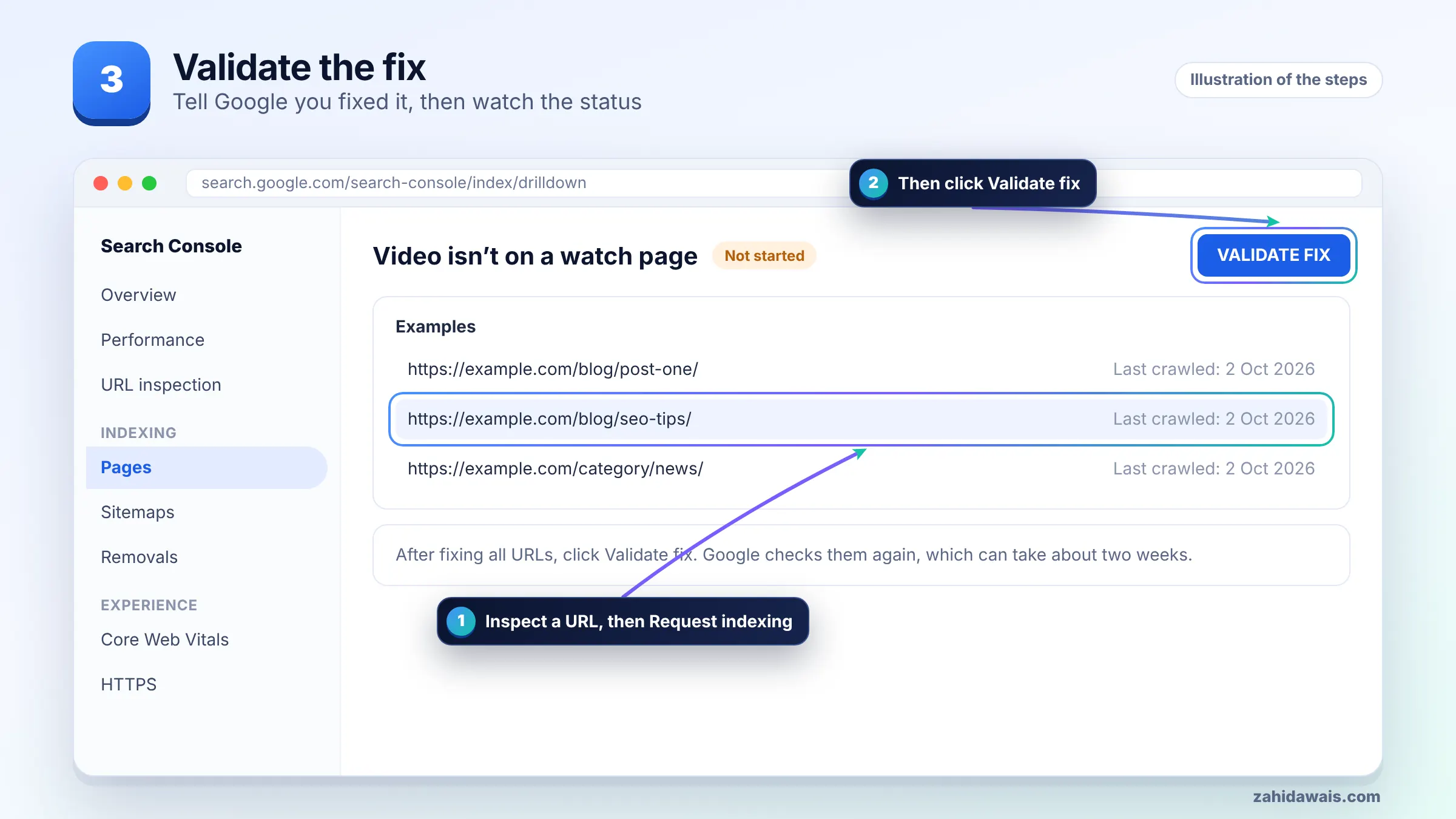
Building watch pages takes time, so start with your three to five strongest videos and judge the results before rolling it out further. Video and media markup is covered in my content and media SEO service.
To get videos indexed, put each one on a watch page that Google can crawl, make sure the video and its thumbnail load without user interaction, and describe it with structured data or a video sitemap. Google also notes that an indexed watch page does not guarantee the video itself is indexed.
Other reasons in the same report often block indexing too, such as no thumbnail URL provided, a thumbnail Google could not reach, or a player that is not present when the page loads. Fix those as well, or the watch page will not help. If the page itself has crawl problems, start with the Search Console indexing errors guide, and check that thumbnails and video files are not blocked using the robots.txt tester.
You validate by checking a fixed watch page in URL Inspection and then clicking Validate fix on the “Video isn’t on a watch page” reason in the Video indexing report. Only start once every URL you intend to fix has been changed.
That last point is the most common confusion I see. Validation is useful when you changed the pages in the report. If you created new watch pages instead, the new URLs will appear as indexed videos while the old blog posts stay in this status, which is fine.
A typical case, with numbers for illustration: a home services company has 60 blog posts with embedded videos, and all 60 show “Video isn’t on a watch page”. Reviewing them, 48 are short clips that support the article, 9 are third party videos, and 3 are original 6 to 10 minute how-to videos that people search for by name.
The plan: leave the 57 supporting and third party videos alone, and create 3 watch pages, one per how-to video, with the player at the top, a short summary, VideoObject markup and a link from each original blog post. Validation is not started on the 60 blog URLs, because they were not changed. Success is measured by the 3 new pages appearing as indexed videos in the report.
It means Google found a video on the page, but the page’s main purpose is not that video, so the video is not indexed for video features. The page itself can still be indexed and appear as a normal text result.
Google defines a watch page as a page whose main purpose is to show users a single video. Blog posts with supporting videos, product pages with complementary videos and category pages listing several videos do not qualify.
No. It refers to the video, not the page. Google states that a page whose video is not the main content can still be eligible to appear as a text result. Check the Page indexing report for the page’s own status.
The Google Search Central Blog announced in December 2023 that video mode would only show pages where video is the main content. After that, many videos embedded in articles moved into the video isn’t on a watch page status.
Only for videos that deserve to rank on their own, such as original how-to videos with search demand. Supporting clips inside articles rarely justify a separate page. Start with your strongest few videos and expand if it is worthwhile.
No. VideoObject structured data describes the video, but it does not change the page’s main purpose. The video must be the main content of the page, ideally near the top and visible without user interaction, for it to qualify.
Facts checked against these official pages. Read how I check facts in my editorial policy.
Why your server tells Googlebot it is forbidden, how to find the firewall or rule responsible, and how to confirm Google can crawl again.
Read article
What each parsing error in the report means, how to trace it back to one template, and how to test and validate the repaired markup.
Read article
What it means when Google indexes a URL but cannot read the page, how to see what Googlebot received, and how to fix it.
Read articleSend your website and I will reply with a free audit.