Local Business Schema Generator
A local business schema generator is a tool that writes schema.org LocalBusiness structured data in JSON-LD.…
Describe one service and get valid Service JSON-LD with provider, area served and price, ready to paste.
Mark up only details that are visible on the service page. Nothing you type leaves your browser.
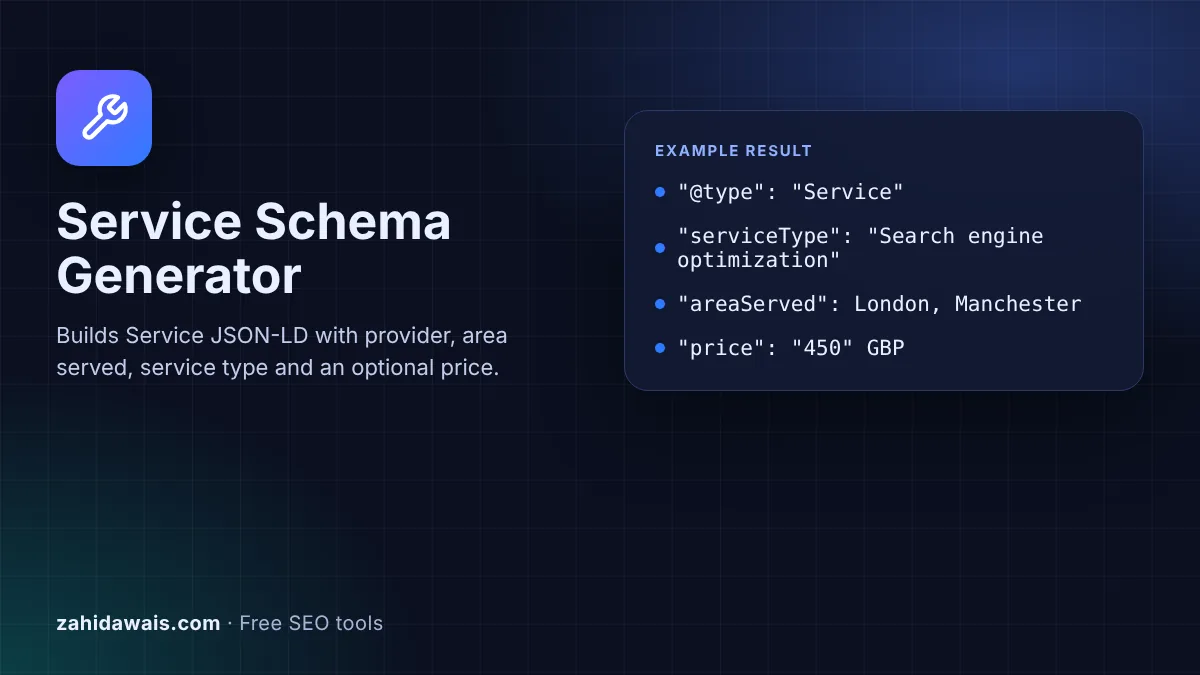
The free service schema generator turns the details of one service into Service JSON-LD that you paste into the page for that service. It runs in your browser and never sends what you type anywhere.
Service schema is JSON-LD that describes a service using the schema.org Service type: its name, service type, provider, area served and price. Google shows no special rich result for it, so use it to make the page easier for search engines and AI systems to understand, and mark up only what visitors can see.
Service schema is structured data that describes a service a business offers, using the schema.org Service type. The main properties are name, serviceType, provider, areaServed and offers. You add it as a JSON-LD script inside the HTML of the service page.
It is different from LocalBusiness markup. LocalBusiness describes the business and its location, while Service describes one thing the business sells. A plumber, an accountant or an SEO agency can have one LocalBusiness block on the home or contact page and one Service block on each service page. If you need the business block too, use the Local Business Schema Generator.
No. Google's structured data search gallery lists the features Google supports, and Service is not one of them. Local business is listed, which is why the business itself should use LocalBusiness markup. Service markup still describes the page in a clear, machine readable way, which can help search engines and AI assistants match the page to the right queries, but you should not expect stars, prices or other extras in the results because of it.
Use the most specific type that is true. Google's local business documentation says to "use the most specific LocalBusiness sub-type possible", so a firm with an office is better described as ProfessionalService, LegalService or a similar subtype than as a plain Organization. A freelancer working from home can use Person. An online only company with no public location fits Organization. The tool puts the provider type inside the Service block, so it should match the type you use for the business elsewhere on the site.
List each place as its own item with a type, such as City, State or Country, and its name. Schema.org also accepts plain text, but typed places are clearer. Only list places you really serve and that the page mentions, because Google's structured data guidelines say markup must be "a true representation of the page content". Long lists of towns you do not mention on the page add risk and no benefit.
| Property | What to put in it | Required by Google? |
|---|---|---|
| name | The service name from the page heading | No rich result, so no Google requirement |
| serviceType | A short category, such as Search engine optimization | No |
| provider | The business or person, with a type and name | No |
| areaServed | Cities, regions or countries you serve | No |
| offers | Offer with price and priceCurrency, only if shown on the page | No |
| url | The canonical URL of the service page | No |
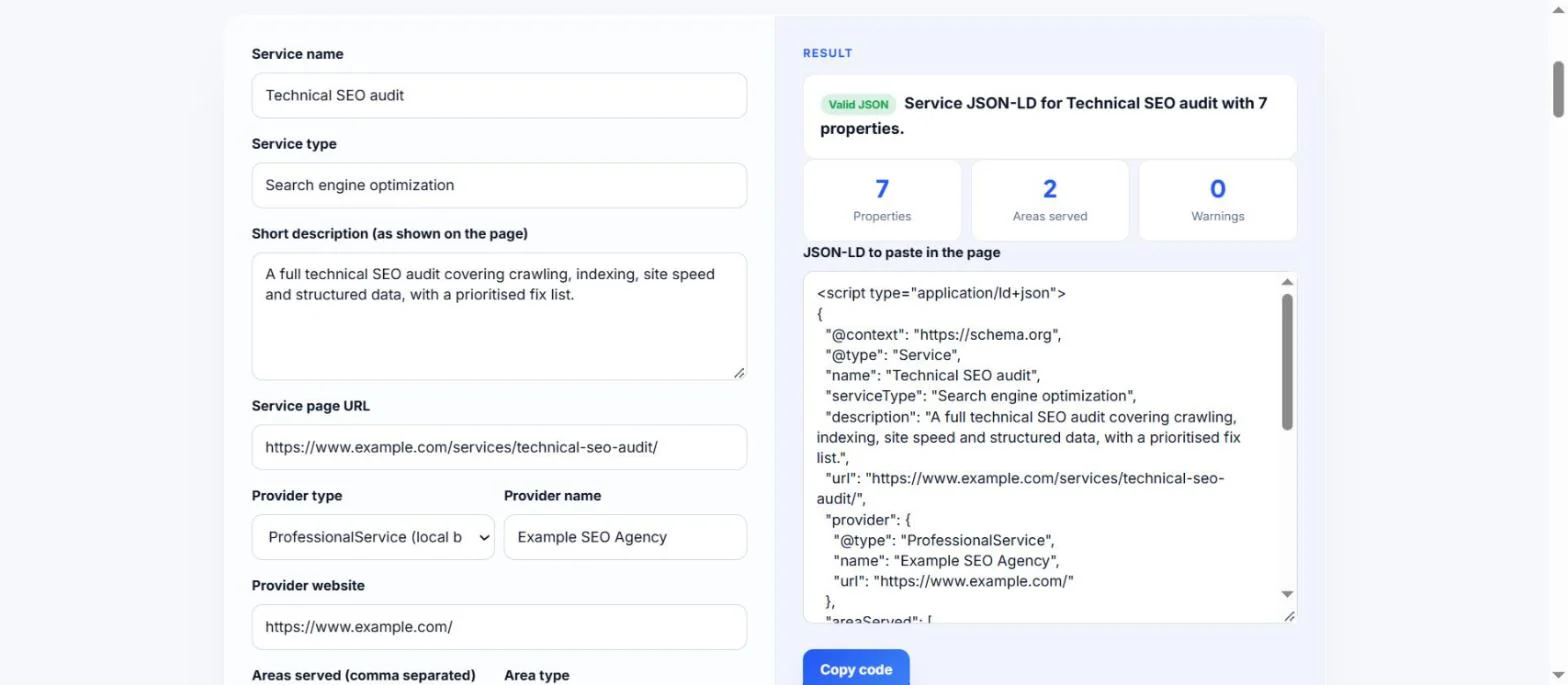
Example: a London agency has a page for its technical SEO audit, priced from 450 GBP, serving London and Manchester. With the default values above, the tool outputs a Service block with 7 properties: name, serviceType, description, url, provider (ProfessionalService "Example SEO Agency"), areaServed with 2 City items, and offers with price 450 and priceCurrency GBP. The result reads "Valid JSON" with 0 warnings. If you type "cheap!!" in the price box, the Offer is removed and a warning explains that the price must be a number.
Paste it into the HTML of the service page, in the head or the body. One page should describe one service. If you use WordPress, a header and footer code plugin or your theme's custom code area can add it to a single page.
Only if the home page is about that one service. Most home pages describe the business, so Organization or LocalBusiness markup fits better there. Put Service markup on the dedicated page for each service you sell.
Not for your own business. Google says that when a business controls the reviews about itself, its LocalBusiness or Organization pages are ineligible for the star review feature. Never add rating numbers that are not real and visible on the page.
Yes. You can add both as separate JSON-LD blocks, or nest the business as the provider inside the Service block, which this tool does. Keep the business name and details the same everywhere on the site.
No. The generator runs entirely in your browser with JavaScript. Nothing you type is uploaded or stored, so you can safely use it for client sites and services that are not live yet.
Paste the code or the page URL into the Schema Markup Validator at validator.schema.org to check the syntax. Google's Rich Results Test only reports types that give rich results, so it will not list Service.
Checked 22 Oct 2026. Facts checked against these official pages. Read how I check facts in my editorial policy.
A local business schema generator is a tool that writes schema.org LocalBusiness structured data in JSON-LD.…
Weekly, 24 hour, past midnight and holiday hours as openingHoursSpecification JSON-LD.
An organization schema generator is a tool that writes schema.org Organization structured data. It gathers…
Send your website and I will check it for you, free.
One short email when something new goes live: articles, free SEO tools, package updates, discounts and price alerts. No spam, unsubscribe in one click.