Htaccess Redirect Generator
An htaccess redirect generator is a tool that converts old and new URLs into Apache directives such as…
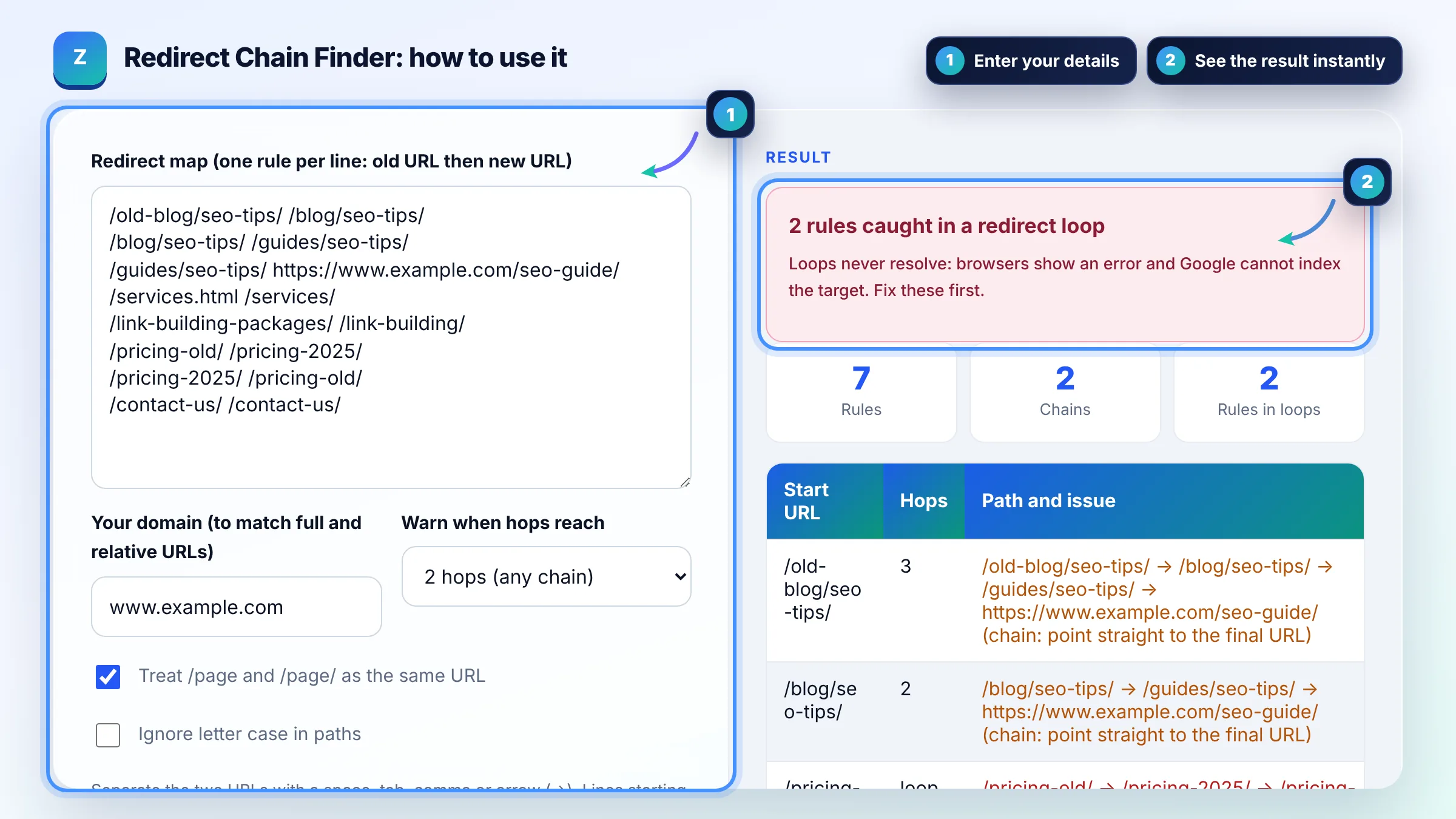
Paste your redirect map, find chains and loops, and get a clean one hop version.
Separate the two URLs with a space, tab, comma or arrow (->). Lines starting with # are ignored. Nothing leaves your browser; this checks your map, not live servers.
| Start URL | Hops | Path and issue |
|---|
The free redirect chain checker runs in your browser, needs no sign-up and never sends what you type anywhere.
A redirect chain happens when URL A redirects to B, and B redirects to C, instead of A going straight to C. Google suggests avoiding chains, keeping any that remain ideally no longer than 3 hops and fewer than 5, and Googlebot generally follows up to 10 hops. Fix loops first, then point every old URL at its final destination.
A redirect chain finder is a tool that reads a list of redirect rules and follows each old URL through the map until it reaches a URL with no further redirect. It counts the hops, flags loops (where the path returns to a URL it already visited) and builds a flattened map that sends each old URL straight to its final target.
A redirect chain is two or more redirects in a row between the first URL and the final page. Chains add latency for users, waste crawl requests and can break if one step fails. Google's site move guide recommends sending users straight to the final destination and keeping chains ideally to 3 hops or fewer.
Googlebot generally follows up to 10 redirect hops for normal web content. If it does not reach the content within that limit, Search Console can report a redirect error for the URL. Do not plan around the limit: one hop is the goal for every old URL you control.
Find the rules that point back to each other, decide which URL is the real final page, and make every other URL in the loop redirect to it. Then clear caches and test in a private window. Loops often come from conflicting rules in a plugin, the server config and the CDN at the same time.
| Pattern | Example | What to do |
|---|---|---|
| Single redirect | /a/ → /b/ | Fine; keep it |
| Chain (2 hops) | /a/ → /b/ → /c/ | Point /a/ straight to /c/ |
| Long chain (5+ hops) | /a/ → /b/ → /c/ → /d/ → /e/ → /f/ | Flatten now; Google suggests fewer than 5 |
| Loop | /a/ → /b/ → /a/ | Pick the final URL and break the loop |
| Self redirect | /a/ → /a/ | Delete the rule or fix the target |
| Duplicate source | /a/ → /b/ and /a/ → /c/ | Keep one rule; servers use the first match |
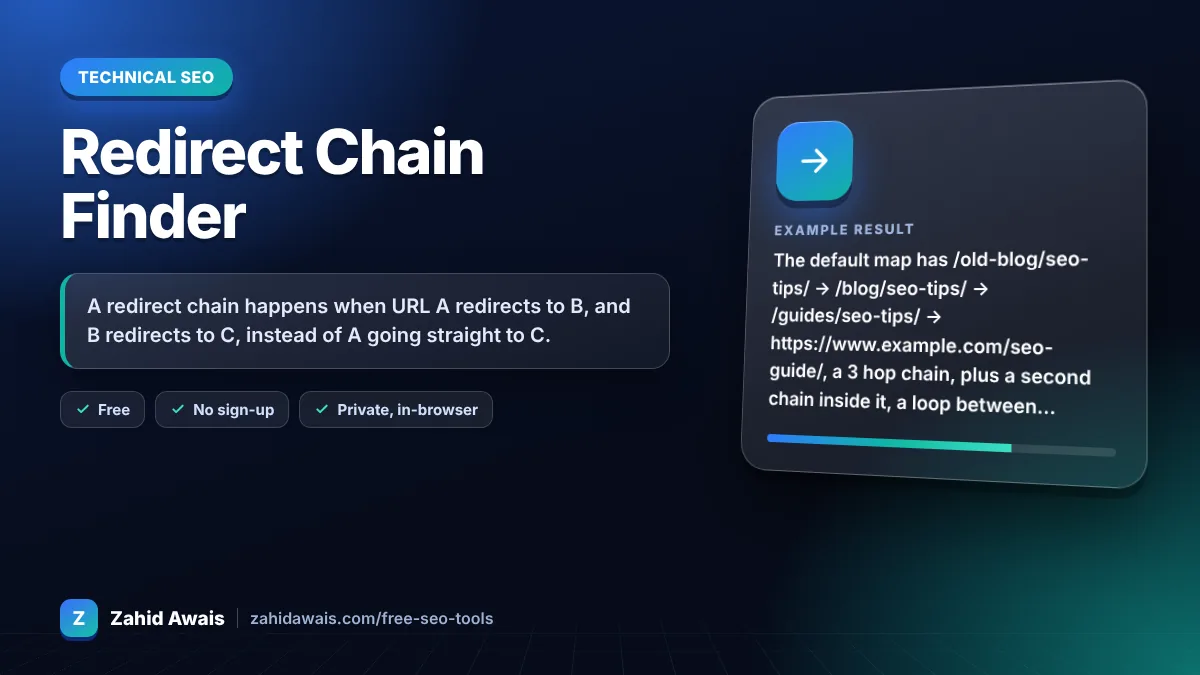
Example: the default map has /old-blog/seo-tips/ → /blog/seo-tips/ → /guides/seo-tips/ → https://www.example.com/seo-guide/, a 3 hop chain, plus a second chain inside it, a loop between /pricing-old/ and /pricing-2025/, and a self redirect on /contact-us/. The flattened map sends /old-blog/seo-tips/, /blog/seo-tips/ and /guides/seo-tips/ straight to https://www.example.com/seo-guide/ in one hop each.
No. It analyses the redirect map you paste, entirely in your browser, because browser JavaScript cannot follow redirects on other websites. After you deploy the flattened rules, crawl the old URLs with a desktop crawler or check them in Search Console's URL Inspection tool.
Google's documentation does not describe a fixed loss of ranking signals per hop, but every extra hop adds latency, uses another crawl request and is another chance for a broken step. Backlinks pointing to the first URL are safest when that URL redirects once, straight to the final page.
Both. Flatten the redirects for external links and bookmarks, then update internal links, canonicals, hreflang and sitemaps to point at the final URL directly. Internal links that pass through redirects waste crawling and show up as Page with redirect in Search Console.
Google recommends keeping redirects for as long as possible, generally at least 1 year after a site move, and suggests keeping them indefinitely for users. Removing them early breaks old backlinks, bookmarks and links in emails or social posts.
A temporary redirect tells Google the move may be undone, so the old URL might stay indexed. In a chain it adds a hop and a mixed signal. Use 301 or 308 for permanent moves, and point them straight to the final URL.
Chains usually appear when a site changes URLs more than once: old rules point to URLs that were later redirected again. HTTP to HTTPS, www to non www and trailing slash rules stacked on top of page rules also add hops. Flatten the map after every migration.
Facts checked against these official pages. Read how I check facts in my editorial policy.
An htaccess redirect generator is a tool that converts old and new URLs into Apache directives such as…
A redirect map generator is a tool that builds the old URL to new URL table you need before a site migration.…
An Nginx redirect generator is a tool that turns old and new URLs into Nginx configuration such as location =…
Send your website and I will check it for you, free.
One short email when something new goes live: articles, free SEO tools, package updates, discounts and price alerts. No spam, unsubscribe in one click.