Keyword Extractor from Text
A keyword extractor is a tool that pulls the most important terms out of a text. This one splits the text at…
Turn one topic into the who, what, why, how and comparison questions your audience asks.
Question groups
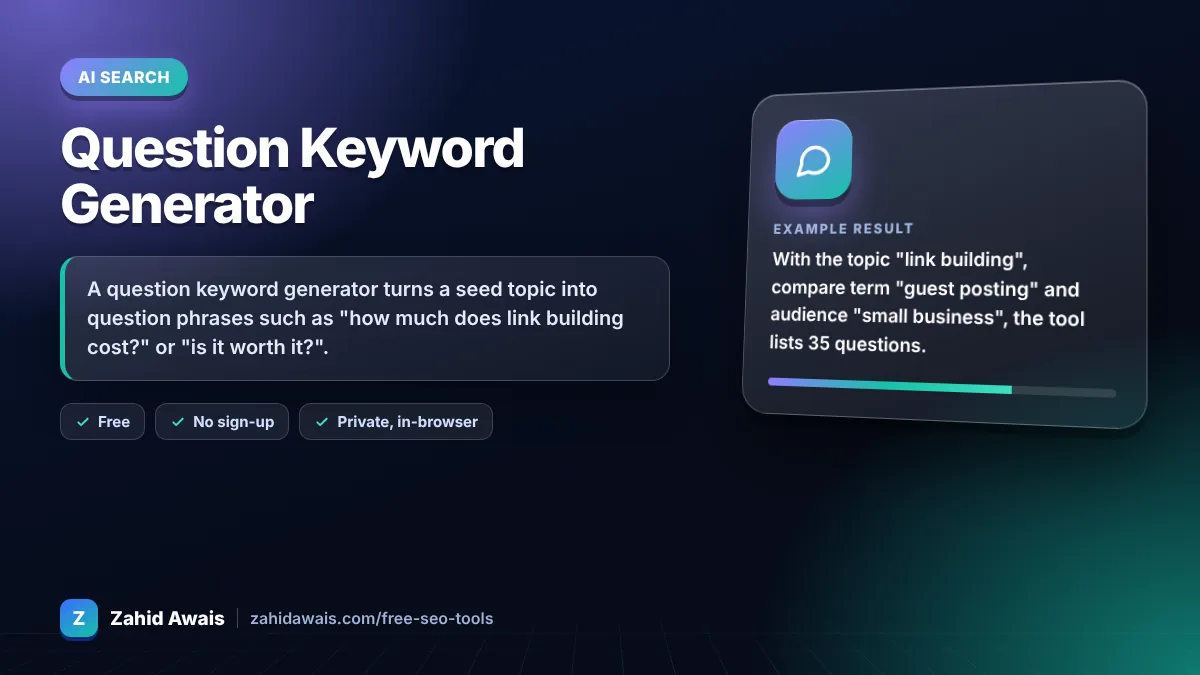
The free question keyword generator runs in your browser, needs no sign-up and never sends what you type anywhere.
A question keyword generator turns a seed topic into question phrases such as "how much does link building cost?" or "is it worth it?". Use them as H2s and FAQ ideas, answer each in the first sentence, and keep only questions you can confirm in Search Console, People also ask or a keyword tool.
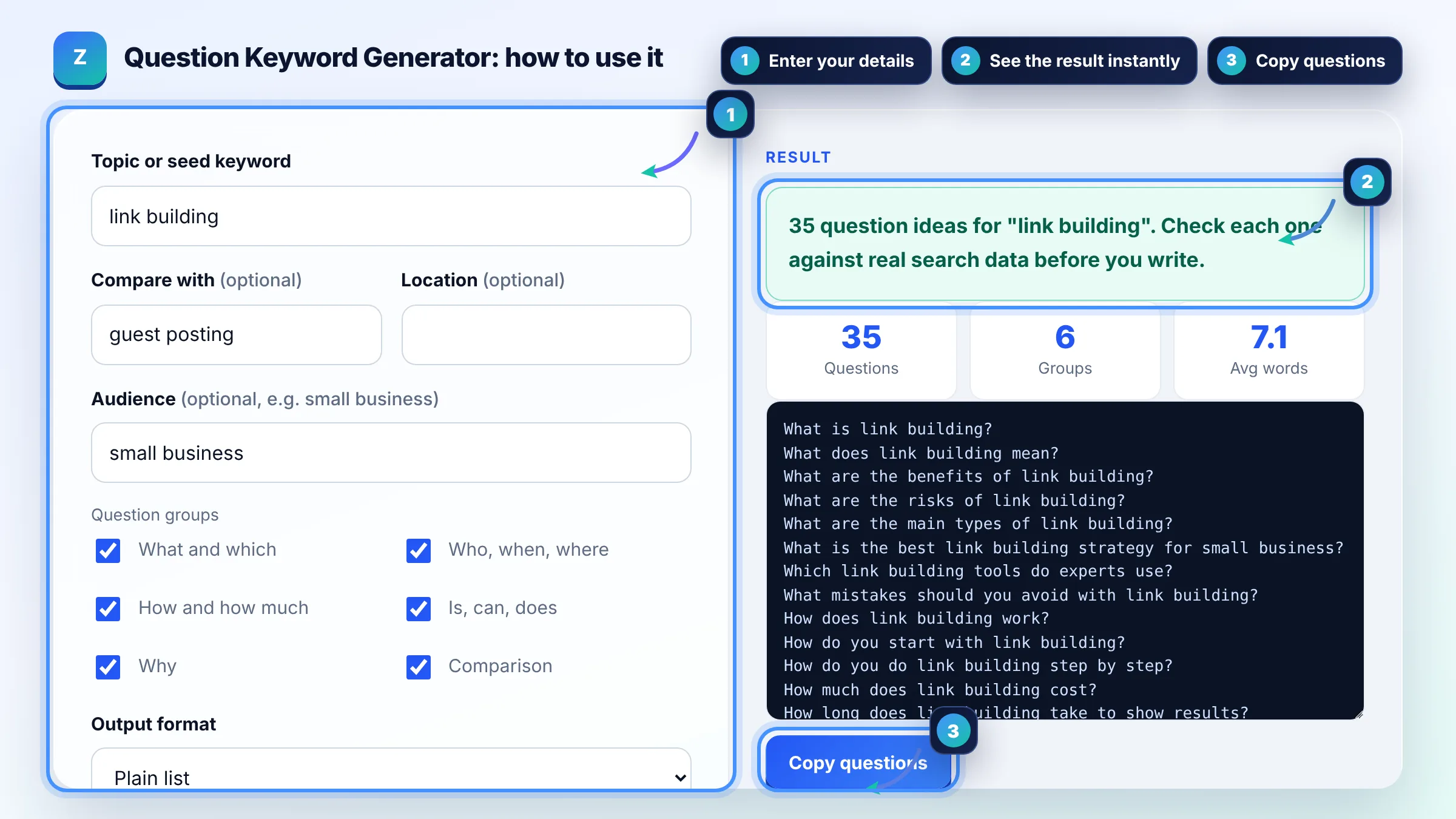
A question keyword generator is a tool that combines your topic with question words (what, how, why, who, when, where, is, can, does) and comparison patterns to list the questions searchers are likely to type. It works from patterns in your browser, so it shows ideas, not search volumes.
Start with your own data: filter Search Console queries with a question regex such as ^(how|what|why|is|can)\b to see real questions you already appear for. Then check People also ask boxes, related searches, forums and your support emails. This generator gives you the patterns to test, and Search Console confirms which ones have impressions.
Clear answers to real questions help, but there is no special markup or trick for AI Overviews. Google says the same SEO best practices apply to its AI features, so write helpful, crawlable pages that answer each question directly in the first sentence and then explain.
No, group questions with the same intent on one page and give the big ones their own H2. "What is link building" and "how does link building work" usually belong together, while "link building cost" may deserve a separate page if the results show dedicated pricing pages. One primary intent per URL avoids cannibalisation.
| Question type | Search intent | Best content format |
|---|---|---|
| What is / what does | Informational, early research | Definition in the first sentence, then a short explainer |
| How to / how does | Informational, task | Numbered steps, screenshots or a short video |
| How much / cost | Commercial | Price table with real ranges and what changes the price |
| Is it worth it / is it safe | Commercial, trust | Direct yes or no with conditions, pros and cons |
| X vs Y / difference between | Commercial comparison | Comparison table and a clear recommendation |
| Best X in [place] | Local, transactional | Local service page with real details and reviews |
Example: with the topic "link building", compare term "guest posting" and audience "small business", the tool lists 35 questions. Filtering Search Console with the generated regex then shows which of them you already get impressions for. Questions such as "how much does link building cost?" become an H2 with a price table, and "is link building safe?" becomes an FAQ with a direct answer.
A question keyword is a search query phrased as a question, usually starting with who, what, when, where, why, how, is, can or does. Question keywords show clear intent, so they make strong H2 headings, FAQ entries and quotable answers.
No. The generator builds question patterns in your browser and does not connect to any keyword database. Check volume and difficulty in a keyword tool, and use Search Console to see which questions already bring impressions to your site.
Answer the questions that share one search intent, often 3 to 8 as H2s plus up to 6 short FAQs. Questions with a different intent, such as pricing or a comparison, often work better on their own page.
No. Google has retired FAQ rich results, so FAQPage markup no longer gives a special search appearance. Visible FAQ sections are still useful because they answer real questions for readers and give AI search features clear text to quote.
The regex matches queries that start with a question word and contain your topic words. In Search Console open Performance, add a Query filter, choose Custom (regex) and paste it. Search Console uses RE2 regex syntax.
You can target them, but Google chooses which questions and answers appear in People also ask. The best approach is a clear question heading followed by a direct, accurate answer of about 40 to 60 words, then supporting detail.
Facts checked against these official pages. Read how I check facts in my editorial policy.
A keyword extractor is a tool that pulls the most important terms out of a text. This one splits the text at…
An answer snippet length checker is a tool that counts the words, characters and sentences in an answer…
A content brief generator is a tool that assembles the decisions behind a page into a structured brief. This…
Coming 30 OctSend your website and I will check it for you, free.
One short email when something new goes live: articles, free SEO tools, package updates, discounts and price alerts. No spam, unsubscribe in one click.