E-commerce SEO
Discontinued Products SEO: Redirect, 404 or Keep Live?
Every store retires products. The status code you choose decides whether that page's value is kept, moved or lost.
Read articleColours, sizes and materials can multiply your product pages. Here is how to decide what deserves its own URL and how to mark it up.
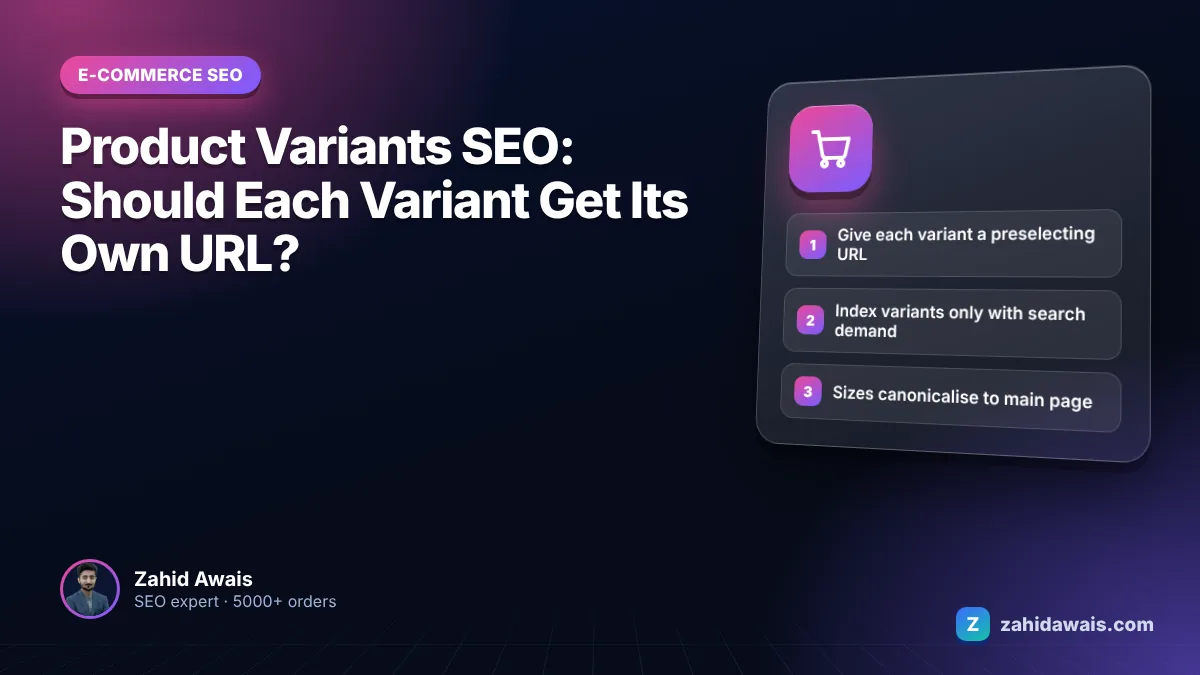
This guide answers the main product variants seo question every store faces: should each colour, size or material get its own URL, and how do you tell Google that those variants belong to one product?
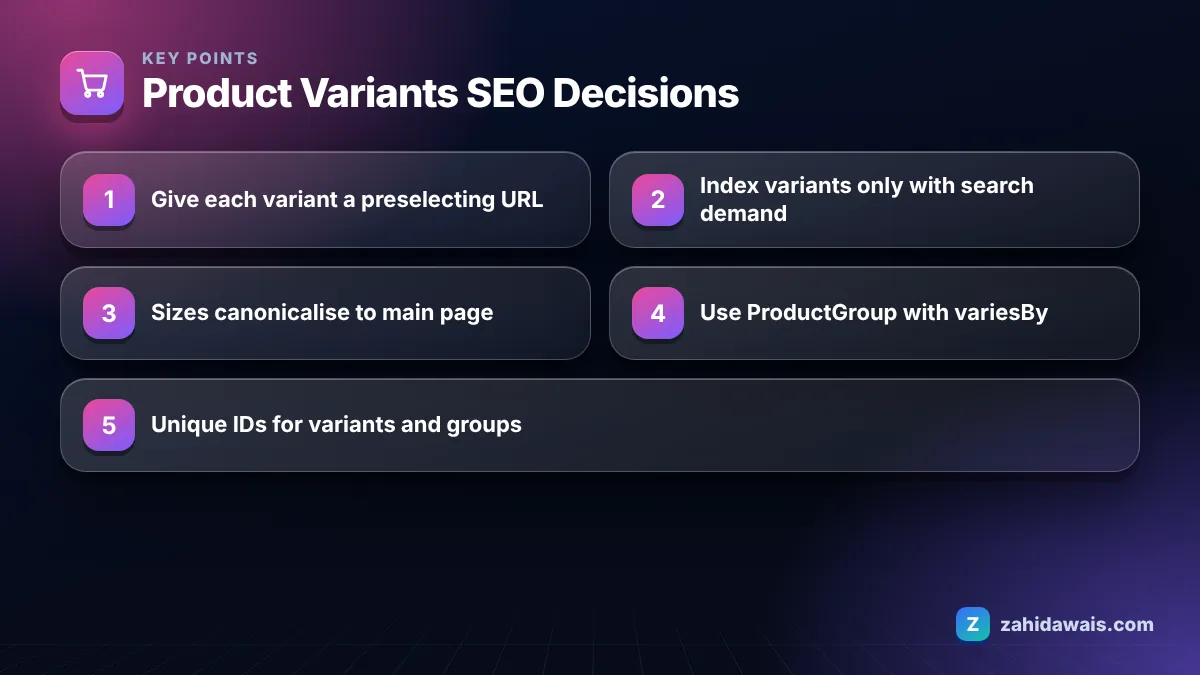
For product variants SEO, give every variant a distinct URL that preselects it, usually with a query parameter, and canonicalise to the main product page unless a variant has its own search demand. Then use ProductGroup markup with variesBy and hasVariant so Google understands which products are variants of one parent.
Yes, each variant should be reachable at its own distinct URL, but that does not mean each variant needs its own indexable page. These are two separate decisions, and mixing them up is the source of most variant problems I see in store audits.
Google’s guidance on ecommerce URL structure suggests giving each variant its own URL, either as a path segment such as /t-shirt/green or as a query parameter such as /t-shirt?color=green. It adds that if variants use optional query parameters, the canonical URL should leave the parameter out. Google’s product variant structured data guide goes further: the site must be able to preselect each variant directly with a distinct URL, showing the right image, price and availability.
So the practical answer looks like this:
One more point from Google’s variant guide matters for how the page behaves: when a shopper lands on a variant URL, the page should show that variant already selected, with the correct image, price and availability, and allow it to be added to the cart. A variant URL that loads the default colour and makes the visitor choose again is a poor experience and sends mixed signals to anyone checking the page.
Colour and size variants cause duplicate content only when each variant is published as a separate indexable page with nearly the same text, images and title. Ten size pages for one jacket, each with the same description, give Google ten candidates for one search and no reason to prefer any of them.
Size variants almost never deserve separate indexable pages, because nobody searches for “this jacket in size 38” as a distinct product. Colour is different in some categories. People do search for “black leather sofa” or “white running shoes”, and a colour can change the main photo, the style and even the price.
A simple test I use with clients is to ask three questions about each variant attribute:
Two or three yes answers point to a separate indexable page. Zero or one point to a single page with variant selectors.
A single product page with selectable variants suits most stores, while separate pages per variant suit products where one attribute, usually colour or model, drives distinct searches. Google supports both setups in its variant markup documentation, which describes single-page and multi-page approaches.
| Factor | Single page with selectors | Separate page per variant |
|---|---|---|
| Best for | Sizes, minor colour differences, capacities | Colours or styles with their own search demand |
| Variant URLs | Query parameters that preselect the variant | Own path or parameter URL per variant |
| Canonical | One canonical: the base product URL | Each variant page canonical to itself |
| Markup | ProductGroup with url, hasVariant listing each variant | Full ProductGroup markup repeated on each page |
| Content work | One strong description | Unique copy and photos for every variant page |
| Main risk | Missing variant level searches | Thin near duplicate pages if content is not unique |
Hybrid setups are common too. A sofa might have one page per colour, each with a size selector inside it. In that case, colour pages are indexable and canonical to themselves, while size parameters canonicalise to their colour page.
Whichever model you choose, keep titles and H1s variant aware on indexable variant pages. “Linen Shirt” on four colour pages gives Google four identical headings; “White Linen Shirt” and “Navy Linen Shirt” make the difference obvious to both searchers and search engines. The same goes for image alt text and the first lines of the description.
Also think about stock. If a colour page sells out completely, it follows the same out of stock rules as any other product page: keep it live while a restock is likely, update availability in the markup, and point visitors to the colours that are available.
You add schema for product variants by wrapping the variants in a ProductGroup, listing the attributes they differ by in variesBy, and nesting each variant as a Product under hasVariant, or by linking each variant back to the group with isVariantOf. This structure is described in Google’s product variant documentation.
The key properties are:
For a single-page setup, the ProductGroup includes a url for the base product page. For multi-page setups, Google says each page must carry full and self-contained markup for the entities on that page, so the full ProductGroup definition is repeated on every variant page, and variants on other pages can be referenced with just their url.
Shared properties such as brand, description and reviews can sit on the ProductGroup, so you do not repeat them on every variant. If you already have product markup and see validation issues, my guide to fixing Search Console errors is a good place to start.
A store sells a linen shirt in 4 colours and 5 sizes, so 20 variants in total. Search Console shows queries for “white linen shirt” and “navy linen shirt”, but no size related queries.
The setup: 4 colour pages, /linen-shirt/white, /linen-shirt/navy and so on, each canonical to itself with its own photos and a short colour specific intro. Inside each page, sizes are selected with ?size=m, which canonicalises to the colour page. Each colour page carries a ProductGroup with productGroupID “LS-100”, variesBy color and size, and the 5 size variants for that colour as full Product entries with their own sku, price and availability. The other 15 variants are referenced only by url. The store ends up with 4 indexable pages instead of 20, and every one of them has a reason to exist.
Variant decisions affect templates, URLs and markup at the same time, so they are easiest to get right before a store launches or during a redesign. If you are planning either, my e-commerce SEO service covers variant strategy, and if a rebuild is on the table, the website redesign service is set up to change URL structures without losing rankings. For individual pages, the on-page SEO work of writing variant specific titles and intros is what makes separate colour pages worth indexing.
Almost never. Shoppers rarely search for a product in a specific size, and size pages would share the same photos and text. Keep sizes as selectable options with preselecting URLs that canonicalise to the main product or colour page.
ProductGroup is a schema.org type that groups variants of one parent product. Google uses it with properties such as productGroupID, variesBy and hasVariant to understand which products are variants of the same item and which attributes, such as colour or size, they differ by.
Yes. Google’s variant documentation says each variant must have a unique ID in its markup, and each product group must have a unique ID too. The variant sku and the parent productGroupID are the usual choices for these identifiers.
Both are acceptable to Google. Query parameters suit single-page setups where variants are options on one page. Path URLs suit variants that are separate indexable pages. Whatever you choose, keep the format consistent in links, canonicals and sitemaps.
They can if many near identical variant pages are indexable, because they split signals and compete with each other. Consolidating minor variants onto one canonical page, and indexing only variants with real search demand, keeps ranking signals focused.
Include only the URLs you want indexed. For a single-page setup, list the base product URL. For separate variant pages, list each indexable variant URL. Leave out parameter URLs that canonicalise to another page.
Facts checked against these official pages. Read how I check facts in my editorial policy.
Every store retires products. The status code you choose decides whether that page's value is kept, moved or lost.
Read article
A clear category plan helps shoppers find products and helps Google understand which pages matter most. Here is how to build one.
Read article
Filters help shoppers but can create millions of crawlable URLs. Here is how to keep the useful ones and block the rest.
Read articleSend your website and I will reply with a free audit.