
E-commerce SEO
Faceted Navigation SEO: How to Stop Filter URL Bloat
Filters help shoppers but can create millions of crawlable URLs. Here is how to keep the useful ones and block the rest.
Read articleA clear category plan helps shoppers find products and helps Google understand which pages matter most. Here is how to build one.
This guide shows you how to plan an ecommerce site structure that works for shoppers and search engines: how to group categories, how deep the hierarchy should go, and how URLs and internal links should support it.
The best ecommerce site structure is a simple hierarchy of homepage, categories, subcategories and products, built from how customers search, with every level linked by plain HTML links. Keep important products a few clicks from the homepage, link category pages directly to all their products, and keep product URLs short and stable.
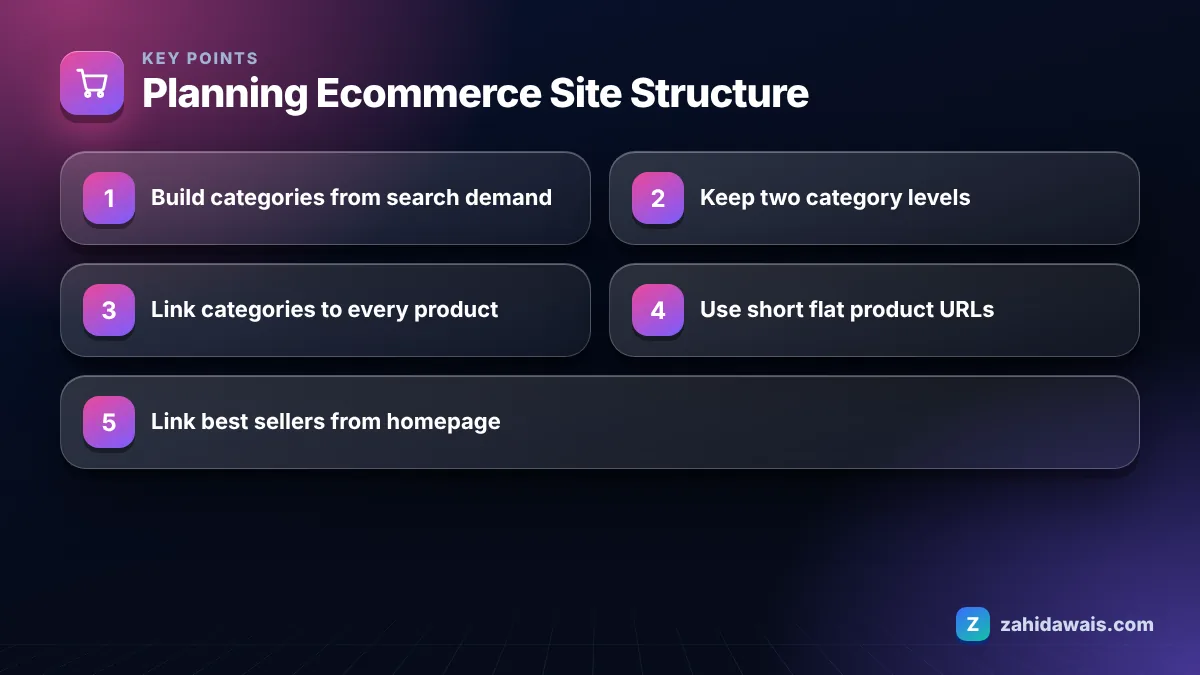
The best structure for most online stores is a shallow hierarchy: homepage, main categories, subcategories where needed, then products, connected by crawlable links at every step. Google’s guide to ecommerce site structure describes the same chain: links from menus to category pages, from category pages to subcategory pages, and on to product pages.
Two points from that guide shape everything else. First, Google relies mainly on links, not URL patterns, to understand a site, and it states that it generally does not look at the structure of URLs to work out the structure of a site. Second, it uses the number of links needed to reach a page, and the number of links pointing to it, to estimate the page’s relative importance.
In practice that means your menus, category pages, breadcrumbs and related product links are your site structure. URLs matter for clarity and consistency, but the links decide what Google sees as important.
Google’s guide also points out two discovery gaps that matter for structure. If category pages do not link directly to all products in a category, Googlebot might miss some of them, and Googlebot generally does not submit searches into a search box, so products reachable only through internal search may stay undiscovered. Where you cannot link to every page, Google suggests providing a sitemap or a Merchant Center feed as a fallback.
Plan categories by grouping products the way customers search and shop, then checking each group against keyword data before you build it. Starting from your supplier’s catalog structure or internal product codes almost always produces categories nobody searches for.
This decision table helps with step four, which is where most structures go wrong.
| Attribute | Search demand | Products available | Make it |
|---|---|---|---|
| Product type (sofas, beds) | High | Many | Main category |
| Main style or use (corner sofas, sofa beds) | Clear | Enough to browse | Subcategory |
| Material or colour (leather sofas) | Clear | Enough to browse | Subcategory or indexable filter page |
| Size, price, rating | Little alone | Any | Filter only, not indexed |
| Brand | Varies | Several per brand | Brand page if people search the brand with the product |
| Any attribute | Clear | One or two products | Do not create yet; link from the parent category |
Filters that stay filters need their own crawl rules, which I cover in the technical SEO work on faceted navigation.
Most stores work best with two levels of categories, a main category and a subcategory, and only large catalogs need a third. Google does not publish a maximum depth, but its site structure guide does say that the number of links needed to reach a page is one signal of how important that page is.
Depth in the category tree is not the same as click depth. A product four levels down in the hierarchy can still be two clicks from the homepage if it is linked from a “best sellers” block or a featured category. Google’s guide suggests linking top selling products from the homepage or from other content such as blog posts, to signal their importance.
Warning signs that your structure is too deep:
That last sign often means Google has found URLs but not prioritised them, which can be linked to weak internal linking. My guide to discovered, currently not indexed explains the other causes to rule out.
Product URLs usually should not include the category, because products often sit in several categories and categories change over time, while a short, flat product URL stays stable. Google’s ecommerce URL structure guidance uses /product/black-t-shirt-with-a-white-collar as its example: descriptive words, no category path.
Category based product URLs create two risks. A product in three categories can end up with three URLs, which is a duplicate content problem, and renaming or moving a category forces a redirect for every product inside it. Flat URLs avoid both.
Category URLs, on the other hand, can reflect the hierarchy, such as /sofas/corner-sofas/, because they are the hierarchy. Whatever pattern you choose, Google recommends using the same URL form consistently in internal links, sitemaps and canonical tags, giving every paginated page a unique URL, and avoiding temporary parameters such as session IDs.
One practical tip from migrations I have worked on: keep the product slug itself as close to the original as possible when you remove category folders. Moving from /sofas/leather/chesterfield-3-seater to /product/chesterfield-3-seater keeps the descriptive part identical, which makes the redirect map simple to build and easy to check. Test a sample of old URLs after launch to confirm each one returns a single 301 to its new address, with no chains.
A furniture store sells 1,400 products and had 9 main categories copied from its supplier, plus 85 subcategories, many with fewer than 5 products. Product URLs included the full path, such as /living/seating/sofas/leather/item.
The new plan uses keyword data to set 6 main categories (Sofas, Chairs, Tables, Beds, Storage, Outdoor) and 34 subcategories, each with at least 15 products and a real search term behind it. Product URLs become /product/item-name with 301 redirects from the old paths. Best sellers in each category get a link block on the homepage. Breadcrumbs show Home, Sofas, Corner Sofas, Product. Every product is now reachable within three clicks of the homepage, and the tree fits in one mega menu.
Changing URLs on an existing store is a migration, so plan the redirect map before you touch anything; my website redesign service is built around keeping rankings through changes like this. If you are planning categories for a new or existing store, the e-commerce SEO service includes category and structure planning from keyword research to menu design.
A shallow structure with two category levels suits most stores. It keeps important pages close to the homepage and simplifies menus. Very flat structures with dozens of top level categories can confuse shoppers, so aim for clear groups rather than the fewest possible levels.
Yes. Breadcrumbs show visitors where they are and add consistent links up the hierarchy from every product and subcategory. Use plain HTML links that match your real category structure, and keep them short enough to scan.
Only if the current one causes real problems, such as categories nobody searches for, thin subcategories or poor indexing. Restructuring changes URLs and internal links, so plan redirects carefully and move in stages rather than rebuilding everything at once.
There is no fixed number from Google. In practice, a category needs enough products to be worth browsing, often at least 10 to 20. Very small categories are usually better merged into a parent and offered as a filter instead.
Mostly not. Google’s ecommerce guidance says it generally does not look at URL structure to work out site structure and relies on links instead. Readable URLs still help users and consistency, but your internal links do the structural work.
Yes, when it helps the reader. Google suggests linking important products from other content, such as blog posts, to signal their importance. Buying guides that link to the matching category and subcategories help both shoppers and search engines.
Facts checked against these official pages. Read how I check facts in my editorial policy.
Filters help shoppers but can create millions of crawlable URLs. Here is how to keep the useful ones and block the rest.
Read article
Copying the manufacturer's text is normal, but it gives Google no reason to pick your page. Here is how to fix that efficiently.
Read article
Search Console flags missing fields in Product markup constantly. Some block rich results, most do not. Here is how to tell them apart.
Read articleSend your website and I will reply with a free audit.