Local Business Schema Generator
A local business schema generator is a tool that writes schema.org LocalBusiness structured data in JSON-LD.…
Create JobPosting JSON-LD with location, salary range and remote rules checked for you.
JSON-LD code
Only mark up jobs that are open and shown on the page. Remove the markup or the page when the job is filled.
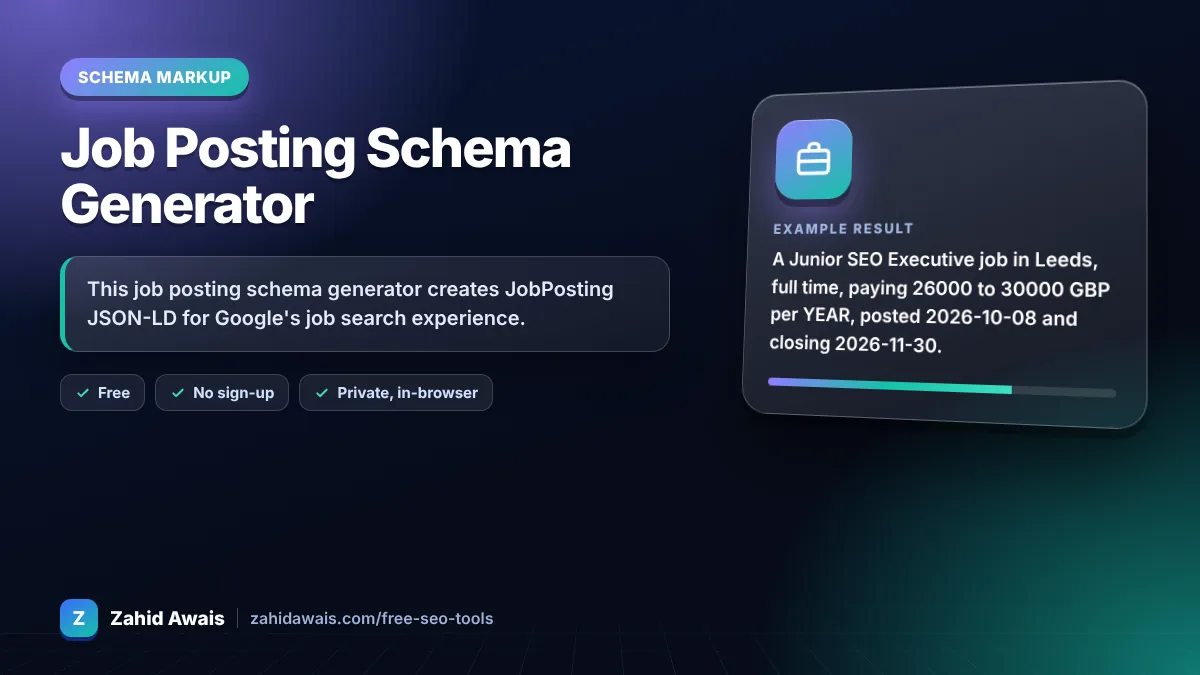
The free job posting schema generator runs in your browser, needs no sign-up and never sends what you type anywhere.
This job posting schema generator creates JobPosting JSON-LD for Google's job search experience. Google requires title, description, datePosted, hiringOrganization and jobLocation (or remote details with applicant location). Recommended fields include baseSalary, employmentType, validThrough, identifier and directApply. Remove the markup once the job is filled.
A job posting schema generator is a tool that writes schema.org JobPosting structured data. It turns your job details into JSON-LD, converts the description into the HTML tags Google supports and formats salary as a MonetaryAmount with a HOUR, DAY, WEEK, MONTH or YEAR unit.
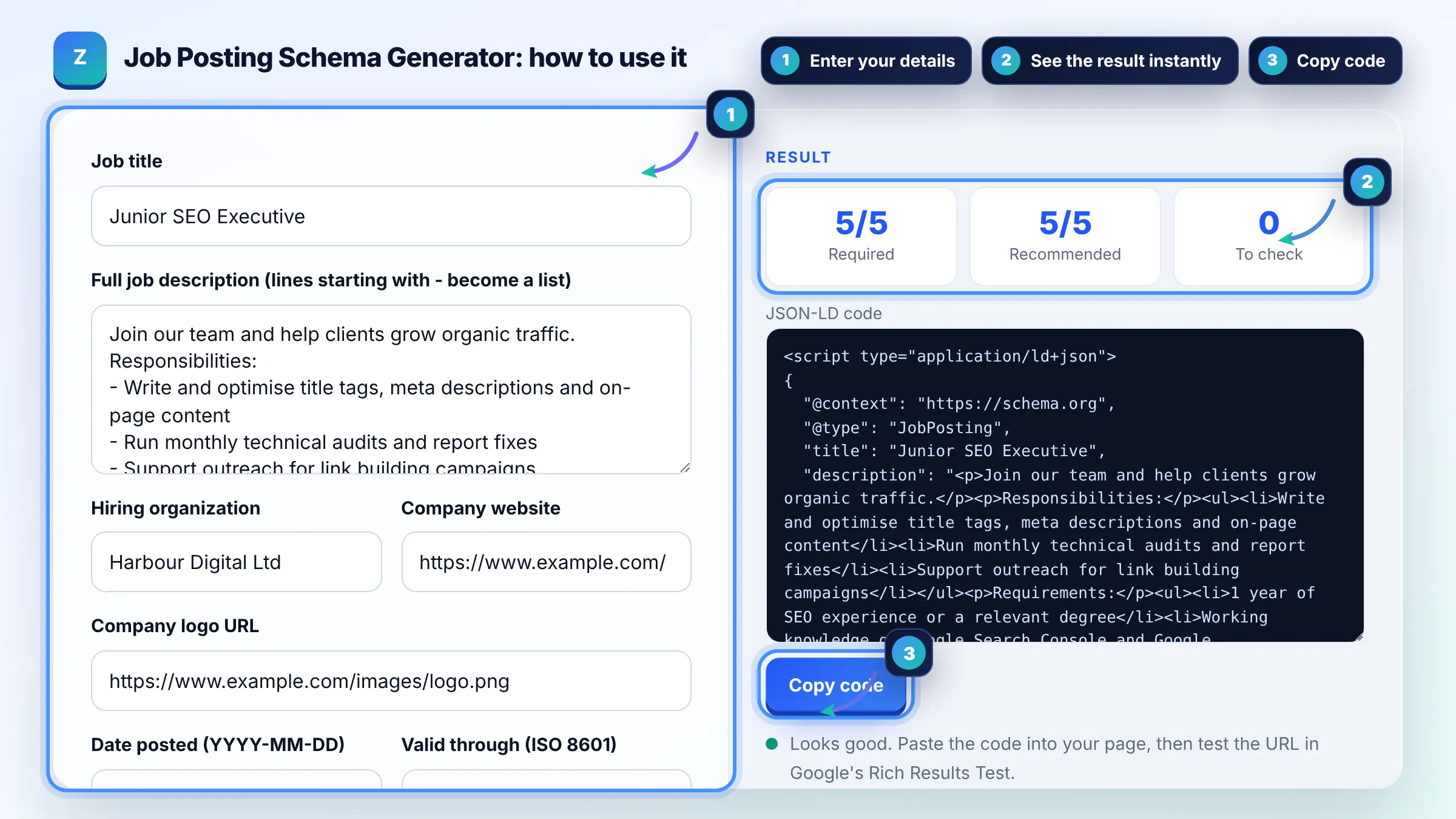
Google requires five: title, description, datePosted, hiringOrganization and jobLocation. For fully remote jobs, jobLocation can be replaced by jobLocationType TELECOMMUTE with applicantLocationRequirements. See Google's job posting structured data guide.
Use baseSalary as a MonetaryAmount with currency and a QuantitativeValue. Set unitText to HOUR, DAY, WEEK, MONTH or YEAR in capitals, and use minValue and maxValue for a range. Only employers should provide the actual salary.
Set jobLocationType to TELECOMMUTE only when the job is 100% remote, and add applicantLocationRequirements for countries or states where applicants may live. Occasional work from home does not count as remote.
| Property | Status | Format |
|---|---|---|
| title | Required | Job title only |
| description | Required | HTML with p, ul, li |
| datePosted | Required | ISO 8601, e.g. 2026-10-08 |
| hiringOrganization | Required | Organization with name |
| jobLocation | Required unless fully remote | Place with addressCountry |
| baseSalary | Recommended | MonetaryAmount, unitText YEAR |
Example: a Junior SEO Executive job in Leeds, full time, paying 26000 to 30000 GBP per YEAR, posted 2026-10-08 and closing 2026-11-30. The tool outputs JobPosting JSON-LD with an HTML description, a Place in GB and a salary range, meeting all 5 required checks.
Yes. This tool wraps each line in a paragraph tag and turns lines starting with a hyphen into a bulleted list, using the p, ul and li tags Google supports. The description must still match the text shown on the page.
FULL_TIME, PART_TIME, CONTRACTOR, TEMPORARY, INTERN, VOLUNTEER, PER_DIEM and OTHER, written in capitals. You can list more than one if the role allows it, such as full time or part time.
Remove the JobPosting markup or the whole page, or return a 404 or 410 status. You can also set validThrough to a past date. Keeping expired jobs marked up breaks Google's guidelines.
Yes. Use the actual employer as hiringOrganization where you can. If the employer must stay anonymous, Google allows confidential as the organization name. Agencies should not list themselves as the employer for client jobs.
No, but Google recommends the Indexing API for job pages so new and removed jobs are crawled quickly. A sitemap with accurate lastmod dates also helps Google find changes.
Check for errors in the Rich Results Test, make sure the job is visible on the page and not expired, and confirm the page is indexed. Missing required properties, vague descriptions or spammy titles can all keep a job out.
Facts checked against these official pages. Read how I check facts in my editorial policy.
A local business schema generator is a tool that writes schema.org LocalBusiness structured data in JSON-LD.…
An organization schema generator is a tool that writes schema.org Organization structured data. It gathers…
A JSON-LD validator is a tool that checks structured data written in JSON for Linked Data. It first parses…
Send your website and I will check it for you, free.
One short email when something new goes live: articles, free SEO tools, package updates, discounts and price alerts. No spam, unsubscribe in one click.