Content SEO and writing
How to Write SEO Friendly Blog Post Content in 12 Simple Steps
A 12 step process I use for client posts, from picking the keyword to publishing, with a worked example for a real style of query.
Read articleGoogle does not reward word count, so set length by search intent, the questions you must answer and what ranking pages actually cover.
This guide gives you a practical way to decide how long should a blog post be for SEO, based on what Google actually says and on the length ranges I see working across thousands of client articles.
There is no ideal number. Google says it has no preferred word count. Asking how long should a blog post be for SEO is really asking how many words the reader needs. Quick answers often fit in 300 to 800 words, how-to guides in 1,200 to 2,000, and deep comparisons can run longer.
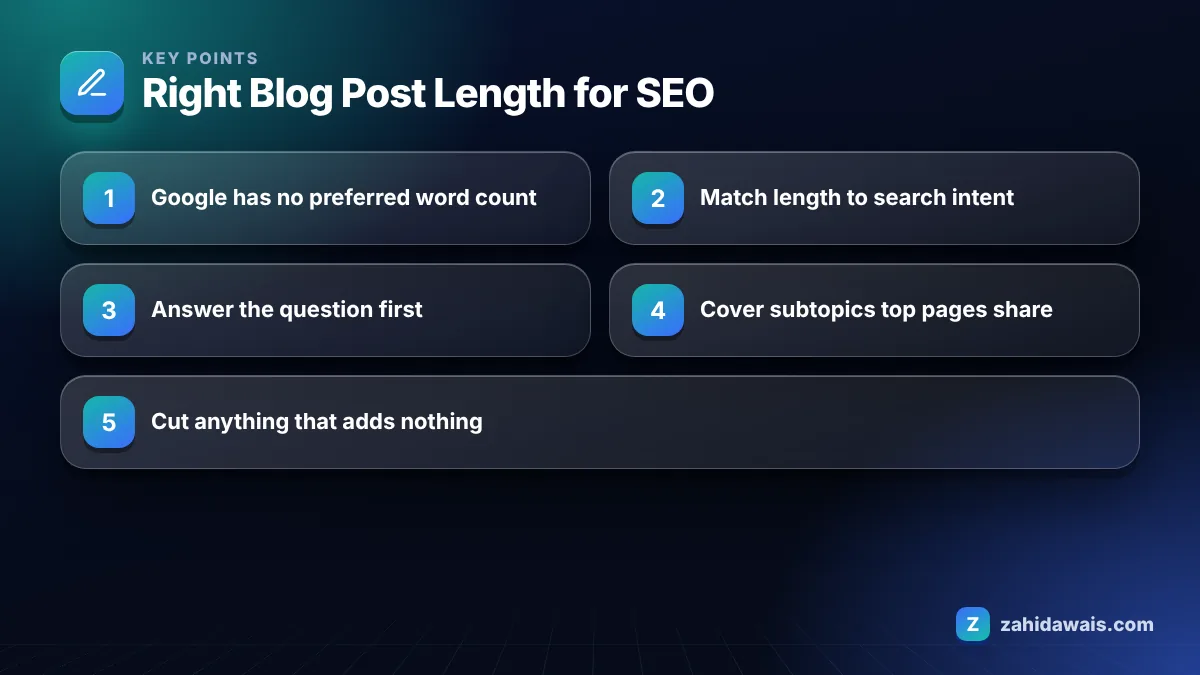
No, Google does not prefer longer content for its own sake. In its guide to creating helpful, people-first content, Google lists writing to a particular word count as a warning sign and states plainly that it has no preferred length.
The SEO Starter Guide says the same thing from another angle: there is no magical word count target, and the length of content alone does not matter for ranking. What matters is whether the page satisfies the person who searched.
So why do long posts often rank? Because covering a topic well usually takes more words. Length is a side effect of completeness, not the cause of the ranking. A 3,000 word post padded with history and definitions will lose to a 900 word post that answers the question faster and better.
The same guide asks whether a visitor leaves feeling they learned enough to reach their goal. That is the length test worth using. If a reader still has to open another tab to finish the task, your post is too short. If they have to scroll past five paragraphs before the answer, it is too long at the top, even if the total is fine.
Yes, 500 words is enough when the question is narrow and 500 words answers it completely. A post like “Can you use a hyphen in a domain name?” does not need 2,000 words. Stretching it would only push the answer further down the page.
500 words is not enough when the searcher expects steps, comparisons, examples or pricing. If the top results all include a table, a checklist and a worked example, a 500 word post will look thin next to them, and readers will go back to the results.
A quick test I use: write the answer first, then list every question a real customer would ask next. If those follow-up questions need another 1,000 words to answer properly, the post needs them. If they do not, stop writing.
Short posts also have a practical advantage: they are easier to keep accurate. When a fact changes, a focused 600 word answer takes minutes to update, while a sprawling post often keeps an outdated paragraph for years because nobody wants to reread it.
In 2026 a blog post should be as long as the search intent requires, which in practice falls into a few predictable ranges. The table below is my working reference from content orders, not a Google rule. Use it as a starting point, then adjust after you look at the live results.
| Post type | Typical intent | Working range | What fills the space |
|---|---|---|---|
| Definition or quick fact | Know simple | 300 to 800 words | Direct answer, one example, related terms |
| How-to guide | Learn and do | 1,200 to 2,000 words | Numbered steps, screenshots, mistakes to avoid |
| Comparison or “X vs Y” | Commercial research | 1,500 to 2,500 words | Decision table, pros and cons, who each option suits |
| Best of list | Commercial research | 2,000 to 3,500 words | Tested picks, criteria, short reviews |
| Pillar guide | Broad learning | 2,500 words or more | Overview of subtopics with links to deeper posts |
| News or update | Freshness | 400 to 900 words | What changed, who it affects, what to do |
Notice that the right column matters more than the third one. If you include what the reader needs, the word count lands in a sensible range on its own. You can check any draft with my free word counter and keyword density checker before publishing.
You find the right length by studying what the pages already ranking cover, not by averaging their word counts. Average word count tools mislead because they count navigation, comments and sidebars.
This is the same process I follow for clients in my on-page SEO service, and it nearly always produces a post that is shorter than the “average” suggested by tools but more complete.
A home services client wanted a 2,500 word post for “how often should you service a boiler” because a tool said competitors averaged that length. When I opened the top five results, the actual article text was mostly 700 to 1,100 words. Every result answered the question in the first paragraph, then covered warning signs, cost factors and what a service includes.
We wrote 1,050 words: a direct answer in the first two sentences, a short list of warning signs, a table of what a standard service checks, and a section on landlord duties for their market. Nothing was padded. The post was easier to read than the longer drafts the client had seen, and it gave their team a clear page to link to from service pages.
The lesson: the useful number was the list of subtopics, not the word count.
Length still matters indirectly, because thin pages often fail to answer the full question and long pages often bury the answer. Both hurt the reader, and Google’s systems aim to reward pages that leave readers satisfied.
When I edit drafts from other writers, the cuts that save the most words without losing value are always the same: the generic opening paragraph, a “what is” section the reader already understands, repeated summaries at the end of each section, and a conclusion that restates the introduction. Removing those four usually trims a large share of a draft and makes the useful parts easier to find.
The additions that earn their words are also predictable: a real example, a table that helps someone decide, the mistake people make most often, and a clear next step. If a section contains none of these, ask whether it needs to exist.
If you want a second pair of eyes on existing posts, my free SEO audit checklist covers content depth along with technical checks, or you can see how I plan full content programs on the SEO services page.
There is no ideal length. Google states it has no preferred word count and that length alone does not affect ranking. The right length is whatever fully answers the search query, which might be 600 words for a definition or 2,000 words for a detailed how-to guide.
Longer posts sometimes rank better because they cover more of what searchers need, not because of their word count. A padded post can perform worse than a shorter, focused one. Measure completeness against the questions searchers ask, not against a target number of words.
300 words can work for a very narrow question, such as a quick definition or a yes or no answer with context. For most commercial or how-to topics, 300 words cannot cover the steps, examples and caveats readers expect, so the page will look thin next to competitors.
No. Each post should match the intent of its own keyword. A site with posts ranging from 500 to 3,000 words is normal. Forcing one length across all posts leads to padding on simple topics and missing detail on complex ones.
Answer the main question in the first paragraph, use descriptive headings phrased as questions, keep paragraphs to two to four sentences, and use tables or numbered steps where they fit. Add a short summary box so skimmers get the answer without scrolling.
Only add words that add value, such as missing steps, updated facts or a worked example. Adding filler to raise the word count does not help and can make the page worse. Compare the post against current top results to find real gaps first.
Facts checked against these official pages. Read how I check facts in my editorial policy.
A 12 step process I use for client posts, from picking the keyword to publishing, with a worked example for a real style of query.
Read article
SEO prices vary because the work varies. Here is how SEO is usually priced, what drives the cost, what a fair monthly plan should include and the red flags to avoid.
Read article
A topical map is the plan for every page your site needs to own a subject. This is the exact method I used to plan zahidawais.com's seven pillars.
Read articleSend your website and I will reply with a free audit.