Local Business Schema Generator
A local business schema generator is a tool that writes schema.org LocalBusiness structured data in JSON-LD.…
Type your business address and copy responsive, lazy loaded Google Maps iframe code for your contact page.
The map is not loaded on this page, so nothing is requested from Google while you type.
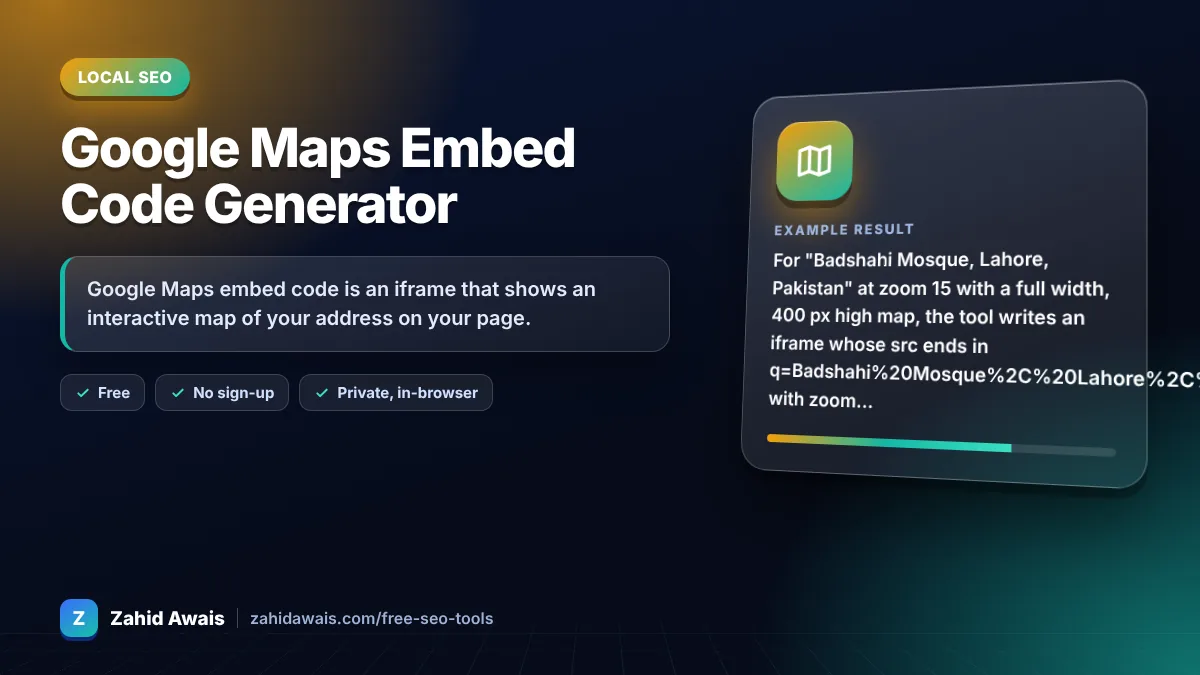
The free google maps embed code runs in your browser, needs no sign-up and never sends what you type anywhere.
Google Maps embed code is an iframe that shows an interactive map of your address on your page. The official options are Share, Embed a map in Google Maps, or the Maps Embed API, which is free with unlimited usage but needs an API key. Add a title, loading="lazy" and width 100% so the map is accessible and responsive.
A Google Maps embed code generator is a tool that builds the iframe HTML for a map from an address or place name. It URL encodes the address into the q parameter, adds zoom (0 to 21) and map type, and wraps it in an iframe with a title, lazy loading, a referrer policy and responsive width.
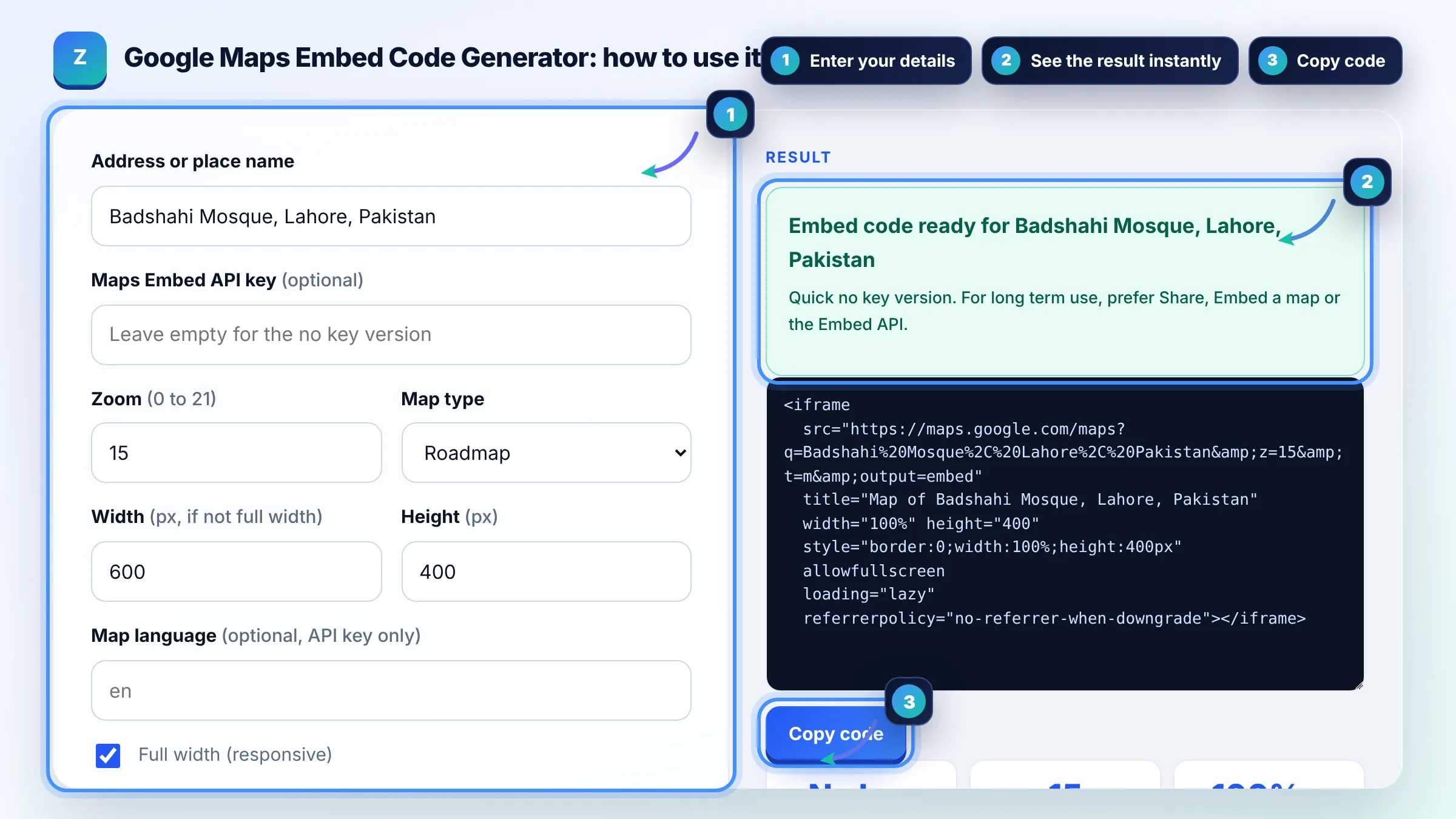
In Google Maps on a computer, search your place, open the menu, click Share or embed map, choose Embed a map and click Copy HTML. Google describes these steps in its Maps Help article. This generator gives you the same kind of iframe with responsive width, lazy loading and a title already set.
Yes. Google's documentation says all Maps Embed API requests are available at no charge with unlimited usage, but you still need a Google Cloud project and an API key. Restrict the key to your website domain and to the Maps Embed API so nobody else can use it.
There is no Google statement that an embedded map improves rankings. It helps visitors find you and confirms your location to people, which supports conversions. For local rankings, focus on your Google Business Profile, consistent name, address and phone details, reviews and LocalBusiness schema.
| Option | Needs API key | Notes |
|---|---|---|
| Share, Embed a map in Google Maps | No | Official, copies a fixed iframe |
| Maps Embed API place mode | Yes (free, unlimited) | Official, supports zoom, maptype, language, region |
| Classic maps?output=embed URL | No | Not documented by Google, may change |
| Plain link to your Google Maps listing | No | Lightest option, opens Maps in a new tab |
Example: for "Badshahi Mosque, Lahore, Pakistan" at zoom 15 with a full width, 400 px high map, the tool writes an iframe whose src ends in q=Badshahi%20Mosque%2C%20Lahore%2C%20Pakistan with zoom 15, plus title="Map of Badshahi Mosque, Lahore, Pakistan", loading="lazy" and style="border:0;width:100%;height:400px".
Set the iframe width to 100% and give it a fixed height, or use the CSS aspect-ratio property. Remove the fixed width attribute Google adds by default. This generator does that for you when the full width option is ticked, so the map fits phones and desktops.
Yes, if the map sits below the fold. The loading="lazy" attribute tells the browser to wait until the user scrolls near the iframe, which saves data and helps page speed. Do not lazy load a map that is the main content at the top of the page.
The address in the q parameter is too vague or matches another place. Use the exact business name with street and city, a plus code, or a Place ID with the Embed API. Test the same text in the Google Maps search box first.
Yes. Search your exact business name in Google Maps so the profile opens, then use Share, Embed a map. The embedded map shows your listing pin. Reviews in the map are shown by Google; never copy them into Review schema on your own site.
Screen readers announce the iframe title so blind users know what the frame contains. An empty or missing title is a common accessibility error. A short title such as Map of your business name and city is enough.
No. The generator only builds text in your browser and does not load the map or call any Google service. Your address and API key are never uploaded or stored by this page.
Facts checked against these official pages. Read how I check facts in my editorial policy.
A local business schema generator is a tool that writes schema.org LocalBusiness structured data in JSON-LD.…
A Google Business Profile description counter is a tool that counts the characters in your business…
A Google review link generator is a tool that builds a direct review URL from a Place ID, the unique code…
Send your website and I will check it for you, free.
One short email when something new goes live: articles, free SEO tools, package updates, discounts and price alerts. No spam, unsubscribe in one click.