Outreach Email Template Generator
An outreach email template generator is a tool that fills a proven email structure with your details. It…
Score your outreach subject line and see how it looks when the inbox cuts it short.
| If the inbox shows about | Reader sees |
|---|
The score is a rule of thumb from outreach practice, not a spam filter result. Real delivery depends on your domain authentication, sending reputation and recipients' engagement.
The free email subject line tester runs in your browser, needs no sign-up and never sends what you type anywhere.
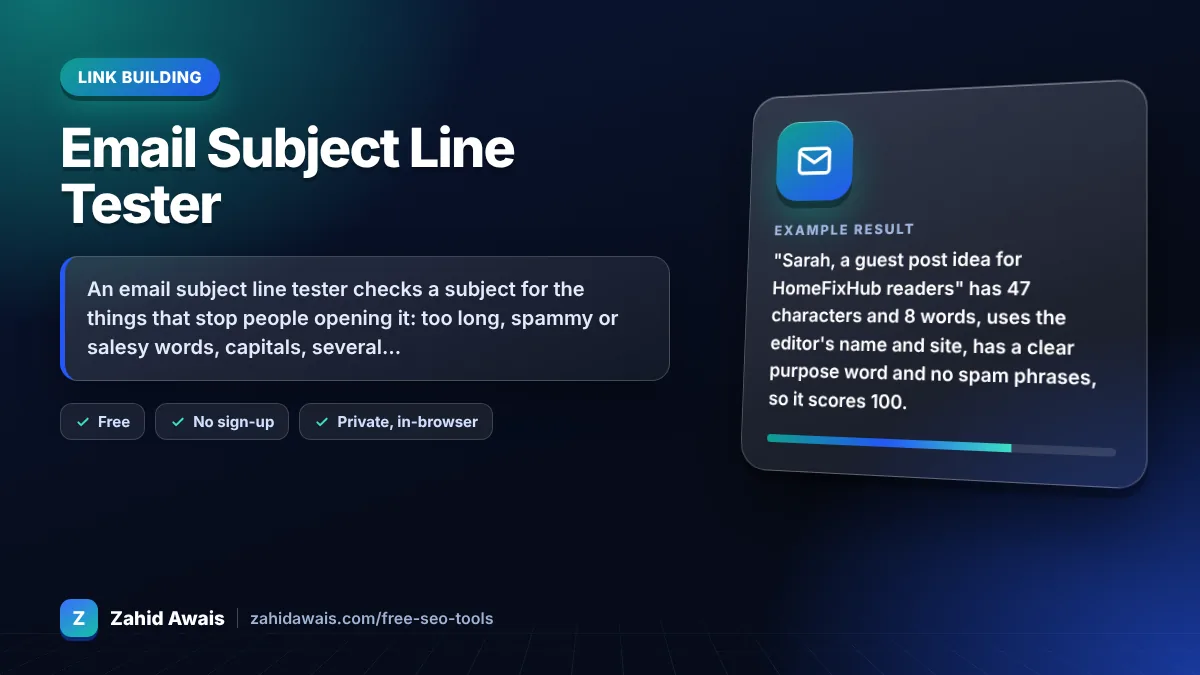
An email subject line tester checks a subject for the things that stop people opening it: too long, spammy or salesy words, capitals, several exclamation marks, a fake Re: and no personal detail. For link building outreach, aim for a short, specific subject under about 60 characters that mentions their site or name and says why you are writing.
An email subject line tester is a tool that scores a subject line against common deliverability and readability rules. This one starts at 100 and subtracts points for length problems, spam trigger phrases, capitals, punctuation, fake reply prefixes, unfilled merge tags and missing personalisation. The score is a rule of thumb, not a filter result.
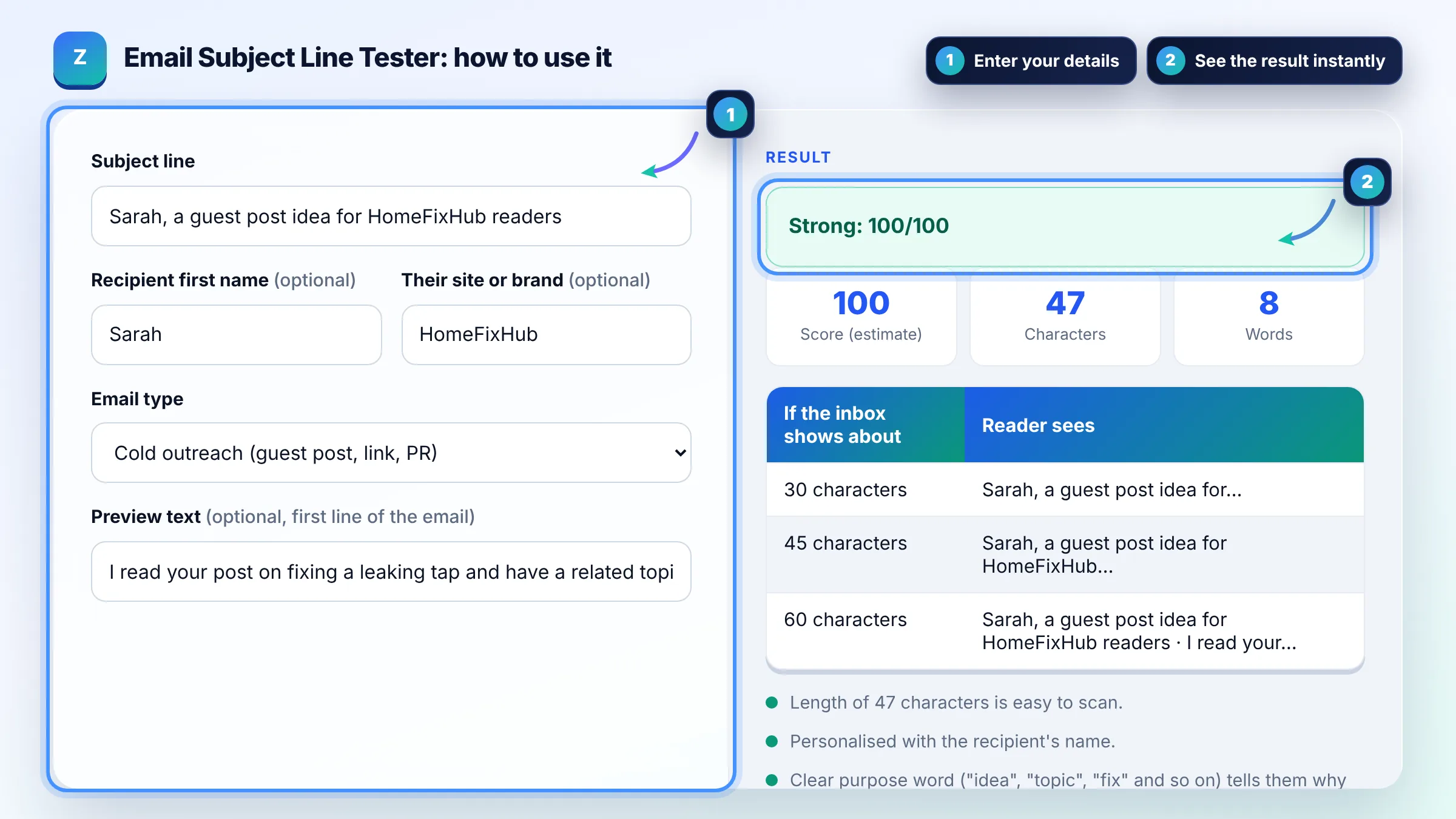
Keep outreach subject lines short, roughly 30 to 60 characters, so the key words show before the inbox cuts the line. There is no fixed limit: Gmail, Outlook and Apple Mail cut at different widths on phones and desktops. Put the reason for the email and the recipient's site in the first few words.
No single word sends an email to spam; filters weigh sender reputation, authentication and how recipients react. Salesy phrases such as free, guaranteed, act now or rank #1 still hurt because people ignore or report them. Gmail's sender guidelines also ask for accurate, non deceptive headers.
No. Gmail's sender guidelines say not to start subject lines with Re: or Fwd: unless the message really is a reply or forward. A fake Re: may get one open, but it damages trust with editors you want a long term relationship with. Use Re: only in a true follow up inside the same thread.
| Subject line | Score | Main issue |
|---|---|---|
| Sarah, a guest post idea for HomeFixHub readers | 100 | None: personal, specific, 47 characters |
| Quick question about your plumbing guide | 90 | No name or site |
| Re: collaboration | 65 | Fake Re:, vague, no personal detail |
| GUARANTEED Page 1 Rankings!!! | 40 | Spam words, capitals, exclamation marks |
| Hi {first_name}, partnership opportunity | 70 | Unfilled merge tag |
Example: "Sarah, a guest post idea for HomeFixHub readers" has 47 characters and 8 words, uses the editor's name and site, has a clear purpose word and no spam phrases, so it scores 100. Changing it to "Re: FREE guest post for you!!" drops the score to 33 because of a fake Re:, the word free, capitals and two exclamation marks.
No. The score is a rule of thumb based on outreach practice. Inbox placement depends mainly on SPF, DKIM and DMARC, your domain and IP reputation, list quality and how people react. Use a seed test or Postmaster Tools for real deliverability data.
Often yes for cold outreach. A first name or the site name shows the email was written for that person, not blasted to a list. Make sure it is spelled correctly, and never leave a raw merge tag like {first_name} in the subject.
In newsletters they can stand out, but in link building and PR outreach they often look like marketing. Gmail's guidelines ask senders not to use emojis to imitate graphic elements. For editors and site owners, plain text usually reads as more personal.
Preview text, or preheader, is the snippet of the email body many inboxes show after the subject. In plain outreach it is simply your first line, so make it add detail instead of repeating the subject or starting with a generic greeting.
Name their site, state the purpose and keep it under about 60 characters, for example "A topic idea for HomeFixHub readers". Avoid words like dofollow, backlink or SEO in the subject; lead with the value for their readers instead.
No. Everything runs in your browser and nothing is uploaded, logged or saved. You can test subjects for client campaigns or private outreach lists without sharing them with any server or third party.
Facts checked against these official pages. Read how I check facts in my editorial policy.
An outreach email template generator is a tool that fills a proven email structure with your details. It…
A guest post pitch generator is a tool that places your details into a tested pitch structure: a personal…
A follow up email generator is a template tool that writes a reply to your own unanswered outreach email. It…
Send your website and I will check it for you, free.
One short email when something new goes live: articles, free SEO tools, package updates, discounts and price alerts. No spam, unsubscribe in one click.