Organic CTR Calculator
A CTR calculator is a tool that measures how often people who see your result actually click it. The formula…
Calculate bounce rate and engagement rate from your session numbers in seconds.
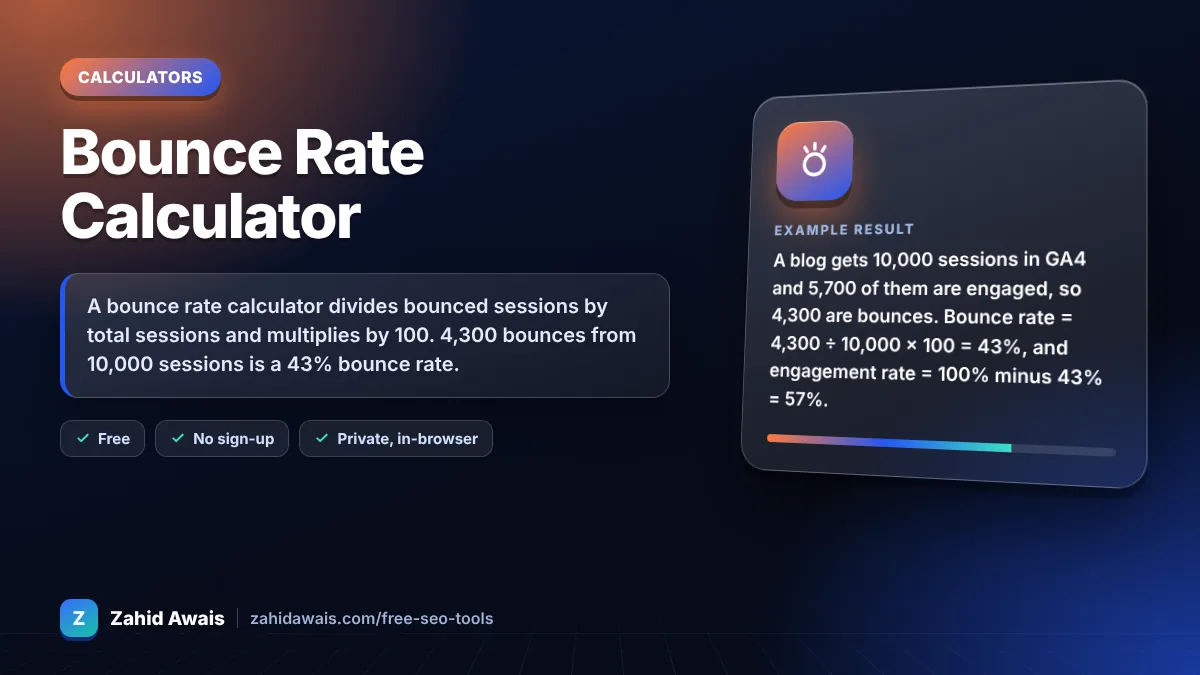
The free bounce rate calculator runs in your browser, needs no sign-up and never sends what you type anywhere.
A bounce rate calculator divides bounced sessions by total sessions and multiplies by 100. 4,300 bounces from 10,000 sessions is a 43% bounce rate. In GA4 a bounce is a session that was not engaged, and engagement rate is simply 100% minus bounce rate. Judge it by page type, not one target.
A bounce rate calculator is a tool that shows the share of sessions that left without engaging. The formula is bounce rate = bounced sessions ÷ total sessions × 100, and in GA4 engagement rate = engaged sessions ÷ total sessions × 100, which equals 100% minus bounce rate.
Bounce rate = bounced sessions ÷ total sessions × 100, so 300 bounces from 1,000 sessions is 30%. In GA4 a bounced session is one that was not engaged, as described in Google's engagement rate and bounce rate guide. Use the same date range and filters for both numbers.
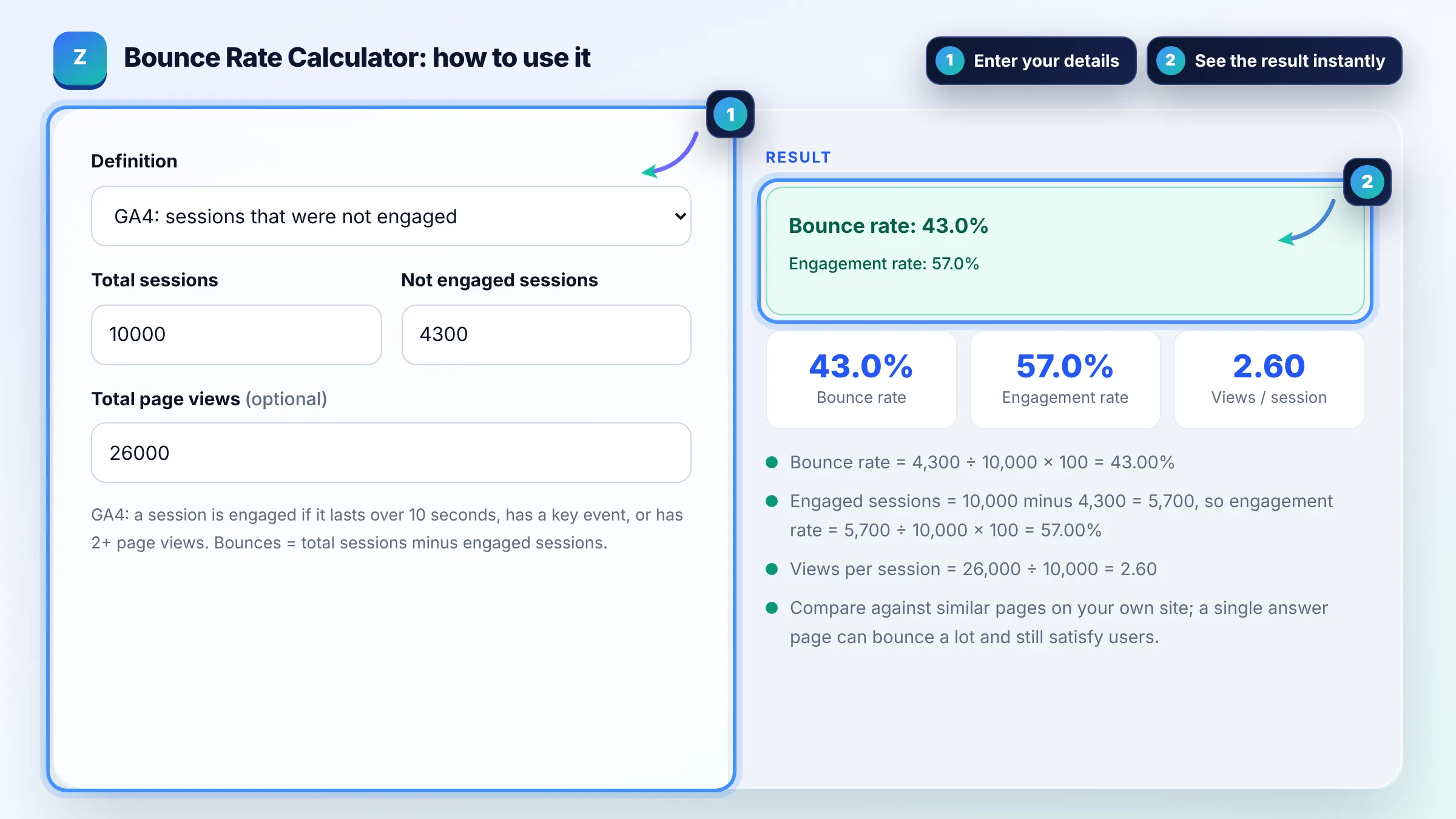
GA4 counts a session as engaged if it lasts longer than 10 seconds, has a key event, or has at least two page or screen views. Every session that meets none of these conditions counts as a bounce, so bounce rate is the inverse of engagement rate.
A good bounce rate depends on the page type and intent, so compare similar pages rather than chasing one number. A contact page or a quick answer article can satisfy users in one view, while a product category page with a very high bounce rate usually needs work.
| Total sessions | Bounced sessions | Bounce / engagement |
|---|---|---|
| 1,000 | 250 | 25% / 75% |
| 5,000 | 2,000 | 40% / 60% |
| 10,000 | 4,300 | 43% / 57% |
| 2,400 | 1,560 | 65% / 35% |
| 800 | 640 | 80% / 20% |
Example: a blog gets 10,000 sessions in GA4 and 5,700 of them are engaged, so 4,300 are bounces. Bounce rate = 4,300 ÷ 10,000 × 100 = 43%, and engagement rate = 100% minus 43% = 57%. With 26,000 page views, views per session = 26,000 ÷ 10,000 = 2.6.
Google has not said that analytics bounce rate is a ranking factor, and many sites do not use Google Analytics at all. Treat bounce rate as a signal about your page and traffic quality, not as a direct SEO score.
Universal Analytics counted single page sessions as bounces, even if the visitor read for ten minutes. GA4 counts a bounce only when the session was not engaged, so GA4 bounce rates are often lower for content sites.
Bounce rate is not shown in every GA4 report by default. Customise a report such as Pages and screens and add the Bounce rate or Engagement rate metric, or build an exploration that includes sessions and engaged sessions.
Match the page to the search intent, answer the main question early, speed up loading, use clear headings, add relevant internal links and calls to action, and make the page easy to use on mobile so visitors engage further.
A 0% bounce rate is almost always a tracking error, such as the analytics tag firing twice or an automatic event marking every session as engaged. Check your tag setup if a page suddenly shows a near zero bounce rate.
Engagement rate is the percentage of sessions that were engaged. In GA4 it equals engaged sessions divided by total sessions times 100, and it is the exact opposite of bounce rate, so the two always add up to 100%.
Facts checked against these official pages. Read how I check facts in my editorial policy.
A CTR calculator is a tool that measures how often people who see your result actually click it. The formula…
A readability score checker is a tool that estimates how hard a text is to read from sentence length and word…
A conversion rate calculator is a tool that shows what percentage of visitors complete a goal such as a sale,…
Send your website and I will check it for you, free.
One short email when something new goes live: articles, free SEO tools, package updates, discounts and price alerts. No spam, unsubscribe in one click.