Anchor Text Ratio Calculator
An anchor text ratio calculator is a tool that classifies each backlink anchor and divides the count in each…
Log every backlink with anchor, price and rel attribute, then export a ready CSV sheet.
| Domain | Anchor | Rel, price | Action |
|---|
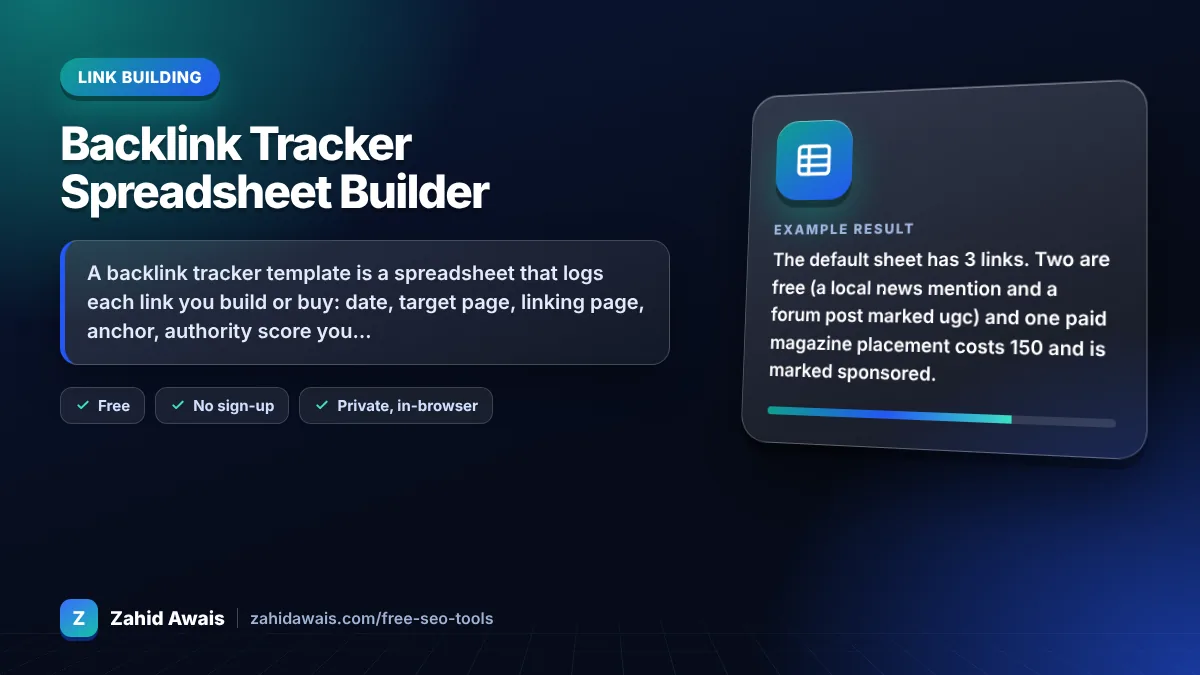
The free backlink tracker template runs in your browser, needs no sign-up and never sends what you type anywhere.
A backlink tracker template is a spreadsheet that logs each link you build or buy: date, target page, linking page, anchor, authority score you supply, price, rel attribute and status. Rule of thumb: recheck links monthly, and flag any paid link that is not marked rel="sponsored" or nofollow.
A backlink tracker template is a structured log of your links. This builder adds a row per link, extracts the linking domain, totals spend, counts paid links without a sponsored or nofollow attribute, and exports everything as a CSV file that opens in Excel or Google Sheets.
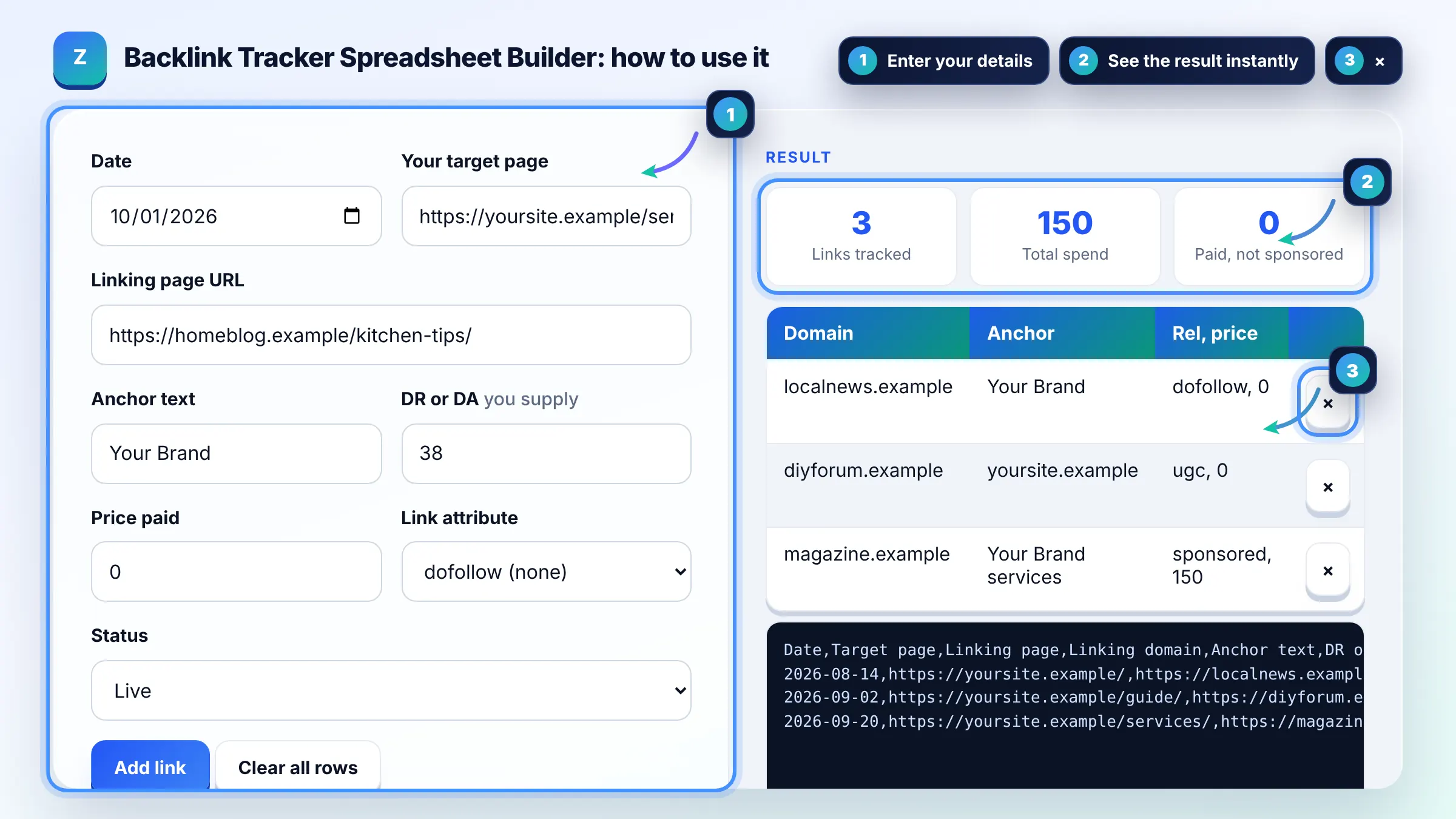
At minimum track 8 fields: date, target page, linking page, linking domain, anchor text, authority score, price and rel attribute, plus status. These let you see cost per link, anchor balance and which links disappeared. Add notes such as contact email if your team runs outreach.
Paid links should carry rel="sponsored", and nofollow is also acceptable, as Google explains in its guide to qualifying outbound links. Track the attribute for every paid placement and ask publishers to fix any that pass ranking credit.
Check live links about once a month. Publishers delete posts, change attributes or move pages, and a monthly check catches losses early. For paid placements, check soon after publishing and again after 30 and 90 days.
| Column | Example | Why it matters |
|---|---|---|
| Linking page | https://magazine.example/best-tools/ | Lets you recheck the exact page |
| Anchor text | Your Brand services | Keeps your anchor mix balanced |
| DR or DA (self reported) | 63 | Third party score you looked up, not a Google metric |
| Price | 150 | Shows real cost per link and ROI |
| Rel attribute | sponsored | Paid links should be sponsored or nofollow |
| Status | live, pending, removed | Tracks lost links and replacements |
Example: the default sheet has 3 links. Two are free (a local news mention and a forum post marked ugc) and one paid magazine placement costs 150 and is marked sponsored. Total spend is 150, links tracked is 3 and the paid but not sponsored count is 0.
Yes. In Google Sheets choose File, Import, Upload and select backlink-tracker.csv. In Excel simply open the file. Columns are comma separated with quotes where needed, so URLs and anchors with commas stay in one cell.
No. It runs fully in your browser and does not visit other sites, so it cannot crawl links. Use the status column to record what you find when you check pages manually or with a backlink tool, and update it monthly.
Domain Rating and Domain Authority are scores from third party tools, not Google metrics, and they change over time. The tracker stores whatever value you looked up so you can compare prices, but it does not calculate or verify these scores.
No. Rows live only in this browser tab and are not uploaded or stored. Download the CSV before closing the page, then keep your master sheet in Excel or Google Sheets.
Google spam policies list buying links that pass ranking credit as link spam. A paid link should use rel="sponsored" or nofollow. The flag reminds you to ask the publisher to add the attribute so your profile stays within the rules.
Yes. Tracking every earned link, mention and directory listing shows which outreach works, keeps your anchor mix visible and lets you spot lost links. Free editorial links are often the most valuable rows in the sheet.
Facts checked against these official pages. Read how I check facts in my editorial policy.
An anchor text ratio calculator is a tool that classifies each backlink anchor and divides the count in each…
A link building cost calculator is a budgeting tool. Monthly cost = links per month x (outreach or placement…
A dofollow nofollow ratio calculator divides each link type count by the total links to get its percentage,…
Send your website and I will check it for you, free.
One short email when something new goes live: articles, free SEO tools, package updates, discounts and price alerts. No spam, unsubscribe in one click.