Technical SEO
Canonical vs Noindex: Which Tag Should You Use and When?
Know when to merge duplicates with a canonical, when to remove a page with noindex, and why mixing them backfires.
Read articleFind the elements that move on your WordPress pages and lock them in place so CLS stays under 0.1.
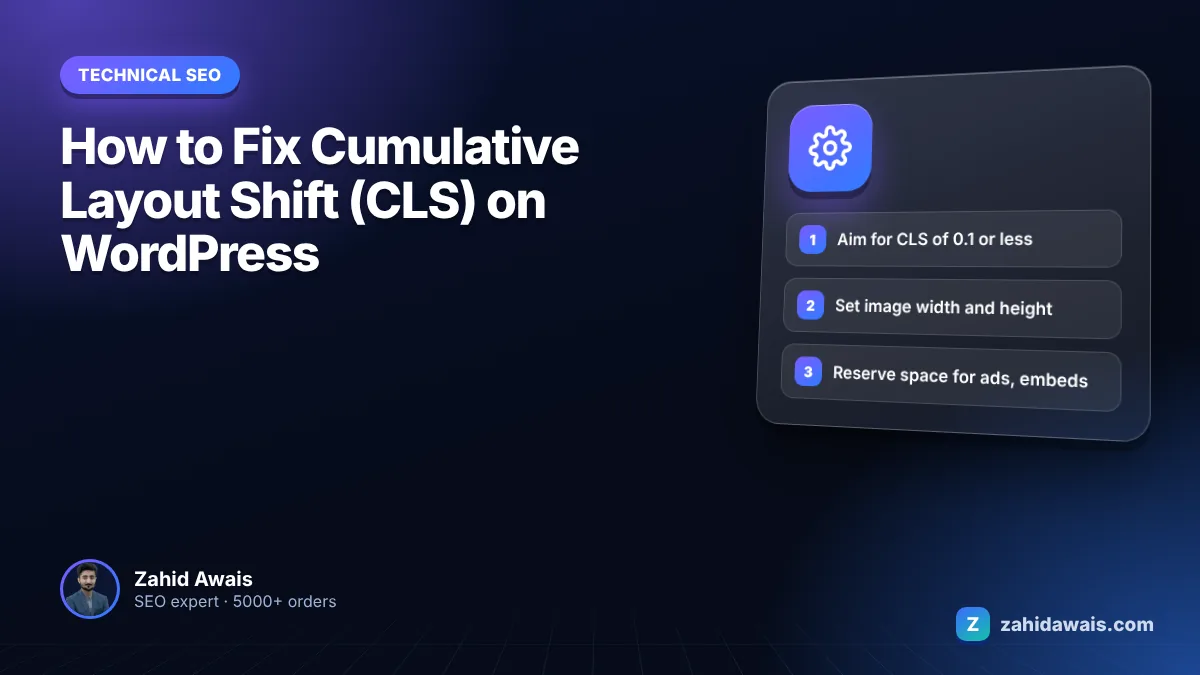
This guide shows you how to find what is moving on your pages and how to stop it, using fixes that work inside WordPress themes, page builders and plugins. If you need to fix cumulative layout shift WordPress problems, start with images, ads, fonts and banners, because those four cause most of the shifts I find.
To fix cumulative layout shift WordPress issues, give every image, video, iframe and ad slot a reserved size, stop banners and notices from pushing content down, and load web fonts so the fallback font has similar metrics. A good CLS score is 0.1 or less at the 75th percentile of visits, measured separately for mobile and desktop.

A good CLS score is 0.1 or less, a score above 0.25 is poor, and anything in between needs improvement, judged at the 75th percentile of real visits. These thresholds come from web.dev’s explainer on Cumulative Layout Shift.
CLS has no unit. Each unexpected shift gets a score based on how much of the viewport moved and how far it moved. Shifts that happen close together are grouped into a session window, where each shift is less than one second after the previous one and the window lasts at most five seconds. Your CLS is the score of the worst window. Shifts within 500 ms of a tap, click or key press are excluded, because the user expected something to change.
One detail confuses many site owners: lab tools like Lighthouse usually measure only the initial load, while field data in Search Console covers the whole visit. A page can score 0 in Lighthouse and still fail in the field because of a banner that appears after five seconds of scrolling.
Layout shift on WordPress is mostly caused by elements that load late without reserved space: images without dimensions, ads and embeds, injected banners, and web fonts that swap after the text has already rendered. The table below maps each cause to where it usually comes from and the fix.
| Cause | Where it comes from in WordPress | Fix |
|---|---|---|
| Images without width and height | Theme templates, page builder image widgets, logos added by CSS | Add width and height attributes or CSS aspect-ratio |
| Ads and embeds | Ad plugins, auto ads, YouTube and social embeds | Reserve min-height for each slot and embed container |
| Injected banners | Cookie notices, promo bars, newsletter popups, WooCommerce store notices | Overlay them, or reserve their space in the layout from the start |
| Web fonts swapping | Google Fonts or custom fonts loaded by the theme | Preload key fonts, use font-display: optional or matched fallbacks |
| Sliders and carousels | Slider plugins that build the slide at runtime | Fixed height container or a static hero image |
| Animations | Page builder entrance effects using top or margin | Animate transform only, or switch effects off |
You find the shifting element by recording the page in Chrome DevTools or checking the diagnostics in PageSpeed Insights, which name the elements that moved. Start with the URL groups Search Console flags in its Core Web Vitals report.
You fix CLS by reserving space for anything that loads late and making sure nothing pushes existing content around. web.dev’s guide to optimizing CLS gives the same core advice: always include width and height on images and video, reserve space for ads and embeds, and avoid injecting content above existing content.
The web.dev list of the most effective ways to improve Core Web Vitals adds one more fix that WordPress sites often miss: make pages eligible for the back/forward cache, so returning visitors see the page restored instantly without repeated shifts. Avoid unload event listeners and no-store headers unless the page shows sensitive data.
Yes, web fonts can cause layout shift when the browser first renders text in a fallback font and then swaps to the web font, which has different widths and line heights. The text reflows, and everything below it moves.
The fix depends on how much you care about the exact font on first view. font-display: optional removes the swap entirely: if the font is not ready almost immediately, the fallback stays for that page view. If you need the brand font every time, preload it and match the fallback’s metrics with size-adjust, ascent-override, descent-override and line-gap-override so both fonts take up nearly the same space. Loading fonts from your own domain rather than a third party also removes a connection step.
Picture a WordPress blog with a mobile CLS of 0.28 in field data. A DevTools recording shows three shifts in the same session window. The header logo has no dimensions and pushes the page down when it loads, scoring 0.06. A newsletter bar injected at the top after two seconds scores 0.15. A Google Font swap reflows the first paragraph for 0.07. Adding width and height to the logo removes the first shift. Moving the newsletter bar into a fixed overlay at the bottom removes the second. Preloading the font with a size-adjusted fallback cuts the third to about 0.02. The worst session window drops from 0.28 to roughly 0.02, well inside the good range.
Add a CLS check to your monthly routine with my free SEO audit checklist. If your theme or page builder keeps fighting you, my WordPress website design work starts from a lean, stable layout, and my technical SEO service can diagnose and fix CLS on your current site without a rebuild.
Lighthouse usually measures only the initial page load in a lab. Search Console uses field data from real visits, which covers the whole time a page is open, including late banners, ads and content that loads while people scroll.
Only if they have no reserved space. A lazy loaded image with width and height attributes, or a CSS aspect-ratio, keeps its space while it loads, so nothing moves when it appears. Missing dimensions are the problem, not lazy loading itself.
They can. A banner that pushes the header or content down after the page has rendered causes a layout shift. A fixed overlay that sits on top of the page, usually at the bottom, does not shift existing content.
CLS is one of the Core Web Vitals that Google uses as part of its page experience signals. Good scores help user experience, but relevance and content quality matter far more, so fixing CLS will not guarantee higher rankings.
No plugin fixes CLS by itself. Performance plugins can preload fonts, add missing image dimensions and set font-display, but you still need to reserve space for ads, embeds and banners in your theme or page builder settings.
Field data uses a rolling 28 day window, so improvements appear gradually over about four weeks. After that, start validation in the Core Web Vitals report to confirm the fixed URL groups have passed.
Facts checked against these official pages. Read how I check facts in my editorial policy.
Know when to merge duplicates with a canonical, when to remove a page with noindex, and why mixing them backfires.
Read article
Find the slow part of your Largest Contentful Paint and apply the fix that actually moves it below 2.5 seconds.
Read article
Find every chain and loop on your site, cut each path to a single hop and keep it that way.
Read articleSend your website and I will reply with a free audit.