On-page SEO
Why Google Rewrites Title Tags and How to Stop It
The documented reasons Google changes your title in search results, how to spot which one applies, and how to fix it.
Read articleWhat Google says about image file names, a naming formula that works for blogs and shops, and how to handle images already uploaded.
This guide shows you how to write image file names for SEO the way Google recommends, gives you a naming formula you can reuse for blogs and online shops, and explains what to do with images you have already uploaded. Renaming images is one of the cheapest on-page fixes I make for clients, so it is worth getting right from the start.
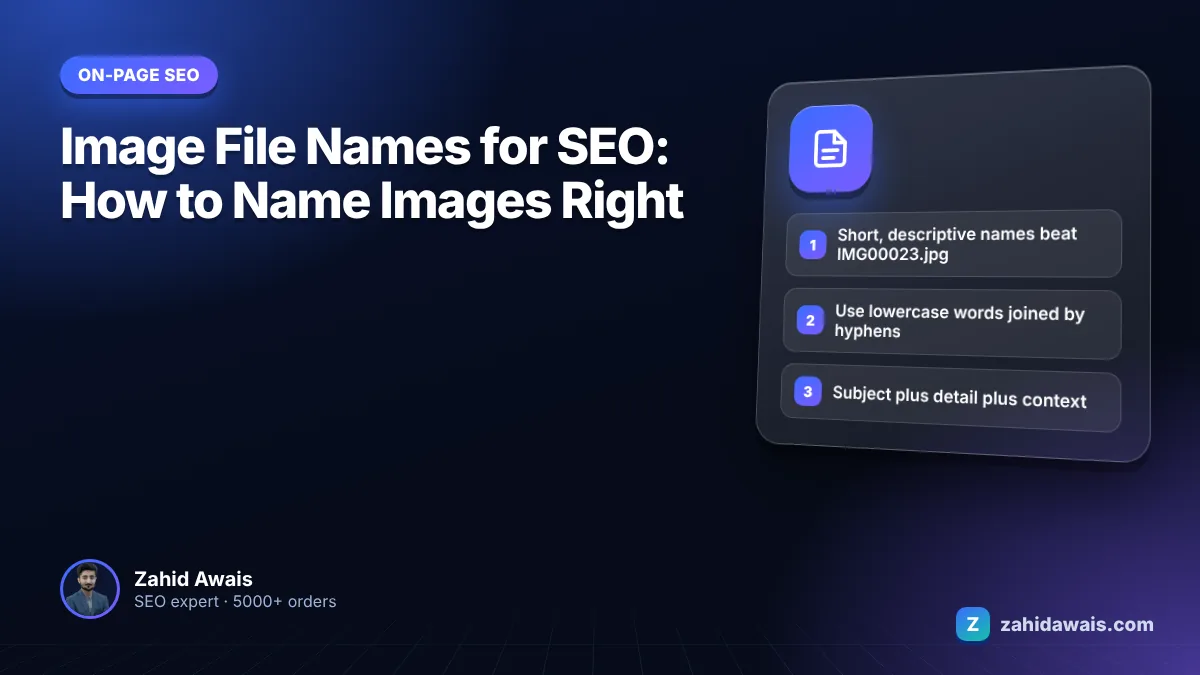
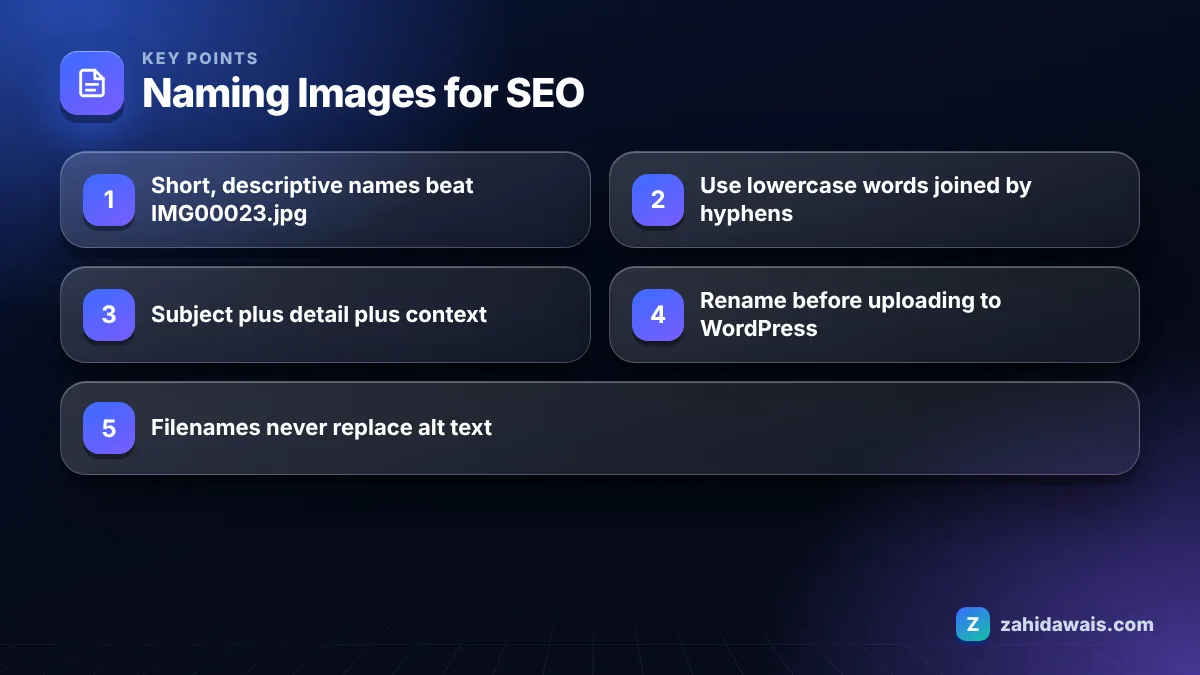
Google recommends short but descriptive filenames, such as my-new-black-kitten.jpg instead of IMG00023.JPG. For image file names for SEO, describe what the image shows in 3 to 6 lowercase words separated by hyphens, avoid generic names like image1.jpg, and translate filenames when you localize images. Rename before uploading.
Yes, image file names matter for SEO, but as a small supporting signal rather than a major ranking factor. Google uses the filename as one clue about what an image shows, alongside alt text, captions and the surrounding page text.
Google’s image SEO best practices say that the filename can give Google very light clues about the subject matter of the image, and recommend filenames that are short but descriptive. Google’s own example is that my-new-black-kitten.jpg is better than IMG00023.JPG. The same page advises avoiding generic filenames like image1.jpg, pic.gif or 1.jpg when possible.
In practice, the filename matters most for Google Images traffic and for product photos, where many images look similar and text signals help Google tell them apart. On a blog post, the filename alone will not move rankings, but it costs nothing to do properly and it adds to the overall picture.
The filename also becomes part of the image URL. Anyone who sees that URL, in a shared link, an image search result or a browser tab, sees a clue about what the image contains.
Image file names should use hyphens between words, not underscores or spaces. The filename is part of a URL, and Google’s URL guidance recommends hyphens to separate words.
Google’s URL structure best practices say it recommends hyphens instead of underscores and, for historical reasons, does not recommend underscores. Spaces are even worse: they get encoded as %20, producing file URLs like red%20leather%20sofa.jpg that look messy and are easy to break.
The other rules I follow for every filename:
A good naming formula is subject plus key detail plus context, written in plain words in the order a person would describe the image. This table shows the formula applied to common image types.
| Image type | Bad filename | Good filename |
|---|---|---|
| Product photo | DSC_4471.JPG | oak-dining-table-6-seater.jpg |
| Product variant | table2-final-v3.jpg | oak-dining-table-6-seater-side-view.jpg |
| Blog illustration | image1.png | keyword-cannibalization-diagram.png |
| Team photo | IMG_20250312_101500.jpg | dental-team-reception-leeds-clinic.jpg |
| Screenshot | Screenshot 2026-01-04 at 10.15.22.png | search-console-pages-report.png |
| Recipe photo | food_pic_FINAL.jpeg | chicken-biryani-served-in-bowl.jpg |
| Stuffed (avoid) | cheap-sofa-best-sofa-sofa-sale-buy-sofa.jpg | grey-corner-sofa-living-room.jpg |
For shops with hundreds of products, build the filename from data you already have: product name, colour, size or angle. That keeps names consistent and makes bulk renaming possible with a script or a plugin.
Yes, you should rename images before uploading to WordPress, because the filename you upload becomes part of the permanent image URL in your media library. Renaming later is possible but more work.
When you upload a file to WordPress, it keeps your filename in the file path, usually inside a dated folder such as /wp-content/uploads/2026/03/. WordPress also creates resized copies with the dimensions added to the name. Changing the visible title in the media library does not change the file URL.
My upload routine for client sites:
For images already uploaded with bad names, rename only the important ones, such as product photos and images that already get Google Images traffic. Renaming changes the URL, so update every page that uses the image and redirect the old file URL to the new one. Google also advises referencing an image consistently with the same URL so it can cache and reuse it, which is another reason to choose good names once and keep them. If you are building a new site, set naming rules from day one; it is part of how I hand over every WordPress website design project.
The biggest mistakes are uploading camera or screenshot names unchanged, stuffing keywords into filenames, and renaming large numbers of old images without a plan. Each of these either wastes the opportunity or creates new problems.
These are the mistakes I find most often when I audit image libraries:
Most of these come from rushed uploads, so the long term fix is a written rule that everyone who adds images follows.
An online shoe store uploads 5 photos for one product: a brown leather Chelsea boot for men. The photographer delivers files named 0012.jpg to 0016.jpg. Using the formula subject plus detail plus context, they become: mens-brown-leather-chelsea-boot.jpg, mens-brown-leather-chelsea-boot-side.jpg, mens-brown-leather-chelsea-boot-sole.jpg, mens-brown-leather-chelsea-boot-on-foot.jpg and mens-brown-leather-chelsea-boot-box.jpg.
Each name is 5 to 7 words, all lowercase, hyphen separated and unique. The alt text then adds what the name cannot, for example “Brown leather Chelsea boot with elastic side panel, side view.” For 400 products, this naming is generated from the product feed in a spreadsheet in about an hour, then applied with a bulk rename tool before upload.
Images are one part of a wider media strategy that includes video, captions and structured data; my content and media SEO service covers all of it. For a quick self check, image filenames and alt text are both in my free SEO audit checklist, and I review them on every on-page SEO project.
Keep it short but descriptive, as Google recommends. Most good filenames are 3 to 6 words. Long enough to say what the image shows, short enough to read at a glance. Extra words beyond that usually turn into keyword stuffing.
Include the keyword only if it honestly describes the image. A photo of a grey corner sofa can be named grey-corner-sofa.jpg. Repeating keywords or adding unrelated ones does not help and makes the filename less useful.
Only a little. Google says the filename gives it very light clues about the subject of an image. Alt text, the surrounding text, the page topic and image quality matter as well, so treat the filename as one supporting signal.
You can, but lowercase is safer. URLs are case sensitive, so Photo.jpg and photo.jpg can be treated as different files. Sticking to lowercase avoids broken links and duplicate files across your site.
Only for important images such as product photos or images that already get search traffic. Renaming changes the image URL, so redirect the old URL and update every page that uses it. For minor blog images, leave them and fix your process instead.
No. The filename and alt text do different jobs. Alt text describes the image for screen reader users and gives Google context, and Google calls it the most important attribute for image metadata. Always write both.
Facts checked against these official pages. Read how I check facts in my editorial policy.
The documented reasons Google changes your title in search results, how to spot which one applies, and how to fix it.
Read article
Why there is no magic percentage, how to calculate density anyway, and the checks I use instead to avoid keyword stuffing.
Read article
How to spot pages competing for the same search, decide what to do with each one, and fix it without losing traffic.
Read articleSend your website and I will reply with a free audit.