Local Business Schema Generator
A local business schema generator is a tool that writes schema.org LocalBusiness structured data in JSON-LD.…
Generate Review or AggregateRating JSON-LD for genuine reviews shown on your page.
JSON-LD code
Only mark up genuine reviews that are visible on the page. Businesses cannot get stars for reviews about themselves on their own site.
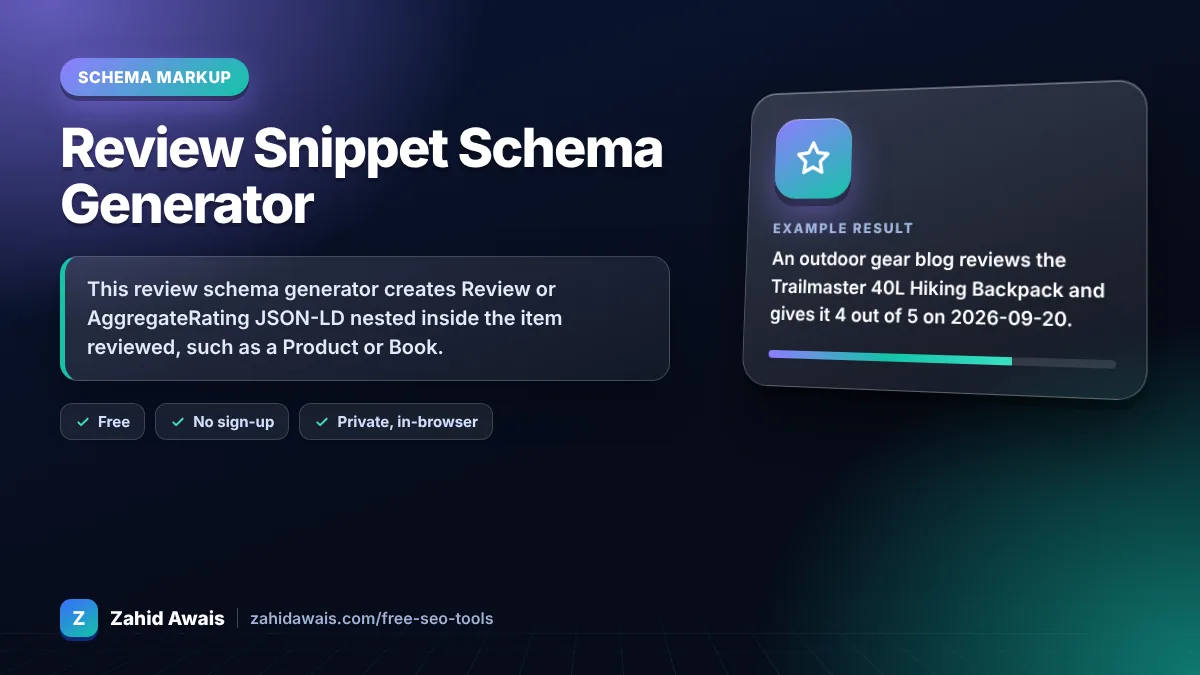
The free review schema generator runs in your browser, needs no sign-up and never sends what you type anywhere.
This review schema generator creates Review or AggregateRating JSON-LD nested inside the item reviewed, such as a Product or Book. A review needs author, item name and reviewRating.ratingValue; an aggregate needs ratingValue plus ratingCount or reviewCount. Ratings default to a 1 to 5 scale. Businesses cannot earn stars for reviews about themselves.
A review schema generator is a tool that writes schema.org Review or AggregateRating structured data. It places the rating inside the item being reviewed, checks the rating sits between worstRating and bestRating, and flags Google's self-serving review rule.
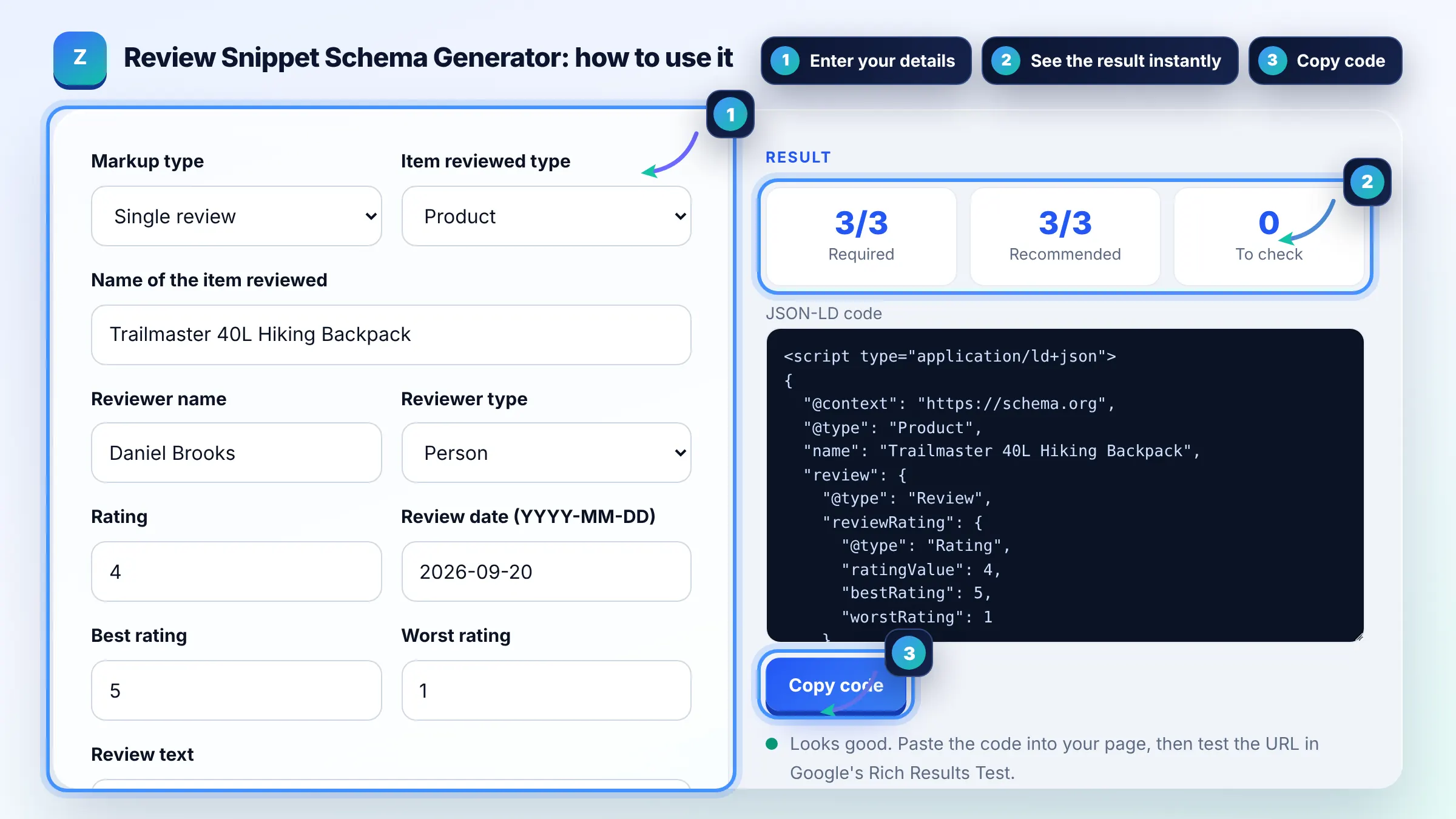
A Review needs author, the item reviewed with its name, and reviewRating.ratingValue. An AggregateRating needs the item name, ratingValue and at least one of ratingCount or reviewCount. Google's review snippet guide lists the full rules.
Not for reviews about your own business. Google says pages using LocalBusiness or Organization markup are ineligible for star snippets when the business controls the reviews about itself, including reviews embedded from a third party widget.
Google supports reviews of Book, Course, CreativeWorkSeason, CreativeWorkSeries, Episode, Event, Game, HowTo, LocalBusiness, MediaObject, Movie, MusicPlaylist, MusicRecording, Organization, Product, Recipe and SoftwareApplication.
| Markup | Required | Recommended |
|---|---|---|
| Review | author, itemReviewed name, reviewRating.ratingValue | datePublished, bestRating, worstRating |
| AggregateRating | itemReviewed name, ratingValue, ratingCount or reviewCount | bestRating, worstRating |
| Rating scale | Defaults to 1 (worst) to 5 (best) | Set both for other scales |
Example: an outdoor gear blog reviews the Trailmaster 40L Hiking Backpack and gives it 4 out of 5 on 2026-09-20. The tool nests a Review with author Daniel Brooks and a Rating of 4 (best 5, worst 1) inside a Product named Trailmaster 40L Hiking Backpack.
Valid markup only makes a page eligible. Google may skip stars for self-serving reviews, unsupported item types, ratings not visible on the page, or sites it does not trust for reviews. Test the URL in the Rich Results Test first.
No. Marking up invented, paid or copied reviews breaks Google's structured data policies and consumer protection laws in many countries. It can lead to a manual action that removes rich results across your site.
Use reviewCount for the number of written reviews and ratingCount for the number of ratings, which can include star only votes. Google needs at least one of them in AggregateRating.
Yes. Set bestRating to 10 and worstRating to 1 or 0. If you leave them out, Google assumes 5 as best and 1 as worst, so a 9 out of 10 rating would be invalid.
Nesting the Review inside the item, as this tool does, is the simplest form because the parent name covers the itemReviewed requirement. A standalone Review must include itemReviewed with its own type and name.
Only if the full review text and ratings are shown on your page and you have the right to display them. For your own business, Google still treats them as self-serving, so stars will not appear.
Facts checked against these official pages. Read how I check facts in my editorial policy.
A local business schema generator is a tool that writes schema.org LocalBusiness structured data in JSON-LD.…
A product schema generator is a tool that writes schema.org Product structured data. It combines product…
A software application schema generator is a tool that writes schema.org SoftwareApplication structured data.…
Coming 13 OctSend your website and I will check it for you, free.
One short email when something new goes live: articles, free SEO tools, package updates, discounts and price alerts. No spam, unsubscribe in one click.