Traffic Value Calculator
A traffic value calculator is a tool that puts a money value on organic search traffic. For each keyword it…
Score long tail keywords in bulk with the KGR formula and see which are worth targeting first.
Separate columns with commas or tabs. Thresholds are the original KGR rules of thumb and are editable.
| Keyword | Calculation | KGR |
|---|
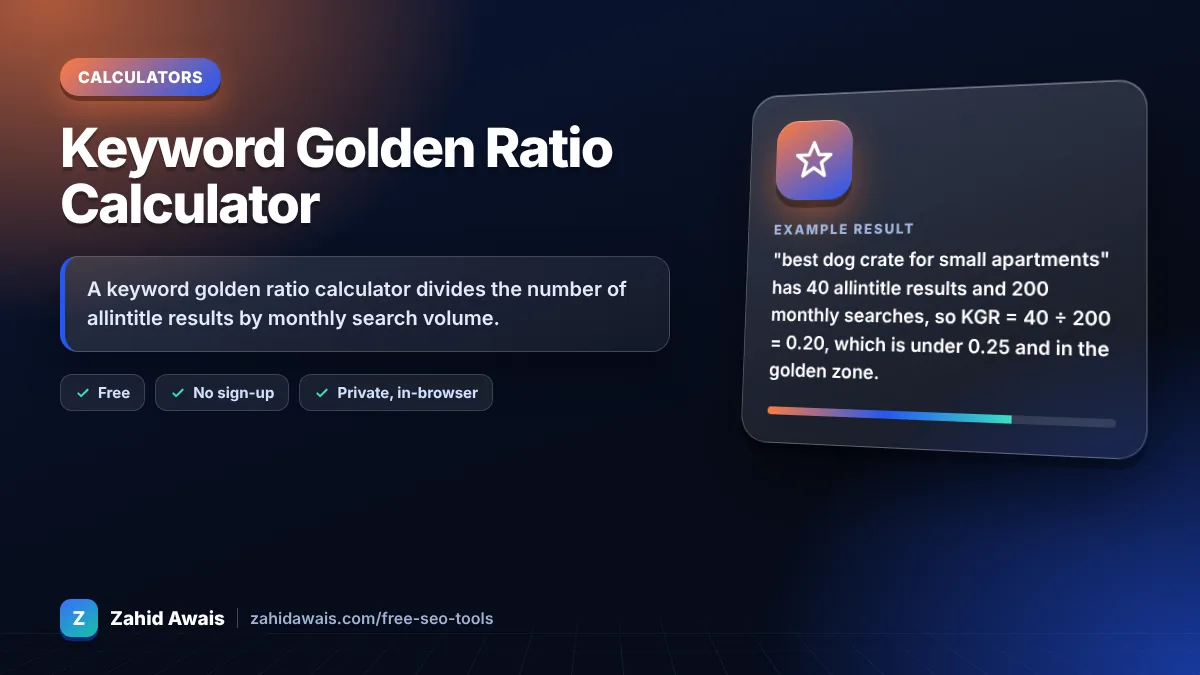
The free keyword golden ratio calculator runs in your browser, needs no sign-up and never sends what you type anywhere.
A keyword golden ratio calculator divides the number of allintitle results by monthly search volume. 40 allintitle results for a keyword searched 200 times a month gives a KGR of 0.2. Under 0.25 is the target zone, 0.25 to 1 is possible, and over 1 is hard. The method is meant for keywords under 250 searches.
A keyword golden ratio calculator is a tool for the KGR method, a long tail keyword research technique created by Doug Cunnington, not by Google. The formula is KGR = allintitle results ÷ monthly search volume, used for keywords with fewer than 250 searches a month.
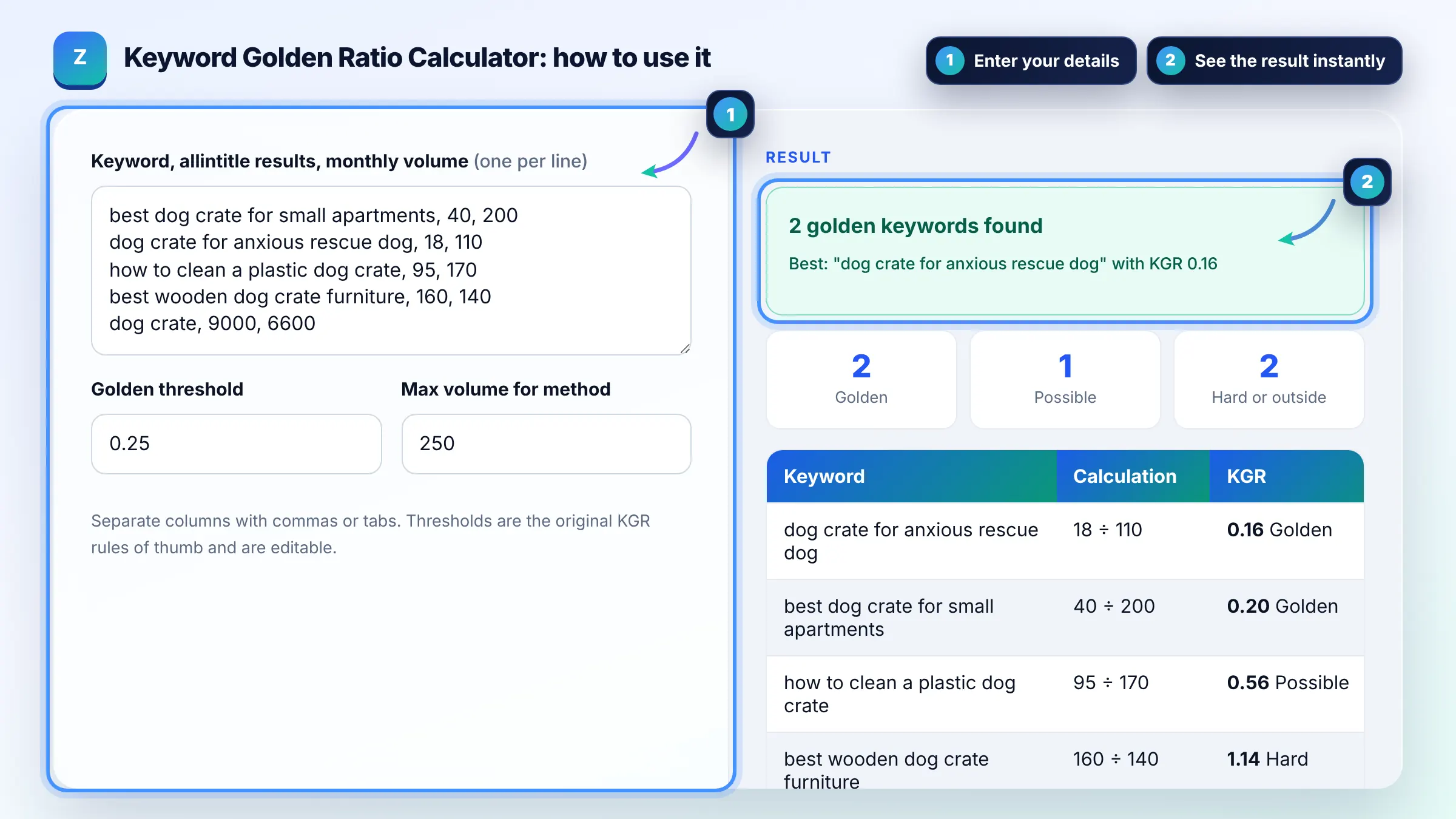
KGR = allintitle results ÷ monthly search volume, so 30 allintitle results and 150 searches gives 0.2. Get volume from a tool such as Google Keyword Planner, which shows estimates, and count allintitle results with a manual Google search.
A KGR under 0.25 is the target zone in the original method, meaning few pages target that exact phrase in their title. Scores from 0.25 to 1 may still rank with good content, and above 1 the keyword is usually more competitive.
KGR is a quick rule of thumb, not a Google metric, and allintitle counts are rough estimates. It works best as a filter to find less contested long tail phrases, which you should still check by looking at the actual pages ranking.
| KGR score | Verdict | What to do |
|---|---|---|
| Below 0.25 | Golden | Target soon with a focused page |
| 0.25 to 1.00 | Possible | Target if content and site fit well |
| Above 1.00 | Hard | Skip for KGR or treat as normal keyword |
| Volume 250+ | Outside method | KGR rules were not designed for it |
Example: "best dog crate for small apartments" has 40 allintitle results and 200 monthly searches, so KGR = 40 ÷ 200 = 0.20, which is under 0.25 and in the golden zone. "dog crate" with 9,000 allintitle results and 6,600 searches has a KGR of 1.36 and is far outside the method.
The keyword golden ratio, or KGR, is a long tail keyword research method created by Doug Cunnington. It compares how many pages use the exact phrase in their title with how many people search for it each month, to find under served keywords.
allintitle: is a Google search operator that returns pages with all of the given words in their title. KGR uses the result count as a rough measure of how many pages directly target a phrase. Counts are estimates and vary between searches.
The KGR method was designed for very low volume long tail keywords, where few sites compete. Above about 250 monthly searches the ratio becomes less meaningful because stronger sites target the topic, so the calculator flags those rows.
No. Google does not use or publish KGR. It is a third party rule of thumb for choosing topics. Rankings depend on relevance, content quality, links and many other signals, so use KGR only as an early filter.
Type allintitle: followed by your keyword in Google and read the approximate result count, which may only show on some result pages. Do it manually and at a slow pace, and respect Google terms rather than scraping results.
Yes. Paste rows with keyword, allintitle results and volume separated by tabs or commas. When using commas, write numbers without thousands separators, such as 1200, so the calculator reads each column correctly.
Facts checked against these official pages. Read how I check facts in my editorial policy.
A traffic value calculator is a tool that puts a money value on organic search traffic. For each keyword it…
A keyword cannibalization checker is a tool that finds multiple URLs on one site aimed at the same query. It…
A keyword extractor is a tool that pulls the most important terms out of a text. This one splits the text at…
Send your website and I will check it for you, free.
One short email when something new goes live: articles, free SEO tools, package updates, discounts and price alerts. No spam, unsubscribe in one click.