
Local SEO
Business Not Showing on Google Maps? How to Find the Cause and Fix It
One quick search tells you whether Google is hiding your profile or just ranking it low. Then fix the right thing.
Read articlePending edits are a review, not an error. Here is how to get them accepted faster and stop Google overwriting them.
This guide explains what Google Business Profile edits pending really means, how long Google says a review can take, why some edits are never approved, and what to do when Google changes your details on its own.
Google Business Profile edits pending means Google is still checking your change against its guidelines. Google says most edits are reviewed in about 10 minutes, but some take up to 30 days. Leave the edit alone, make sure the new detail matches your signage and website, and appeal if it is not approved.
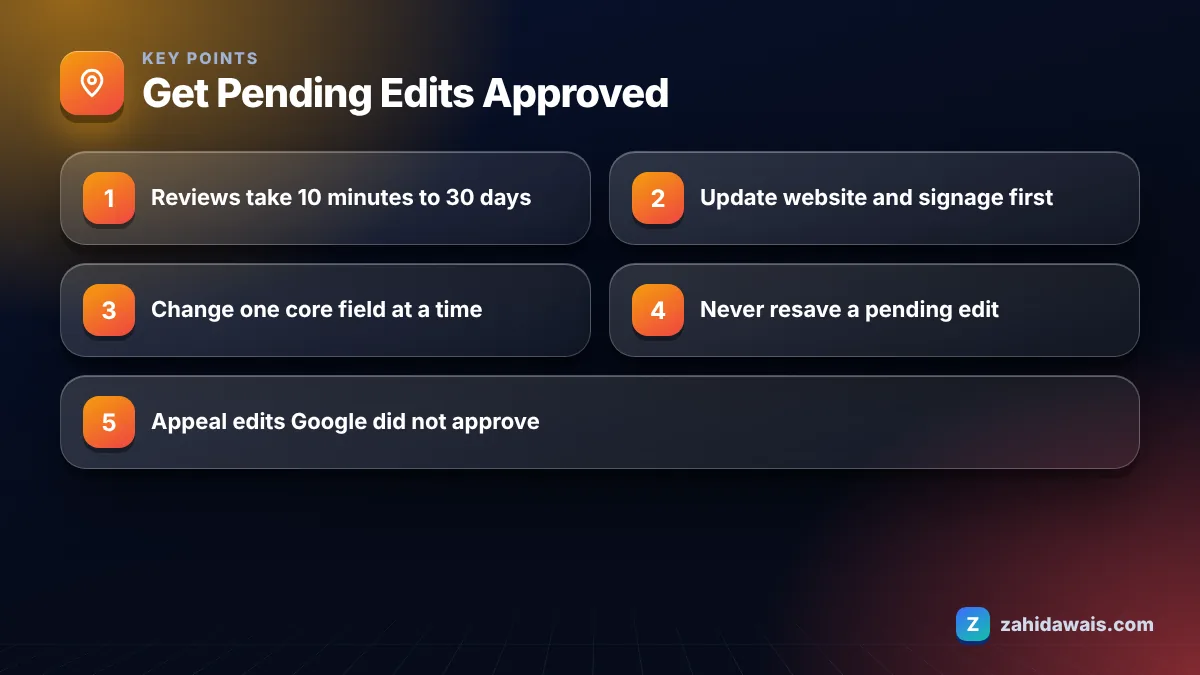
According to Google’s help page on what happens to your Business Profile edits, edits usually take up to 10 minutes to review, but sometimes they take up to 30 days. While that review runs, the status shows as Pending.
Thirty days feels long when a phone number or opening hours are wrong. In my client work, simple changes such as a new photo, a description update or holiday hours normally clear quickly. Changes to the core identity of the business, meaning the name, address, primary category and sometimes the website, are the ones that sit in Pending the longest. That matches the logic of the review: the more an edit could mislead customers, the more checking Google does.
Repeatedly resaving the same edit does not move it to the front of a queue. It only creates more history for a reviewer to look at.
So what should you do during those days? Use the time to build the proof that the change is real. This is the short routine I follow for clients while an important edit is pending:
None of this forces Google to decide faster. It does make an approval more likely and gives you everything you need if the answer is no.
Every saved edit ends up in one of three states, and each needs a different response. Google lists them on the same help page, and this table adds what I do in practice.
| Status | Meaning | My next step |
|---|---|---|
| Pending | Google is still reviewing the change | Wait, do not resave, prepare proof in case it is rejected |
| Accepted | The new information is live on the profile | Check it on Search and Maps, then update the website and citations to match |
| Not approved | Google could not confirm the change is accurate | Check the change against the guidelines, then appeal if it is correct |
| Google update alert | Google changed the information after reports | Review the alert in Edit profile, accept it or correct it |
You can check progress at any time with the Check your edit status link in your profile. Unverified profiles can edit only some details, so if you have not verified yet, do that first.
An edit is not approved when Google cannot confirm the change is accurate. The help page states this directly, and in my experience the cause is nearly always a gap between the profile and what Google sees elsewhere.
The patterns I see most often are:
When the edit is genuine, fix the evidence trail first. Update your website contact page, footer and schema, change your signage if needed, and then appeal or resubmit. A properly structured website helps here, and my on-page SEO service includes making contact details consistent across every page.
Google changes profile information when it receives reports that your current information is inaccurate. It uses reports from several sources to keep customer-facing details current, and it notifies you with an alert in the Edit profile section when it makes a change.
Those reports can come from users suggesting edits on Maps, from other public sources, or from data that conflicts with your profile. If you keep seeing the same field change, something outside your profile is disagreeing with it. Typical culprits are an old address still listed on a directory, a previous phone number in your website footer, or hours on your website that differ from the profile.
The way to avoid long reviews is to change one core field at a time, and only after the outside world already shows the new value. I call this “web first, profile second”, and it is the rule I give every client before a move or rebrand.
If several people manage your profile, a single shared record of the approved name, address, phone and hours prevents well-meant edits that conflict with each other. You can also use my free SEO checklist to confirm the website side is in order before you touch the profile.
A home cleaning company renamed from “Sparkle Cleaners” to “Sparkle Home Care”. Week 1: new logo on vans, invoices and the website header, with the contact page and footer updated. Week 2: the name edit on the profile only, which was accepted. Week 3: the category refined to match the new service focus, also accepted. Week 4: the main directory listings updated. Because each step had public evidence behind it, nothing sat in Pending for long and no reviews were lost, since Google keeps reviews through minor name changes.
If an edit keeps getting rejected and you cannot see why, my local SEO services include a full profile and citation check. I compare your profile against your website and listings and show you which source is undermining the change, so your next edit goes through first time.
Google says edits usually take up to 10 minutes to review, but sometimes they can take up to 30 days. Core changes such as name, address or category tend to need more checking than photos or descriptions, so plan important changes well ahead.
No. Resaving the same change does not speed up the review and adds more edit history for a reviewer to check. Leave the pending edit in place, make sure your website and signage already show the new detail, and wait for the decision.
Yes. Google says rejected edits may be eligible for appeal. Before you appeal, confirm the change follows the guidelines and that public sources such as your website show the same information, because Google rejects edits it cannot confirm as accurate.
Google may update profile information when it receives reports that the current details are inaccurate, and it notifies you with an alert in the Edit profile section. Check the alert, then correct any conflicting hours on your website or other listings.
Not for minor name changes. Google’s help on moving reviews says reviews remain when the name changes slightly. A business that changes its name without meeting Google’s criteria may be treated as a new business, so keep the change genuine and documented.
Anyone can suggest edits on Google Maps, and Google may apply them if it trusts the information. If a third party keeps making false changes, correct the field, keep your sources consistent and use the third-party complaint form Google links from its help page.
Facts checked against these official pages. Read how I check facts in my editorial policy.
One quick search tells you whether Google is hiding your profile or just ranking it low. Then fix the right thing.
Read article
Find the reason, fix the profile, then appeal once with documents that match your name and address.
Read article
Local SEO has four parts: your Business Profile, your website, your citations and your reputation. This 20-step checklist covers all four in the order I work through them.
Read articleSend your website and I will reply with a free audit.