Local SEO
Google Business Profile Suspended? How to Get It Reinstated
Find the reason, fix the profile, then appeal once with documents that match your name and address.
Read articleOne quick search tells you whether Google is hiding your profile or just ranking it low. Then fix the right thing.
This guide gives you a step by step way to find out why your business not showing on Google Maps is happening, whether it is a visibility problem or a ranking problem, and exactly what to fix first.
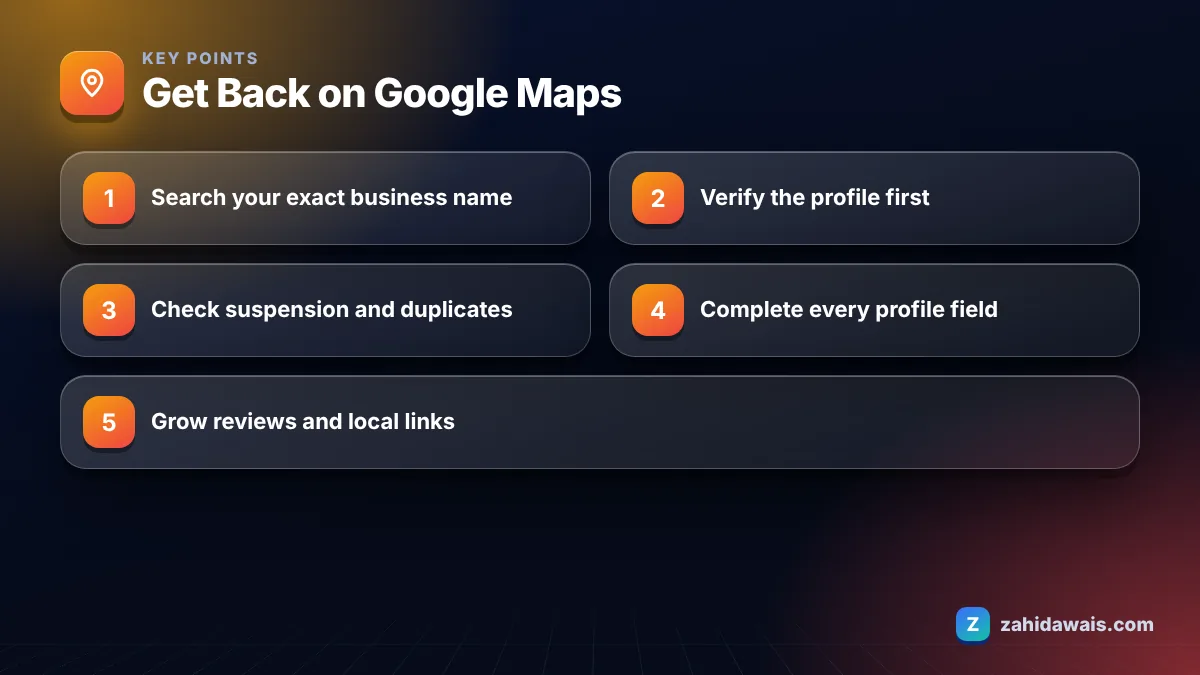
If your business is not showing on Google Maps, first search its exact name. If it does not appear, the profile is probably unverified, suspended or marked as a duplicate. If it appears for its name but not for services, it is a ranking issue driven by relevance, distance and prominence, plus incomplete information.
Your business is not showing on Google Maps for one of two very different reasons: either Google is not displaying the profile at all, or it is displaying it but ranking it below others for the searches you care about. The fix depends entirely on which one you have.
The fastest test takes thirty seconds. Open Google Maps on a phone, search your exact business name and town, and see what happens.
Most owners who contact me believe they have the first problem when they really have the second, so do the test before changing anything.
Write down what you saw, with the search you used and where you were standing. If you hire help later, that note saves a lot of back and forth, and it gives you a baseline to compare against once your fixes are live. Repeat the same searches from the same places a few weeks after making changes.
The most common cause is that the profile was never verified. Google’s sign up help page says customers can only find your Business Profile on Google after you complete verification.
This table lists the visibility causes I check, in order, and how to confirm each one.
| Cause | How to confirm | Fix |
|---|---|---|
| Profile not verified | Get verified prompt shows in your profile | Complete the verification method Google offers |
| Verification under review | You verified in the last few days | Wait, Google says reviews take up to 5 business days |
| Profile suspended | Notice in your profile or the appeals tool | Fix the guideline issue, then appeal |
| Marked as duplicate | Another listing exists for the same business | Resolve the duplicate through Google’s process |
| Ineligible location | Address is a P.O. box, mailbox or unstaffed virtual office | Use a real staffed address or a service area setup |
| Service-area business with hidden address | No pin, only a shaded area | Normal behaviour, check searches inside your service area |
If a different listing appears when you search your name, look closely at it. It may be an old profile someone created years ago, a listing from a previous owner at the same address, or a profile you created and forgot. Google hides duplicates from Search and Maps, so the version it chooses to show may not be the one you manage. The answer is to claim or resolve that listing through Google’s duplicate process, not to make a third one.
Eligibility trips up more businesses than people expect. Google’s guidelines for representing your business say a business that rents a mailing address but does not operate there is not eligible for a profile. No amount of optimisation fixes that.
A new business usually appears on Google Maps once verification is complete, and Google says verification reviews take up to 5 business days, occasionally longer. If you verify by postcard, add the postal time: Google says most codes arrive within 14 days.
Changes to an existing profile follow a different clock. Google says edits usually take up to 10 minutes to review but can take up to 30 days. If you just changed your address or name, a short gap in visibility for that change is normal.
Ranking for competitive terms is a separate matter. Appearing for your own name is quick once verified. Appearing in the top results for “plumber near me” depends on how you compare with competitors, and no honest provider can give you a date for that.
You improve your Maps ranking by working on the three factors Google names in its page on tips to improve your local ranking: relevance, distance and prominence. Google also says there is no way to request or pay for a better local ranking.
Distance is the one factor you cannot control. If someone searches from across town, a competitor closer to them may outrank you even with a weaker profile. That is why I always test rankings from several points in a service area, not just from the office.
Listings that were visible and then vanish are usually hit by a suspension or a duplicate flag after a well-meant change. The repeat offenders I see are adding keywords to the business name, creating a second profile for a new service, and showing a home address for a business that serves customers at their location.
Each of these breaks a specific guideline. Keep the name identical to your signage, list all services on one profile, and hide the address if customers do not visit you. If you are a trade business, my guide to SEO for home services covers service area setup in detail.
An electrician said the business “vanished from Maps”. Test 1: searching the exact name showed the profile, so it was not suspended. Test 2: searching “electrician” from the office showed it in position 6. Test 3: searching from a town 25 km away showed nothing. So this was a ranking and distance issue, not a visibility one. The plan: change the primary category from “Contractor” to “Electrician”, add the eight main services, set the service area to match real jobs, and start asking every customer for a review. Nothing was deleted or recreated, which avoided any suspension risk.
If you want someone to run these tests and give you a priority list, my local SEO services start with exactly this diagnosis. You can also ask for a free audit and I will tell you honestly whether you have a visibility problem or a ranking one.
Distance is one of the three factors Google uses for local results, so people searching from different places see different businesses. Test your important searches from several points in your area, not only from your office, before deciding the listing is missing.
Google’s help page says customers can only find your Business Profile on Google after you complete verification. If your profile is new and unverified, finish the verification method Google offers before working on ranking.
No. Google says there is no way to request or pay for a better local ranking. Local results depend on relevance, distance and prominence, so your effort is better spent on complete information, steady reviews and genuine links from other websites.
Often it is the same profile, but you are seeing different searches. Search your exact name in the Maps app. If it appears there, the issue is ranking for broader terms. If not, check verification, suspension and duplicate status.
Usually it makes things worse. Google wants one profile per business, and a second listing can be marked as a duplicate or put your account at risk. Fix the existing profile, or follow Google’s process if it is suspended.
Google lists links from other websites as part of prominence, and complete accurate information as part of relevance. A clear website with the same name, address and phone as your profile supports both and gives Google more confidence in your details.
Facts checked against these official pages. Read how I check facts in my editorial policy.
Find the reason, fix the profile, then appeal once with documents that match your name and address.
Read article
Local SEO has four parts: your Business Profile, your website, your citations and your reputation. This 20-step checklist covers all four in the order I work through them.
Read article
Reviews help local rankings and, even more, they help people choose you. Here is a simple system to earn steady, genuine reviews and how to reply to them.
Read articleSend your website and I will reply with a free audit.