Local Business Schema Generator
A local business schema generator is a tool that writes schema.org LocalBusiness structured data in JSON-LD.…
Create Event JSON-LD with dates, venue, status and ticket offers in seconds.
JSON-LD code
Mark up only events shown on the page. Keep the original startDate when you change the status.
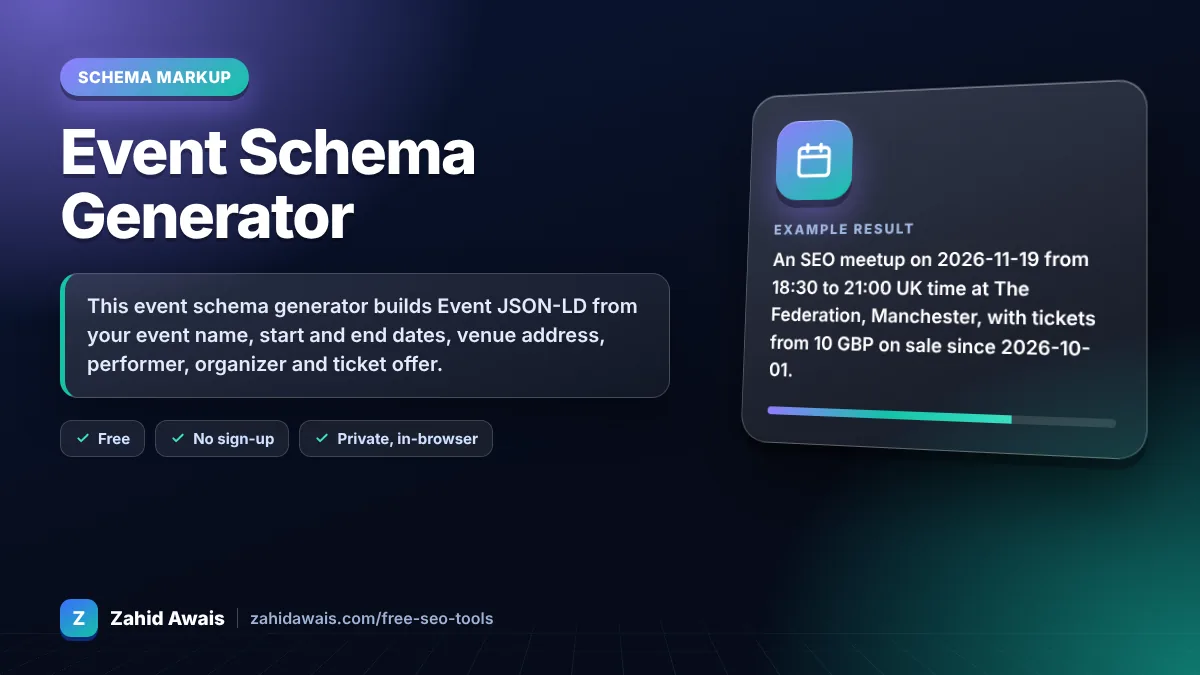
The free event schema generator runs in your browser, needs no sign-up and never sends what you type anywhere.
This event schema generator builds Event JSON-LD from your event name, start and end dates, venue address, performer, organizer and ticket offer. Google requires name, startDate, location and location.address, and recommends description, endDate, eventStatus, image, offers, organizer and performer. Online only events are not eligible for Google's event experience.
An event schema generator is a tool that writes schema.org Event structured data. It combines dates in ISO 8601, a Place with a PostalAddress, an optional VirtualLocation, status and ticket Offer into one JSON-LD block.
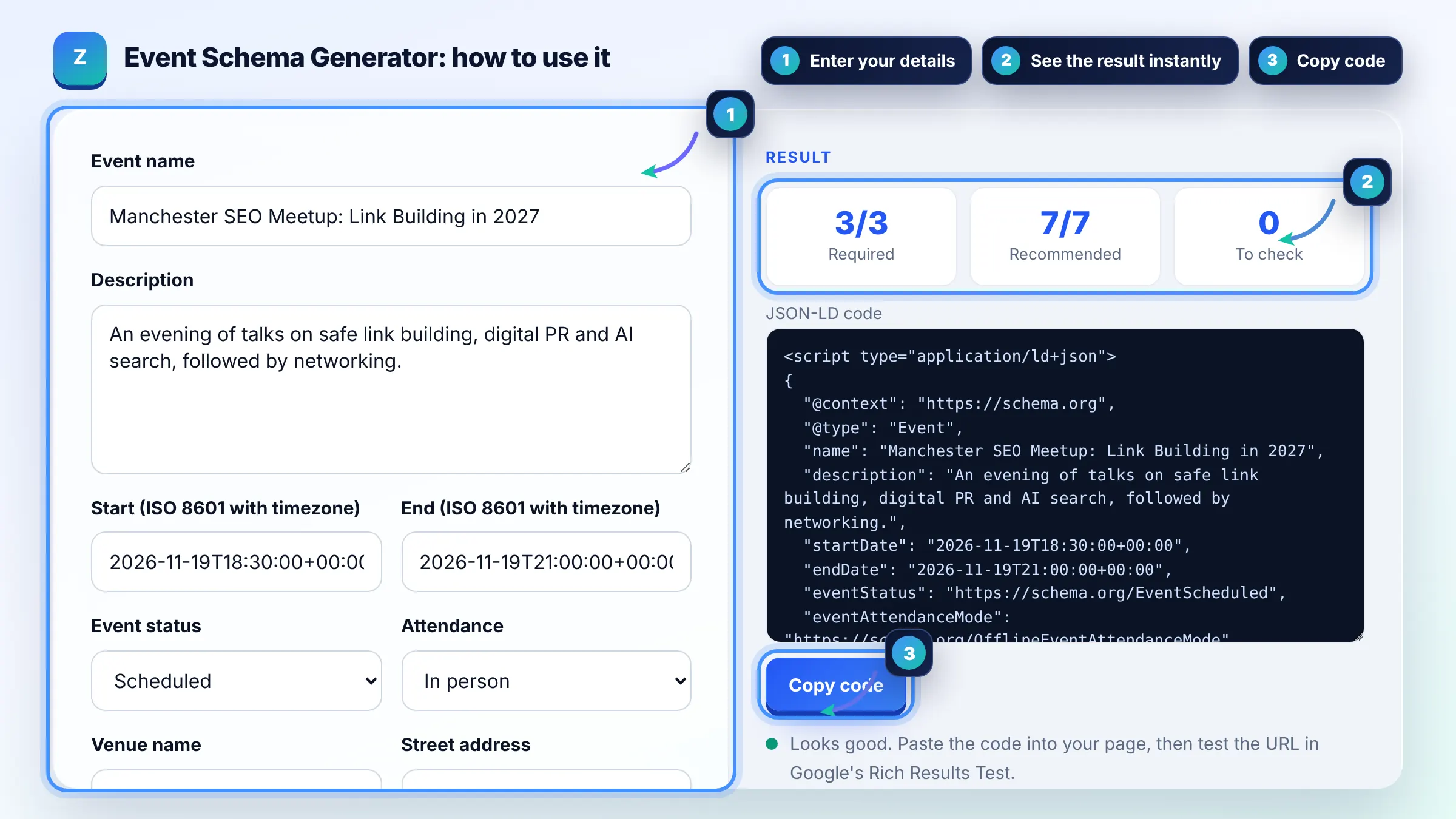
Google requires four: name, startDate, location (a Place) and location.address. Everything else, including endDate, eventStatus, image, offers, organizer and performer, is recommended. Details are in Google's event structured data guide.
Not for Google's event experience. Google says events must take place in a physical location, so online only events are not supported. Hybrid events with a real venue can include the venue as location.
Change eventStatus to EventCancelled, EventPostponed or EventRescheduled and keep the other properties, including the original startDate. For a rescheduled event, set the new startDate and add previousStartDate. If you omit eventStatus Google assumes EventScheduled.
| Property | Status | Example |
|---|---|---|
| name | Required | Manchester SEO Meetup |
| startDate | Required | 2026-11-19T18:30:00+00:00 |
| location and location.address | Required | Place with PostalAddress |
| eventStatus | Recommended | https://schema.org/EventScheduled |
| offers | Recommended | url, price 10, GBP, InStock |
| performer, organizer | Recommended | Person or Organization with name |
Example: an SEO meetup on 2026-11-19 from 18:30 to 21:00 UK time at The Federation, Manchester, with tickets from 10 GBP on sale since 2026-10-01. The tool outputs an Event with a Place, an Offer and OfflineEventAttendanceMode, meeting all 4 required checks.
Set offers.price to 0 and still add priceCurrency and the event URL. Google asks for the lowest available price including fees, so for paid events use the cheapest ticket that people can actually buy.
Yes. Write dates like 2026-11-19T18:30:00+00:00 so the time is exact. Without a timezone, Google may read the time differently and show the wrong start time to searchers in other regions.
Yes. Add one Event object per event, either as separate JSON-LD blocks or in an array. Each event should also have its own detail page where possible, which is what Google prefers to link to.
Yes, listing sites can mark up events they show, as long as the details match the official event. Do not mark up coupons, vouchers or promotions as events, which Google does not allow.
It is a schema.org property that says whether an event is in person, online or mixed. It is valid markup, but Google's event features still need a physical venue in location.
Google needs to crawl the page first, which can take days. Submit the URL in Search Console with URL Inspection, keep a sitemap updated and check the Events report for errors.
Facts checked against these official pages. Read how I check facts in my editorial policy.
A local business schema generator is a tool that writes schema.org LocalBusiness structured data in JSON-LD.…
An organization schema generator is a tool that writes schema.org Organization structured data. It gathers…
A JSON-LD validator is a tool that checks structured data written in JSON for Linked Data. It first parses…
Coming 14 OctSend your website and I will check it for you, free.
One short email when something new goes live: articles, free SEO tools, package updates, discounts and price alerts. No spam, unsubscribe in one click.