Content Brief Generator
A content brief generator is a tool that assembles the decisions behind a page into a structured brief. This…
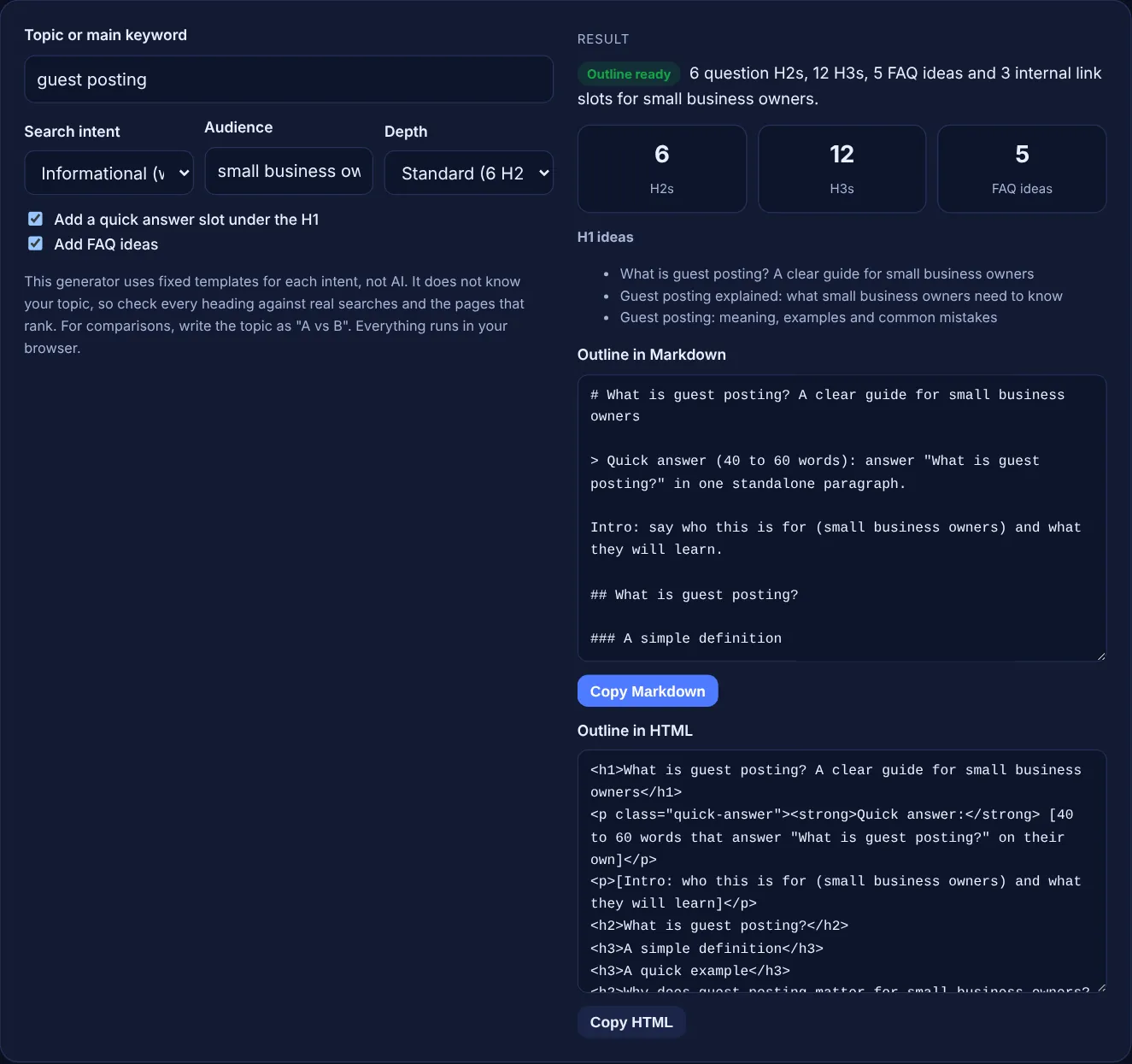
Enter a topic, pick the search intent and depth, and get a question-led outline with H1 ideas, H2s, H3s, FAQ ideas and internal link slots.
This generator uses fixed templates for each intent, not AI. It does not know your topic, so check every heading against real searches and the pages that rank. For comparisons, write the topic as "A vs B". Everything runs in your browser.
H1 ideas
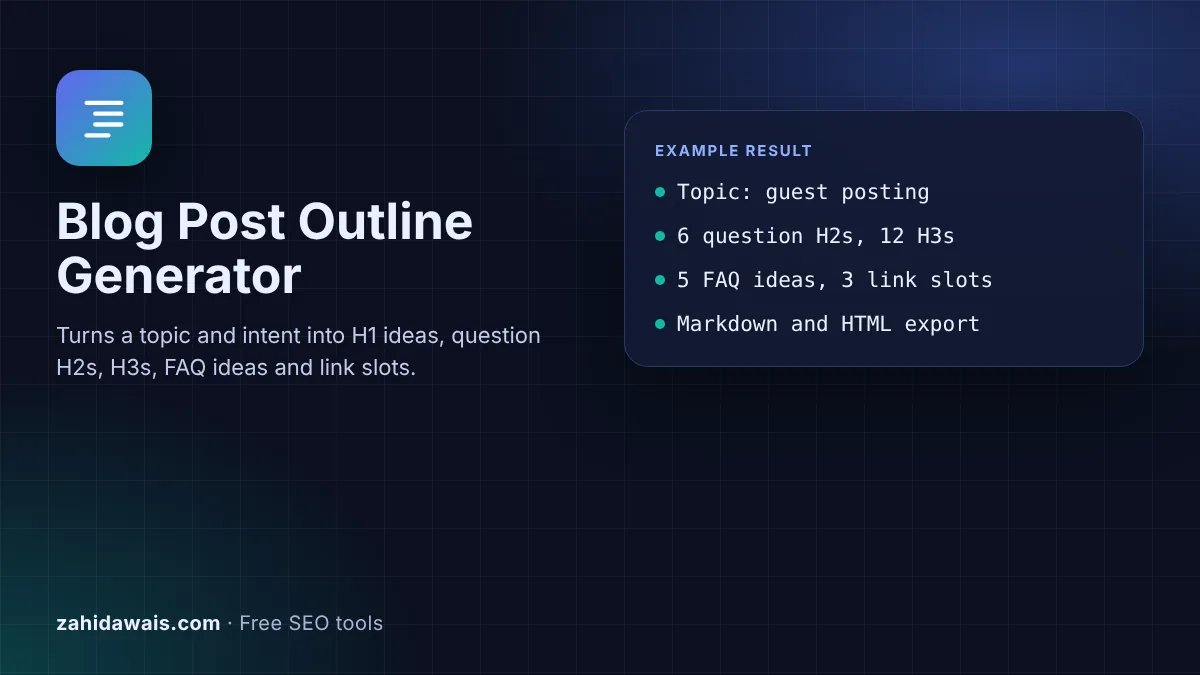
The free blog post outline generator turns a topic, a search intent and an audience into a ready plan: three H1 ideas, question H2s, H3s under each, FAQ ideas, a quick answer slot and internal link slots, exported as Markdown or HTML. It runs in your browser.
A blog post outline generator builds the heading plan for an article before you write it. This one uses fixed templates for four intents: informational, how-to, comparison and list. You get question H2s, H3s, FAQ ideas and link slots. It is not AI, so check every heading against real searches before writing.
A blog post outline generator is a tool that creates the skeleton of an article: the main title, the sections and the subsections, in the order a reader needs them. This one is template based. For each search intent it has a set of question headings written for that kind of page, and it fills in your topic and audience. It does not read search results or use AI, which is why it is instant and predictable, and why you still need to edit it.
Question headings are a deliberate choice. Digital.gov's guidance on headings says "question headings are useful if you know what questions your audience will ask", and Google's SEO starter guide gives this advice: "Break up long content into paragraphs and sections, and provide headings to help users navigate your pages."
Search your keyword and look at what already ranks. If the top results are definitions, pick informational. If they are tutorials, pick how-to. If they compare two things, pick comparison and write the topic as "A vs B". If they are ranked lists of products or options, pick list. Matching the format that ranks is usually more important than any single heading.
As many as the topic needs, and no fixed number helps rankings. Google's helpful content guidance warns against writing to a word count and says "No, we don't" have a preferred one. Use short for a narrow question, standard for most posts and in depth for a full guide. Digital.gov also notes that pages with "four or more levels" of headings make it hard for readers to keep track, so this tool stops at H3.
Add what a template cannot know. Replace each [placeholder] with real names, steps and examples. Check the People Also Ask box and the top results for questions the outline misses. Add your own experience, such as prices, results or a worked example from your work. Then pick real pages for each internal link slot, and write the quick answer last, once you know the full answer.
| Intent | Typical H1 | Signature section |
|---|---|---|
| Informational | What is guest posting? | Types, mistakes, how it works |
| How-to | How to fix a broken link | Step by step with Step 1, 2, 3 |
| Comparison | Nofollow vs sponsored links | Quick comparison table and when to choose each |
| List | 7 best link building tools | Numbered options with best for notes |
| Depth | Short 4, standard 6, in depth 8 H2s | H3s: 2 each, 3 in depth |
Example: with the defaults (guest posting, informational, small business owners, standard depth) the tool builds 6 question H2s, from "What is guest posting?" to "How do you get started with guest posting?", with 2 H3s each, so 12 H3s. It adds 5 FAQ ideas, such as "Is guest posting worth it for small business owners?", a quick answer slot under the H1 and 3 internal link slots after the 2nd, 4th and 6th H2. The first H1 idea is "What is guest posting? A clear guide for small business owners".
No. It uses fixed templates written for four search intents and fills in your topic and audience. That makes it fast and private, but it cannot know your topic, so treat the result as a starting structure to edit.
Placeholders such as [name] or [first action] mark the parts only you can fill: the real types, steps, options or mistakes for your topic. Replace every placeholder before you write, or delete the heading if it does not fit.
Yes. Paste the HTML into a Custom HTML block or the code editor, or paste the Markdown into an editor that supports it. Remove the bracketed notes and link slots once you have written those parts.
Google does not publish a required heading order. Order matters for readers: answer the main question first, then explain, then cover details and next steps. The templates follow that order, with the definition or the key answer at the top.
It is a reminder of where a link to another page on your site fits naturally, such as a related guide, your service page or a tool. Pick a real page that helps the reader at that point and use a descriptive anchor.
No. The outline is built in your browser with JavaScript. Nothing you type is uploaded or stored, so you can plan client articles and unpublished topics safely.
Checked 23 Oct 2026. Facts checked against these official pages. Read how I check facts in my editorial policy.
A content brief generator is a tool that assembles the decisions behind a page into a structured brief. This…
A headline analyzer is a tool that checks a headline against a checklist and turns it into a score out of…
Highlights transition words, shows the share of sentences with one and suggests more.
Send your website and I will check it for you, free.
One short email when something new goes live: articles, free SEO tools, package updates, discounts and price alerts. No spam, unsubscribe in one click.