
Local SEO
Google Reviews Disappeared? 7 Reasons and What You Can Do
Diagnose the cause from which reviews vanished and when, then fix how you collect reviews going forward.
Read articleRead the status, fix the missing proof, and retry with one clean attempt instead of many rushed ones.
This guide explains why a Google Business Profile verification failed message appears, what each failure status means, and the exact steps to retry so your business can finally show on Search and Maps.
When Google Business Profile verification fails, open the profile and read the status. If you see Review issues, record a new video that shows what was missing. If Get verified reappears, try again or pick another offered method. Do not edit your name, address or category while a code or review is pending.
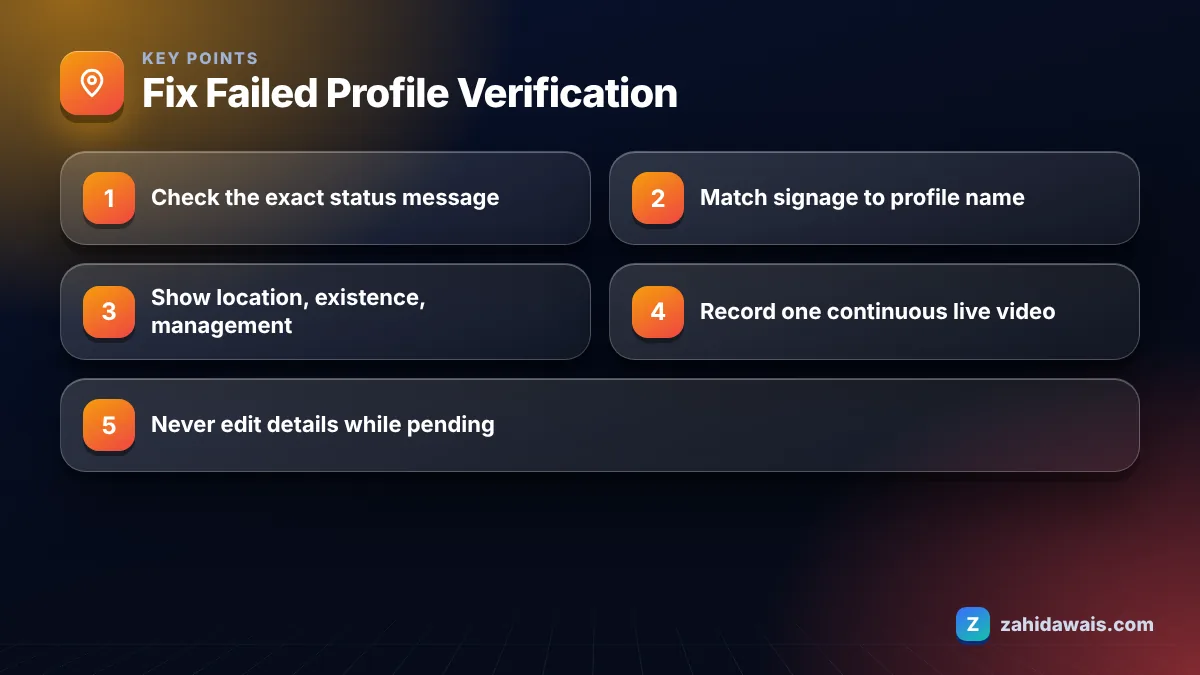
Verification usually fails because the evidence you gave does not prove three things at once: where the business is, that it exists, and that you manage it. Google’s own video verification requirements are built around exactly those three points.
In the profiles I have helped verify, repeated failure tends to come from one of these causes:
If the business itself is not eligible, no number of retries will fix it. Check eligibility first, then work on the evidence.
Here is the short pre-check I run with every client before a new attempt. It takes ten minutes and catches most problems:
Some businesses can also be verified instantly, for example when the website is already verified in Google Search Console or when bulk verification is used for many locations. These options are not offered to everyone, but they are worth checking first.
Each message points to a different fix, so read it before you click anything. This table shows the statuses Google describes and what I do for each one.
| What you see | What it means | What to do next |
|---|---|---|
| Get verified appears again | Google could not fully verify the business | Retry, or choose another method if more than one is offered |
| Review issues (video) | Your video was not accepted | Open Review issues, note what is missing, record a new video |
| Request for more information | Usually follows recent changes to business details | Select Get Verified and re-verify |
| Postcard code not arriving | Mail delay or an address problem | Wait the full window, do not request a second code early |
| No method works | Postcard or live video may not be available | Contact Google Business Profile support |
Google decides which verification methods you get, and you cannot choose them yourself. Availability depends on business type, public information, region and business hours.
Yes, you can record a new video after a rejection. Google says you will receive the reasons and can record another one, and it recommends that the new video includes everything from the first attempt plus the missing items.
Before you press record again, plan the shot. The rules are strict:
After upload, Google says a review can take up to 5 business days. Resist the urge to upload three videos in one afternoon. One complete video is worth more than several rushed ones.
Wait before you act. Google’s verification help page says most codes arrive within 14 days and that codes expire after 30 days.
Requesting a new code cancels the one already in the post and starts the clock again, which is why impatient owners often wait longer than patient ones. Also keep the code private: Google says it never asks for it, so do not share it even with people who manage your profile.
If the 14 days pass with nothing, check the address format. The physical address belongs in line one, with any suite or unit number in line two. Then use the retry option or another method that Google offers.
You contact Google through the Business Profile support options linked from the verification help page, or ask in the official Business Profile community forum. Some businesses are also offered a live video call, where a support representative guides you through showing your location and proof of management.
Live video calls are only available during your location’s business hours, so set your hours correctly before you request one. Have your documents ready: a utility bill or registration with the same name and address as the profile saves time on the call.
Once verified, the real work starts. A verified profile still needs accurate categories, reviews and a strong website to compete, which is what my local SEO services cover. If you work in healthcare, my page on SEO for dentists shows how this fits into a full plan.
A bakery’s first video showed only the counter and the oven, and came back with Review issues. The second video took about 50 seconds. It started across the road with the street name sign in view, panned to the shop sign reading the same name as the profile, followed the owner unlocking the front door, then showed the owner opening the till and the stock room. One take, no cuts. That covers location, existence and management in order, which is the structure I now give every client before they record.
If verification keeps failing and you cannot see why, a second pair of eyes helps. I offer a free profile review where I compare your profile details, signage and documents and point out any mismatch before your next attempt.
Most rejections happen because the video does not show location, existence and management together. Show a street sign or building number, the permanent sign matching your profile name, and something only staff can do, all in one continuous live recording of at least 30 seconds.
Google says verification reviews take up to 5 business days, and in rare cases longer. Video verification also lists a review time of up to 5 business days. Avoid editing key details while you wait, because changes can trigger more checks.
No. Google automatically decides which methods are available, based on factors such as business type, public information, region and business hours. Some businesses must complete more than one method. If none of the offered methods work, contact Google Business Profile support.
Usually not. Most postcard codes arrive within 14 days, and requesting a new one invalidates the code already in the post. Wait the full window, check your address format, and only then retry or use another method Google offers.
Yes, if it is eligible. Google’s video rules for service-area businesses allow you to film nearby landmarks and signs, plus tools, equipment, a branded vehicle or documents that match your profile name. You should also hide your home address on the profile.
Google says verifying your business shows you are authorised to represent it and makes it more likely to appear in results. Verification alone does not guarantee rankings, which still depend on relevance, distance and prominence.
Facts checked against these official pages. Read how I check facts in my editorial policy.
Diagnose the cause from which reviews vanished and when, then fix how you collect reviews going forward.
Read article
If customers never visit you, Google expects your address hidden. Here is how to do it and set service areas properly.
Read article
Work out who owns each listing first, then merge, claim or remove it without losing your reviews.
Read articleSend your website and I will reply with a free audit.