Favicon Generator
A favicon generator is a tool that resizes one square source image into the icon sizes browsers, phones and…
Coming 12 OctTest text and background colors against WCAG 2.1 AA and AAA contrast rules in seconds.
The quick brown fox reads this sample text. Bold sample text.
The free color contrast checker runs in your browser, needs no sign-up and never sends what you type anywhere.
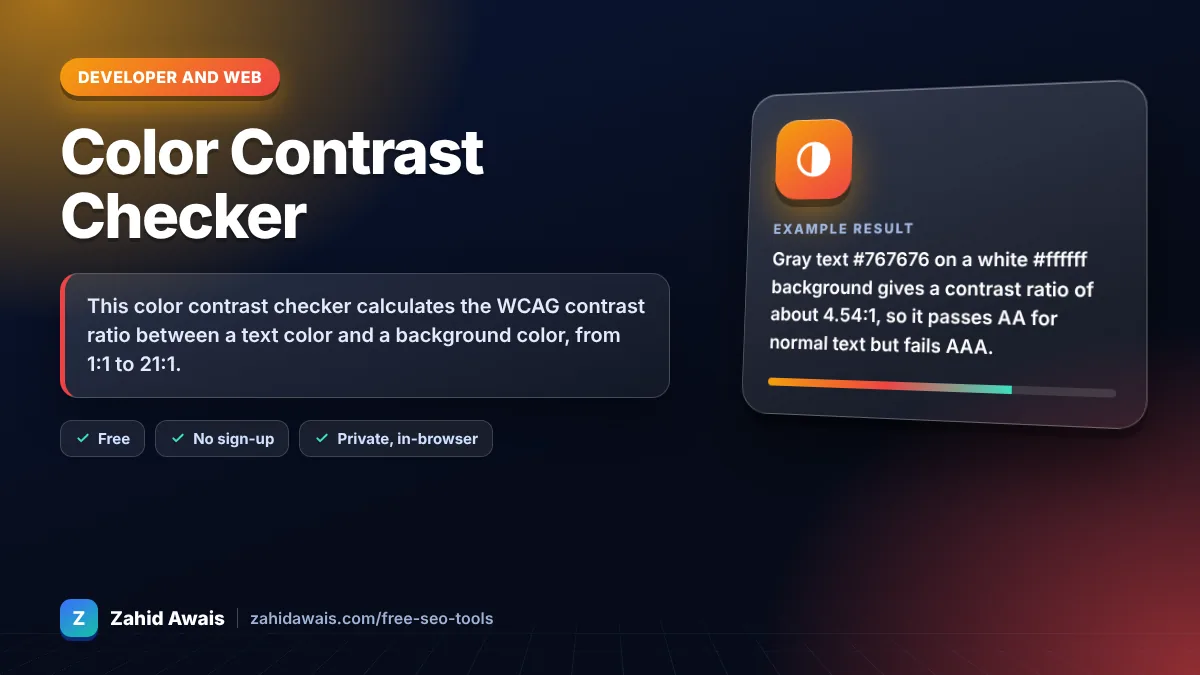
This color contrast checker calculates the WCAG contrast ratio between a text color and a background color, from 1:1 to 21:1. The rule of thumb: normal body text needs at least 4.5:1 to pass AA, large text needs 3:1, and AAA asks for 7:1 for normal text and 4.5:1 for large text.
A color contrast checker is a tool that compares the relative luminance of two colors. The ratio is (L1 + 0.05) / (L2 + 0.05), where L1 is the lighter color's luminance and L2 is the darker one, using the sRGB formula defined in WCAG.
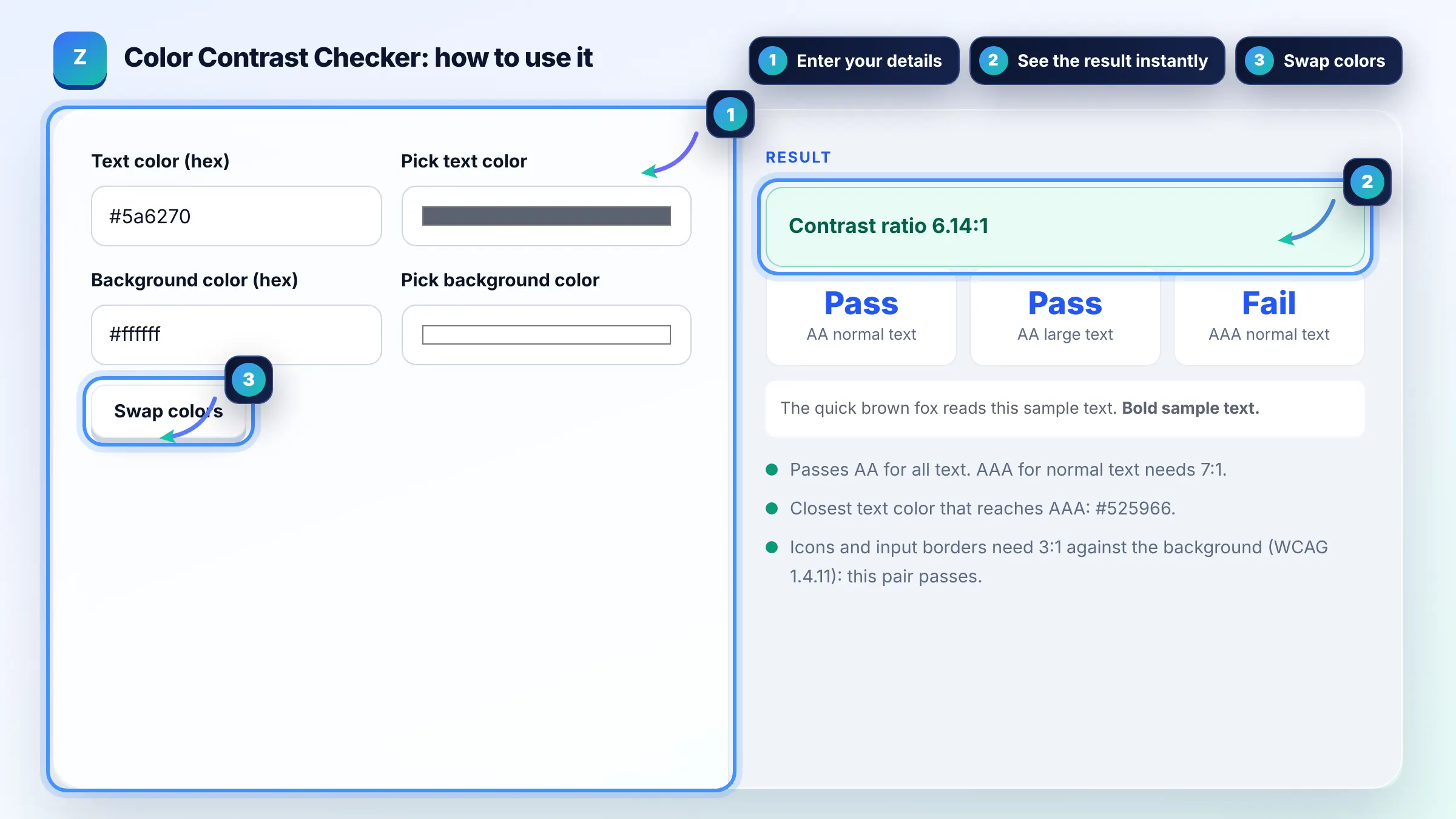
A ratio of 4.5:1 or higher is good for normal body text because it passes WCAG AA. Large text (about 24px regular or 18.66px bold) only needs 3:1. For AAA, aim for 7:1 on body text. See the W3C contrast minimum guidance.
Contrast is not a direct Google ranking factor, but it affects how easily people read and stay on your page. Lighthouse flags low contrast text in its accessibility audit, and readable pages tend to keep visitors longer. Treat it as a usability and accessibility fix that supports your content.
Large text is at least 18 point (about 24px) regular or 14 point (about 18.66px) bold. Anything smaller is normal text and must meet the stricter 4.5:1 AA ratio. Headings often qualify as large text, so they can use slightly lighter colors than body copy.
| Level | Normal text | Large text |
|---|---|---|
| WCAG AA | 4.5:1 | 3:1 |
| WCAG AAA | 7:1 | 4.5:1 |
| UI components and icons (AA, 1.4.11) | 3:1 | 3:1 |
| Logos and decorative text | No requirement | No requirement |
Example: gray text #767676 on a white #ffffff background gives a contrast ratio of about 4.54:1, so it passes AA for normal text but fails AAA. Lighter gray #999999 on white scores about 2.85:1 and fails AA even for large text.
Each color is converted to relative luminance using the sRGB formula in WCAG. The ratio is the lighter luminance plus 0.05 divided by the darker luminance plus 0.05. Results range from 1:1 for identical colors to 21:1 for pure black on pure white.
No. WCAG treats the thresholds as exact, so a ratio of 4.49:1 fails AA for normal text. This tool shows two decimals and compares the unrounded value, which is why a color that looks like 4.5:1 may still be marked as a fail.
Yes. Placeholder text that carries meaning should meet 4.5:1, and button labels count as text. The button shape or input border against the page background is a user interface component and needs at least 3:1 under WCAG 2.1 success criterion 1.4.11.
This checker accepts solid hex colors only. For semi transparent text, blend it with the background first and test the resulting solid color. For gradients or images, test the lightest part behind the text, because that is where contrast is weakest.
No. The calculation runs entirely in your browser with plain JavaScript. Nothing you type is uploaded, stored or tracked, so you can test unreleased brand palettes and client designs safely.
Dark mode needs its own check because the colors change. Light gray text on a near black background often passes easily, but saturated brand colors such as blue links can drop below 4.5:1. Test every text and link color pair in both themes.
Facts checked against these official pages. Read how I check facts in my editorial policy.
A favicon generator is a tool that resizes one square source image into the icon sizes browsers, phones and…
Coming 12 OctA px to rem converter is a calculator that turns absolute CSS pixels into relative rem units. The formula is…
Coming 13 OctA CSS minifier is a tool that rewrites a stylesheet into the smallest equivalent text. It protects strings…
Coming 15 OctSend your website and I will check it for you, free.
One short email when something new goes live: articles, free SEO tools, package updates, discounts and price alerts. No spam, unsubscribe in one click.